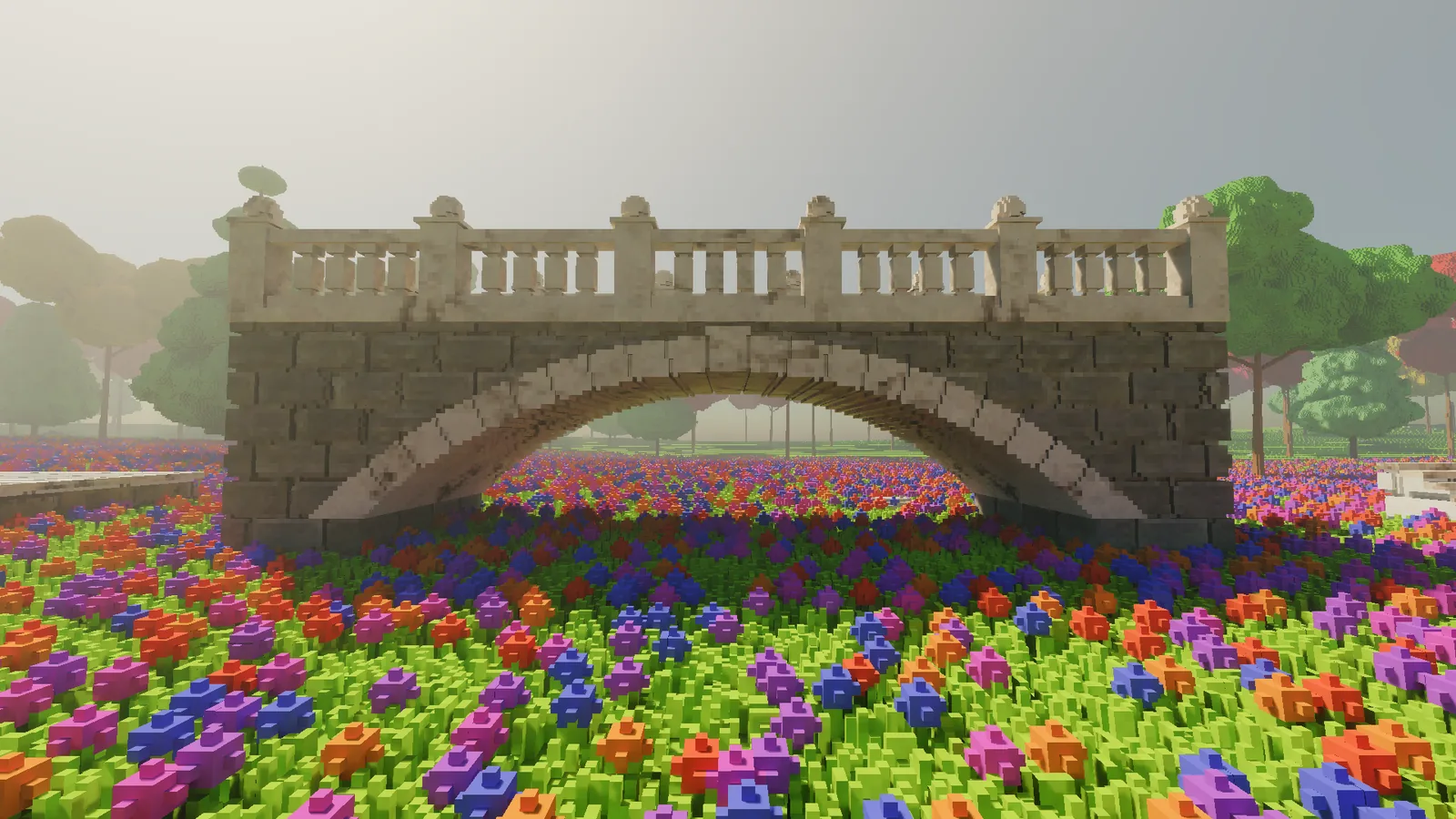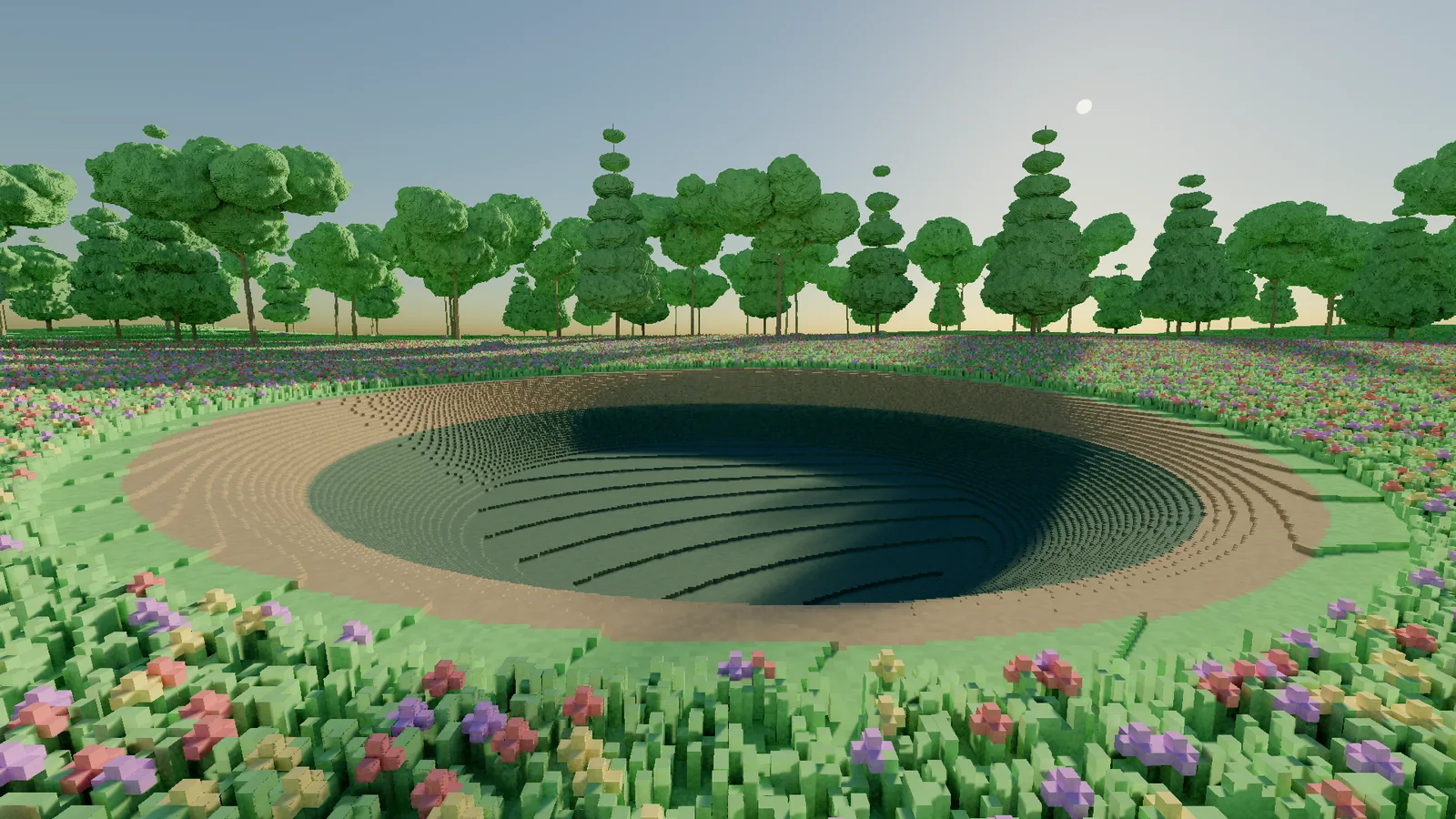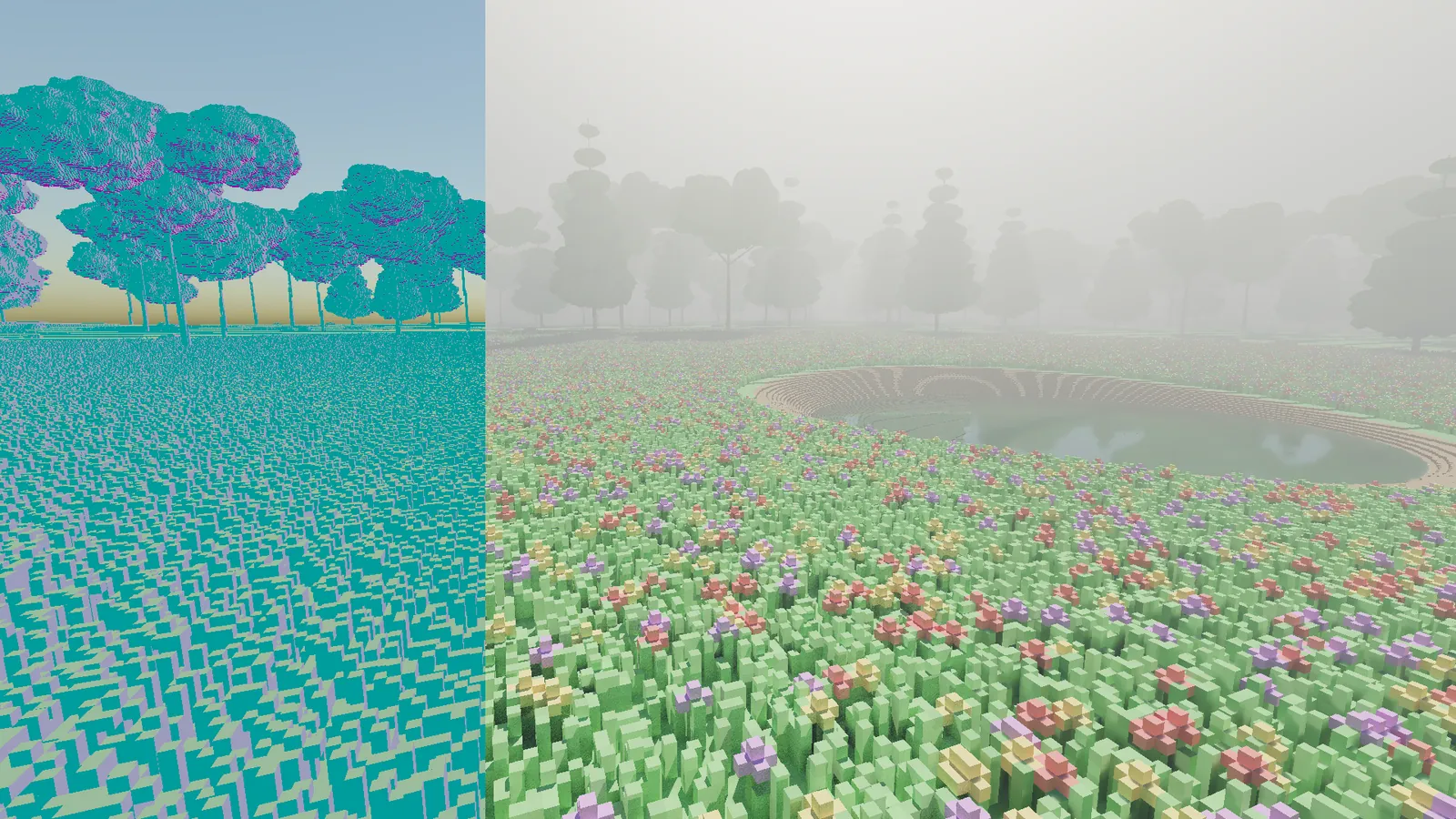
I built my voxel engine myself, from scratch, in C# on Vulkan. If you are wondering whether Unity or Unreal sits underneath, neither does: there is no game engine below it and no plugin for someone else's editor. Every voxel you see in this journal was stored, traced, lit and put on screen by code I wrote.
That is not a statement about other engines. Unity and Unreal are extraordinary pieces of software, and for a game built from triangle meshes they are the natural choice. That is not what I am building. I am building a world out of voxels five centimetres across, every one of which can be dug out, placed or painted, lit by path tracing. That particular combination pushes on exactly the parts of an engine that a general-purpose one keeps to itself.
This entry explains what I mean, and walks through what happens inside a single frame.
The short answer: voxels this small are a data problem
A general engine is built around meshes: triangles prepared ahead of time, streamed in, drawn by a rasteriser, lit with a mix of baked and real-time tricks. It does that superbly.
This world has no meshes. My test world alone is more than a million bricks of 512 voxels each, stored as one byte per voxel, and any of them can be changed at any moment. For that to work I need to decide:
- how the voxels are laid out in memory, because at this scale a single wasted byte per voxel is hundreds of megabytes;
- how rays find them, because the GPU's ray tracing hardware is built for triangles and has to be taught about voxels;
- what happens in the frame an edit lands, because it has to be visible immediately, with no rebuild and no hitch;
- how to test all of it, because a renderer can be quietly wrong in ways nobody spots.
In a general engine those decisions are made for you, deep inside code you do not own. Owning them is the whole point of this project, so I own the engine.
The pieces
At the level of a block diagram, a frame looks like this.
The CPU owns the world
The authoritative copy of the world lives on the CPU, in C#. It is divided into bricks of 8 x 8 x 8 voxels, and only bricks with something in them exist. Generation, editing and undo all happen here, and each frame only the bricks that changed are sent to the GPU.
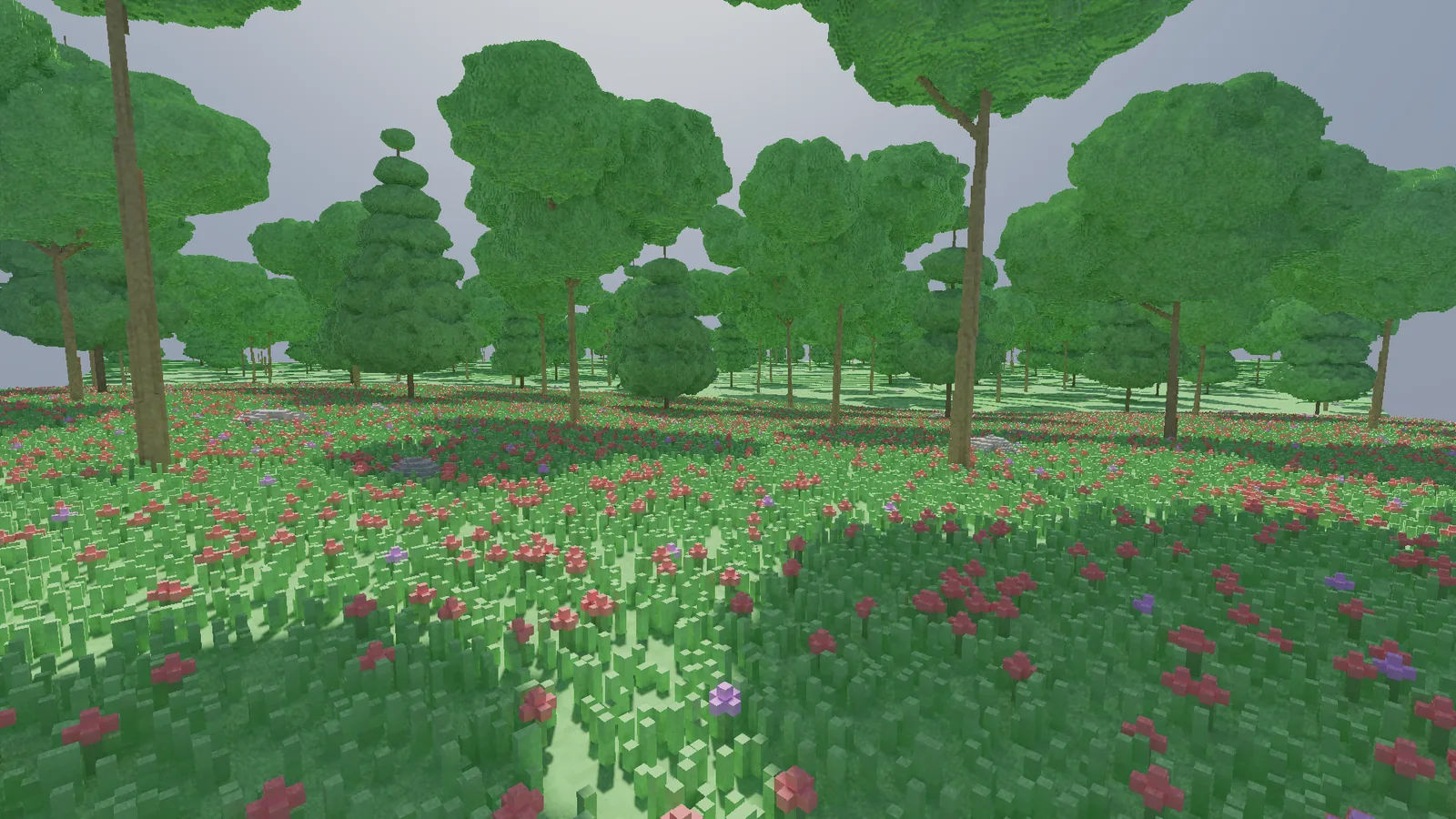
The GPU traces it, with hardware help
Modern graphics cards have dedicated ray tracing hardware. It is very good at one question: given a ray, what does it hit first? Out of the box it understands triangles. For anything else, such as my voxel bricks, you describe your objects as boxes and supply a small program, an intersection shader, that the hardware calls whenever a ray enters one of your boxes. Mine walks the voxels inside the brick and reports the first solid one.
Setting that up in Vulkan looks roughly like this:
// A ray tracing pipeline for custom (non-triangle) geometry.
var stages = new[]
{
    Stage(ShaderStage.RayGen,       "raygen.spv"),       // one ray per pixel starts here
    Stage(ShaderStage.Miss,         "miss.spv"),         // the ray hit nothing: sample the sky
    Stage(ShaderStage.Intersection, "voxels.rint.spv"),  // walk the voxels inside a box
    Stage(ShaderStage.ClosestHit,   "shade.rchit.spv"),  // the nearest hit: record the surface
};

var groups = new[]
{
    General(0),                                  // raygen
    General(1),                                  // miss
    ProceduralHit(intersection: 2, closest: 3),  // "boxes" instead of triangles
};

var pipeline = vk.CreateRayTracingPipelines(device, new RayTracingPipelineCreateInfo
{
    Stages = stages,
    Groups = groups,
    MaxRecursionDepth = 1,   // shadow and bounce rays are traced in a loop, not recursively
    Layout = pipelineLayout,
});
The scene the rays search is described to the hardware as an acceleration structure: a tree of boxes that lets it skip empty space quickly. When bricks change, the parts of that structure that describe them are rebuilt.
Light, then compute passes
The ray tracing pass does the path tracing: for each pixel it finds the surface, then traces shadow rays towards the sun and nearby lamps, a bounce ray for indirect light, and rays through water and glass. That gives one noisy sample per pixel.
Everything after that is compute shaders: small general-purpose GPU programs. A denoiser in the SVGF family blends each pixel with its own history from previous frames and then filters it with an edge-aware wavelet, so noise disappears without blurring the edges of voxels. A final pass tone maps the result with AgX and encodes it for the screen.
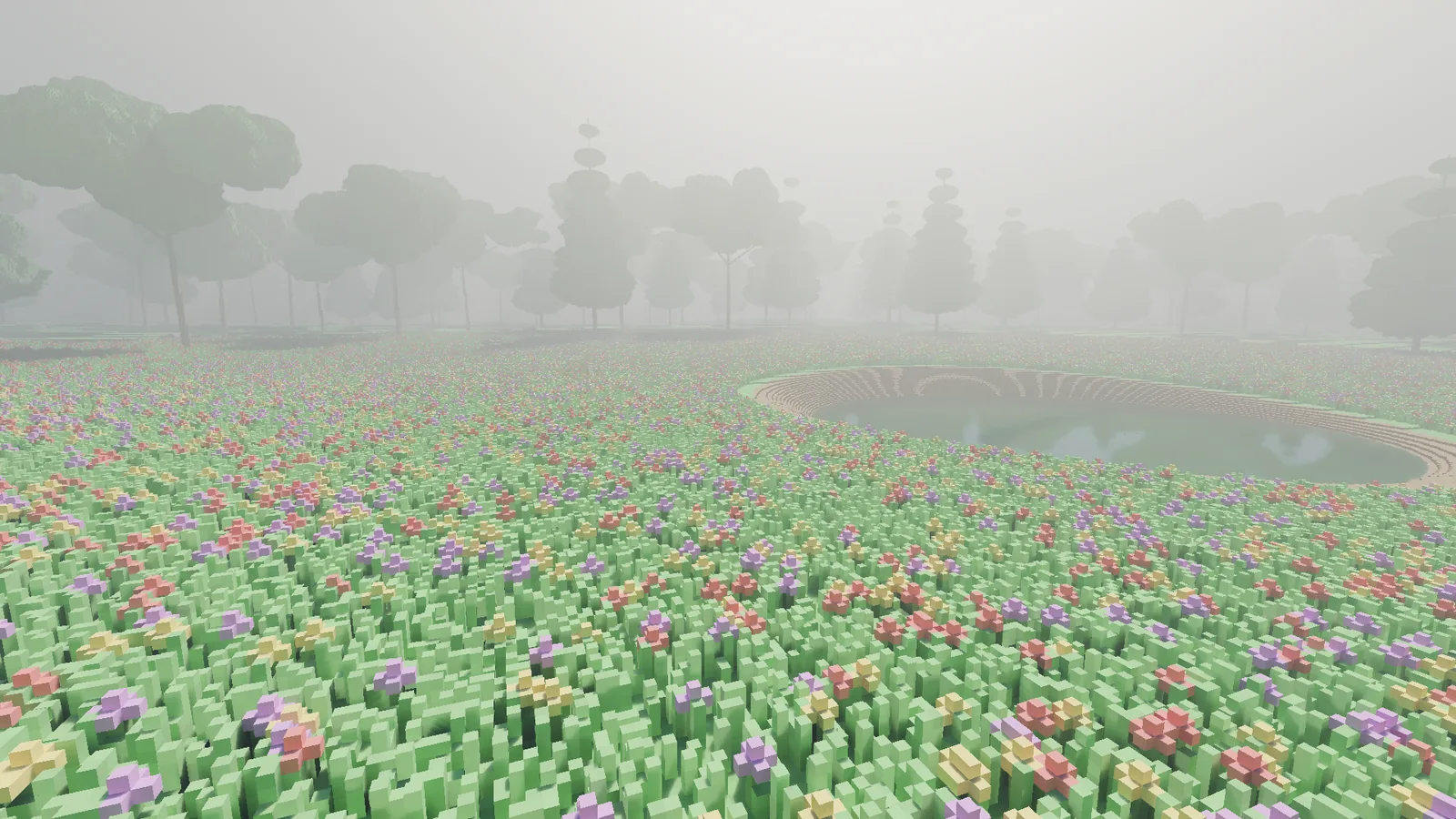
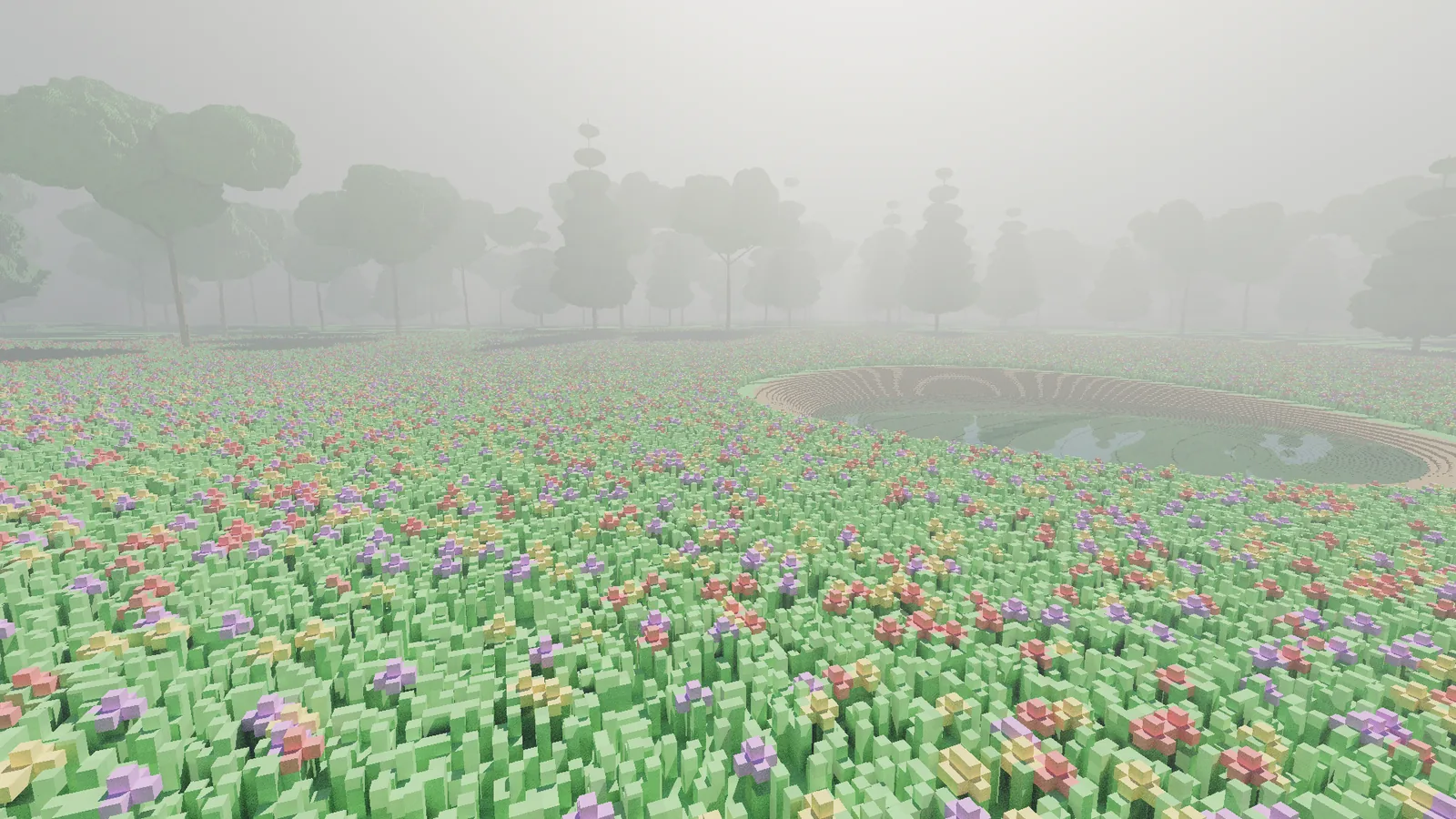
The frame loop
Stripped of detail, the loop that ties it together is short:
while (running)
{
    input.Poll();
    camera.Update(input, dt);

    world.ApplyPendingEdits();              // CPU: carve, place, paint, undo
    var changed = world.TakeChangedBricks();
    gpu.Upload(changed);                    // only what changed this frame
    gpu.RebuildAccelerationFor(changed);

    using var frame = gpu.BeginFrame();
    frame.TraceRays(camera, sun, wind);     // one sample per pixel
    frame.Denoise();                        // compute: history + wavelet filter
    frame.Composite(look);                  // compute: tone map, encode

    if (headless) capture.Save(frame);      // PNG + metrics.json
    else          swapchain.Present(frame);
}
The last two lines matter more than they look.
Headless capture is a first-class citizen
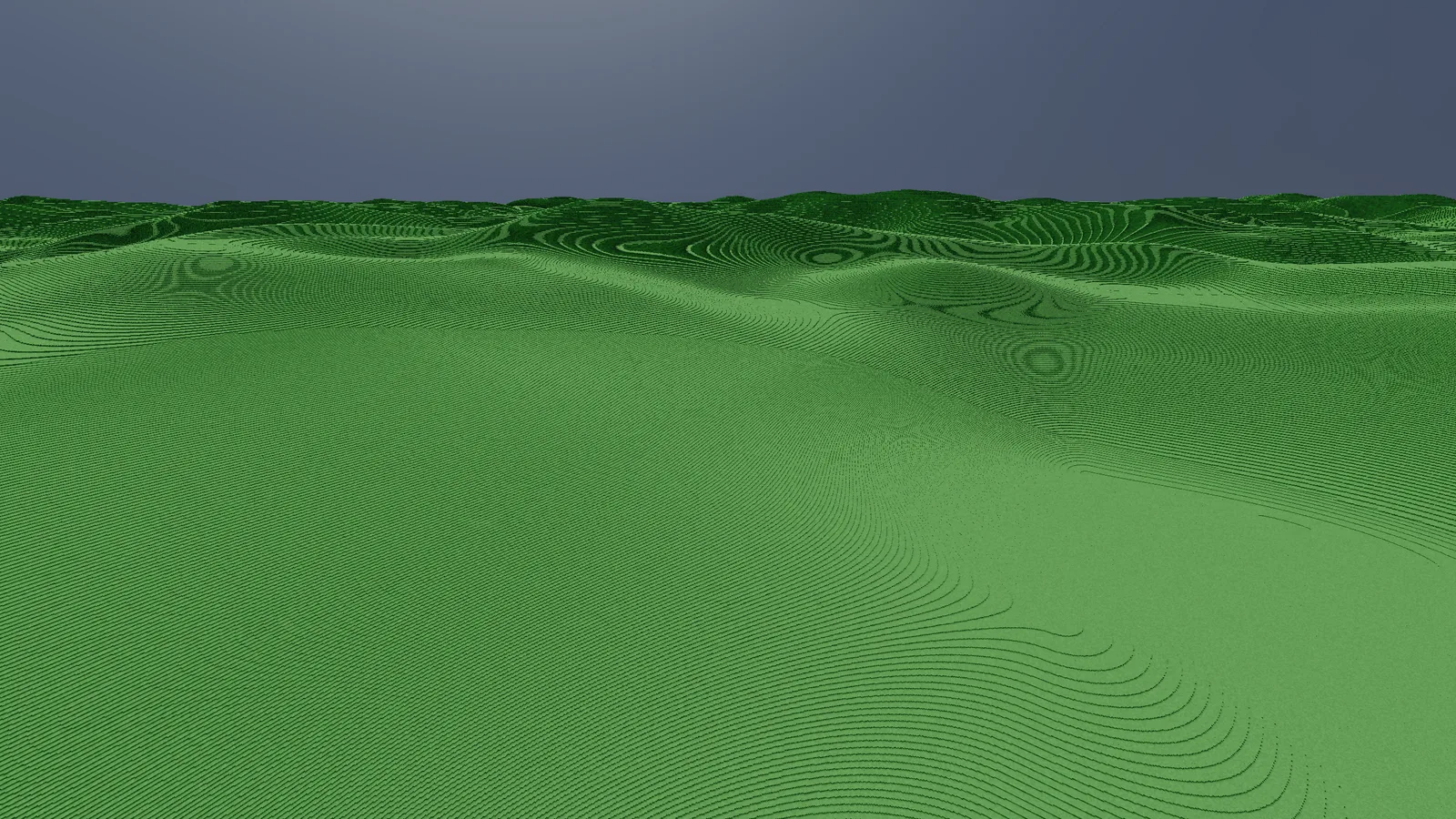
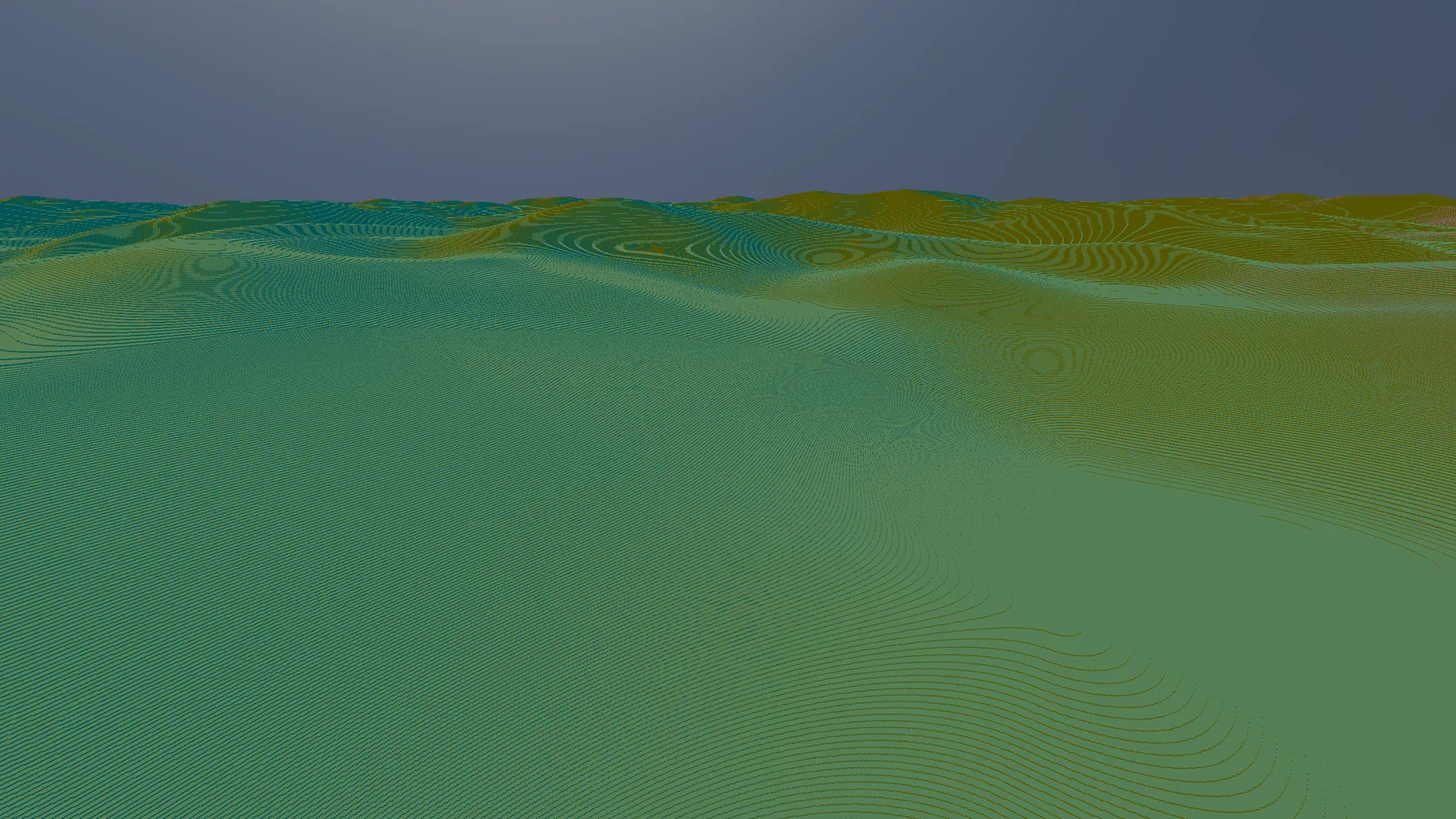
The same engine that draws to a window can run with no window at all: render a scene from a given camera, save the frames as PNGs and write a metrics file with the GPU time of every stage. It was the first feature I built, before the engine could draw anything worth looking at.
It is how the numbers in this journal were measured. It lets me compare frames byte for byte after a change, time two builds against each other fairly, and replay hundreds of seeded random edits to look for bugs. There is a whole entry about that: how I test a real-time renderer. In a general engine you can bolt something like this on. In my own, it is part of the frame loop.
What I gave up
Building your own engine means building everything: the window, the input, the camera, the capture tools, the editing tools. There is no asset store and no forum thread where someone has already solved your exact problem. The engine also requires ray tracing hardware, with no fallback renderer, because a second renderer is a second engine to maintain.
In return I get something I could not get any other way: complete control over how a very large amount of very small data is stored, traced, changed and verified. For a world made entirely of editable five-centimetre voxels, that control is the product.
The next entries go deeper: what the engine can do, how I test it, and what I built with it.