Here is an uncomfortable fact about renderers: they are almost never obviously broken. They are slightly broken. A shadow shifts by a pixel in one corner of one view. An optimisation changes the texture of the noise. An edit leaves one wrong voxel eighty metres away, where nobody will look until a player does.
You will not catch any of that by squinting at the screen.
So my voxel engine lives by one rule: if I claim something about it, a machine produced a file that says so. "Looks fine to me" is not a test result. Every change gets checked against reference frames that have to match to the byte before I even start judging whether it looks nice.
None of what follows is new or secret. It is fairly standard practice, applied strictly.
The engine runs without a screen
The first thing I built, before the engine drew anything worth looking at, was a headless mode. It runs the full renderer with no window, draws a scene from a given camera for a given number of frames, saves the frames as PNGs and drops a metrics file next to them.
The metrics file is where the opinions go to die. It records the GPU time of every frame, broken down by stage, so a slowdown has a name and an address. It records how much of the image had to throw away its history each frame, which is how I put a number on ghosting. And it records how many warnings the graphics driver's validation layer raised, so "no validation errors" is a number in a committed file rather than a sentence in a document.
Everything is a command-line flag: the scene, the camera, the time of day, the wind, the haze, and a list of edits to make at particular frames. Camera paths run on a fixed 60 Hz clock, so a fly-through produces the same frames on a slow GPU as on a fast one. Windowed runs can be automated too, with injected keyboard and mouse input, so interactive features get the same repeatable checks.
Same input, same bytes
The finished image is a poor thing to compare byte for byte, because it blends many frames of history and the denoiser smooths everything it touches. So I compare two other views that the engine can output directly. The raw view is one path-traced sample per pixel, before any cleaning up, noise and all. The normals view colours every surface by the direction it faces. Both are completely deterministic: the random numbers behind the raw view are seeded per frame, so the same inputs always give the same bytes.
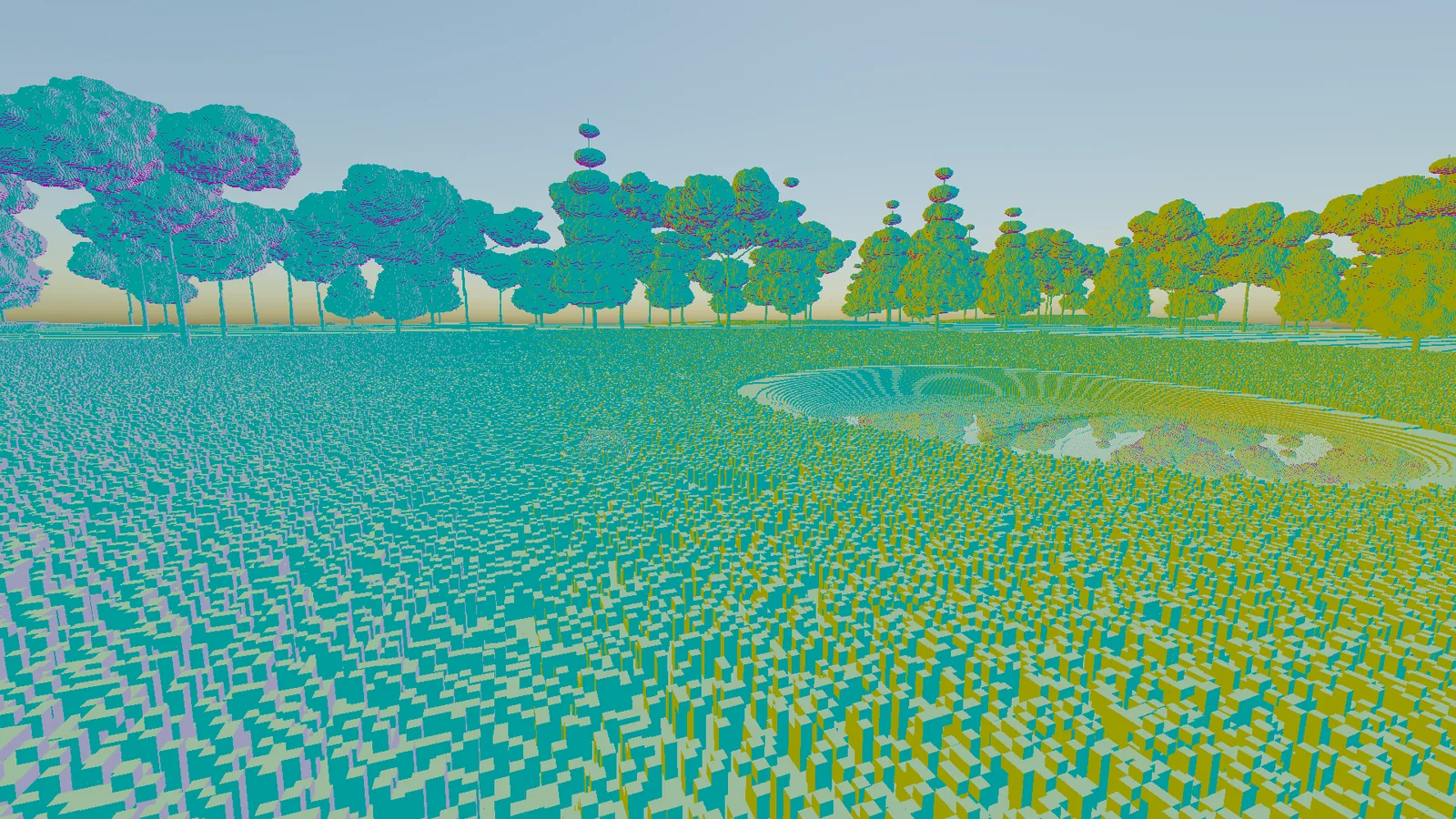
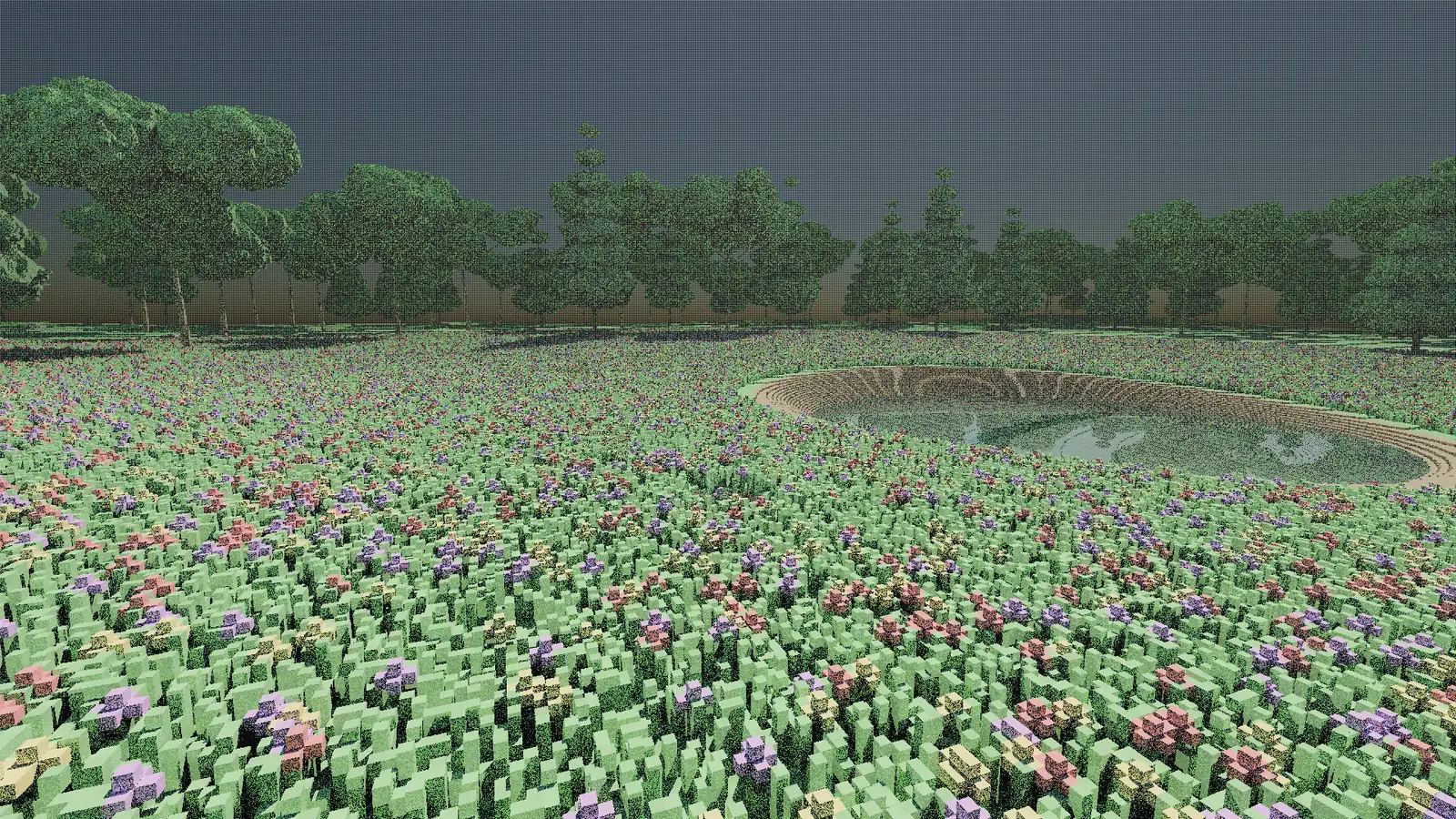
I use those views to check three kinds of sameness.
New features start switched off. A feature lands in the code disabled, and with it disabled every reference frame has to match the frames from before the change, hash for hash. Only once it is proven to disturb nothing do I turn it on and measure what it does. It sounds pedantic, and it is meant to.
Two routes, one answer. If you make a set of edits to the world, the result has to match, byte for byte, a world generated with those edits already baked in. Undo them all and you have to get back the frames of a world nobody ever touched. Redo them and the edited bytes have to come back exactly. If the step-by-step route and the from-scratch route disagree by one pixel, one of them is lying, and I go and find out which.
Still means still. With the wind switched off, two frames rendered seconds apart must be identical. If anything moves in a world where nothing should, that is a bug with a very short list of suspects.
The check itself is tiny, which is rather the point. Hash the frame, compare it with the hash recorded when the reference was taken:
// An exact image regression check.
static string Hash(string pngPath)
{
    using var sha = SHA256.Create();
    return Convert.ToHexString(sha.ComputeHash(File.ReadAllBytes(pngPath)));
}

var expected = References["meadow-normals"];             // recorded when it was last approved
var actual   = Hash("captures/meadow-normals/frame_0030.png");

if (actual != expected)
    Fail($"meadow-normals changed: {expected[..8]} -> {actual[..8]}");
A hash cannot tell you what changed, only that something did, and that is exactly what you want from a tripwire. When it fires, the next step is a pixel diff to find out where.
When exact matching is impossible, as with the finished image, I still measure instead of eyeballing: the share of pixels that changed, the brightness of a named patch of the frame, how much of it crushes to black. Every number points at the capture it came from.
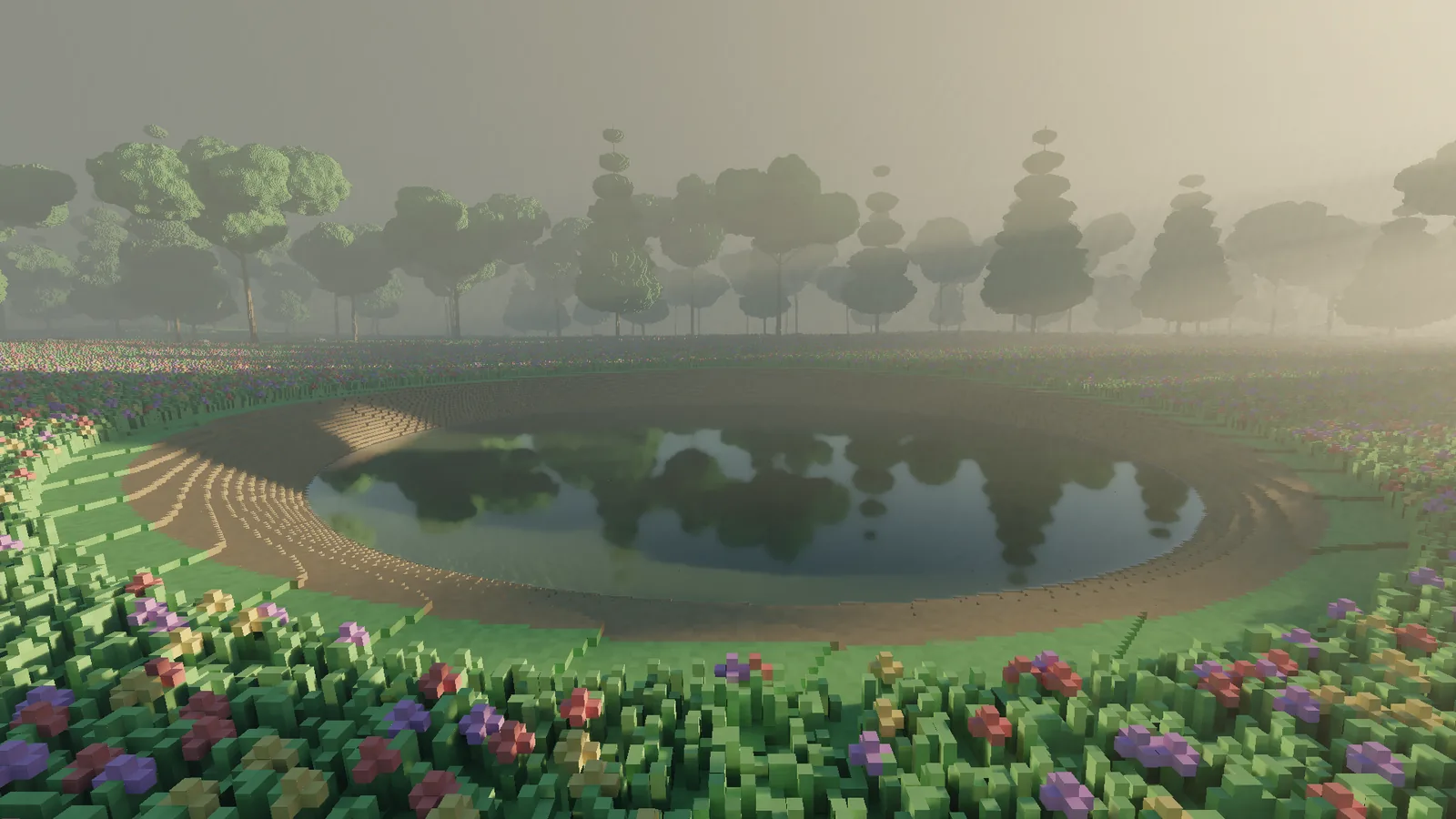
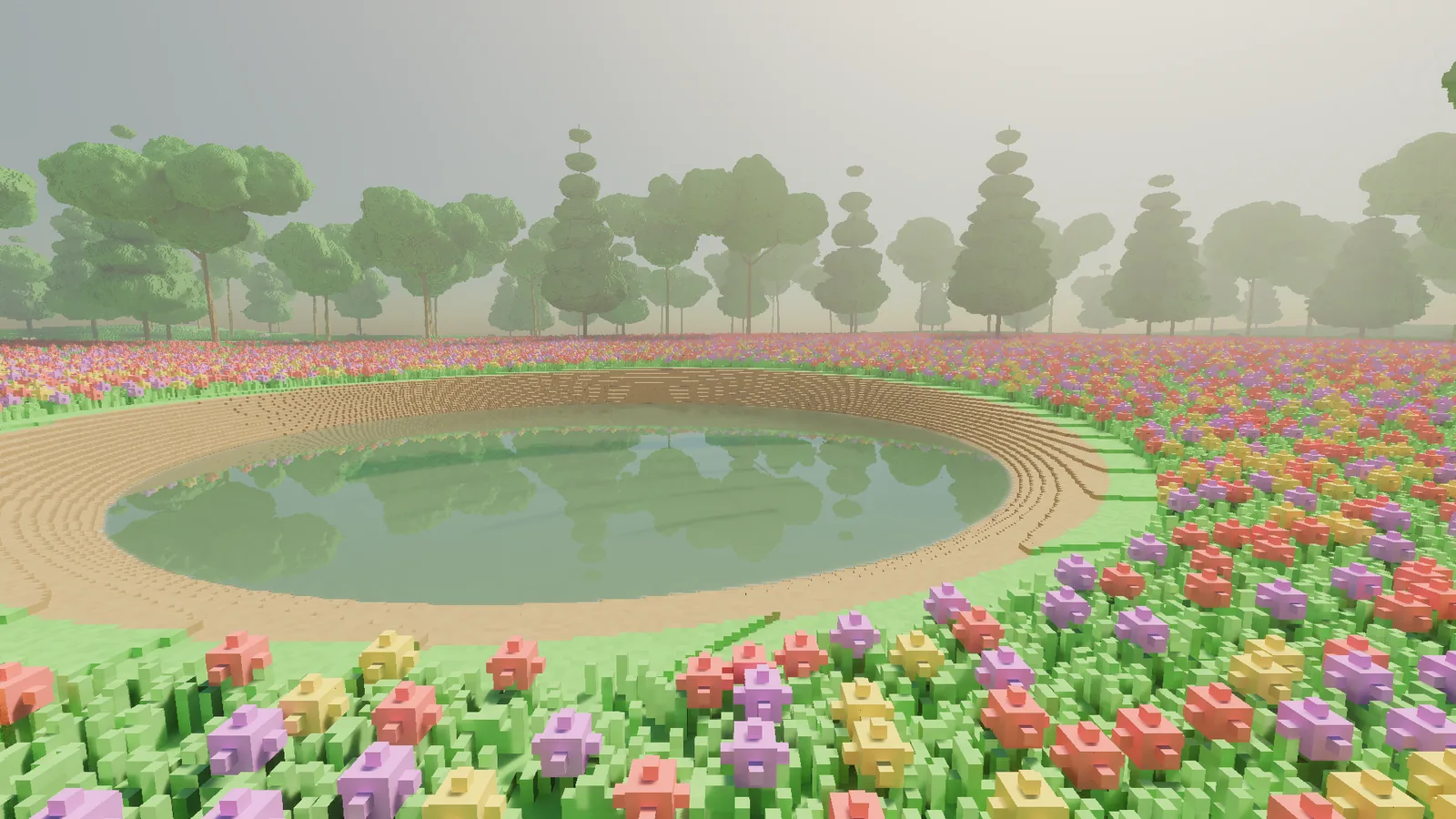
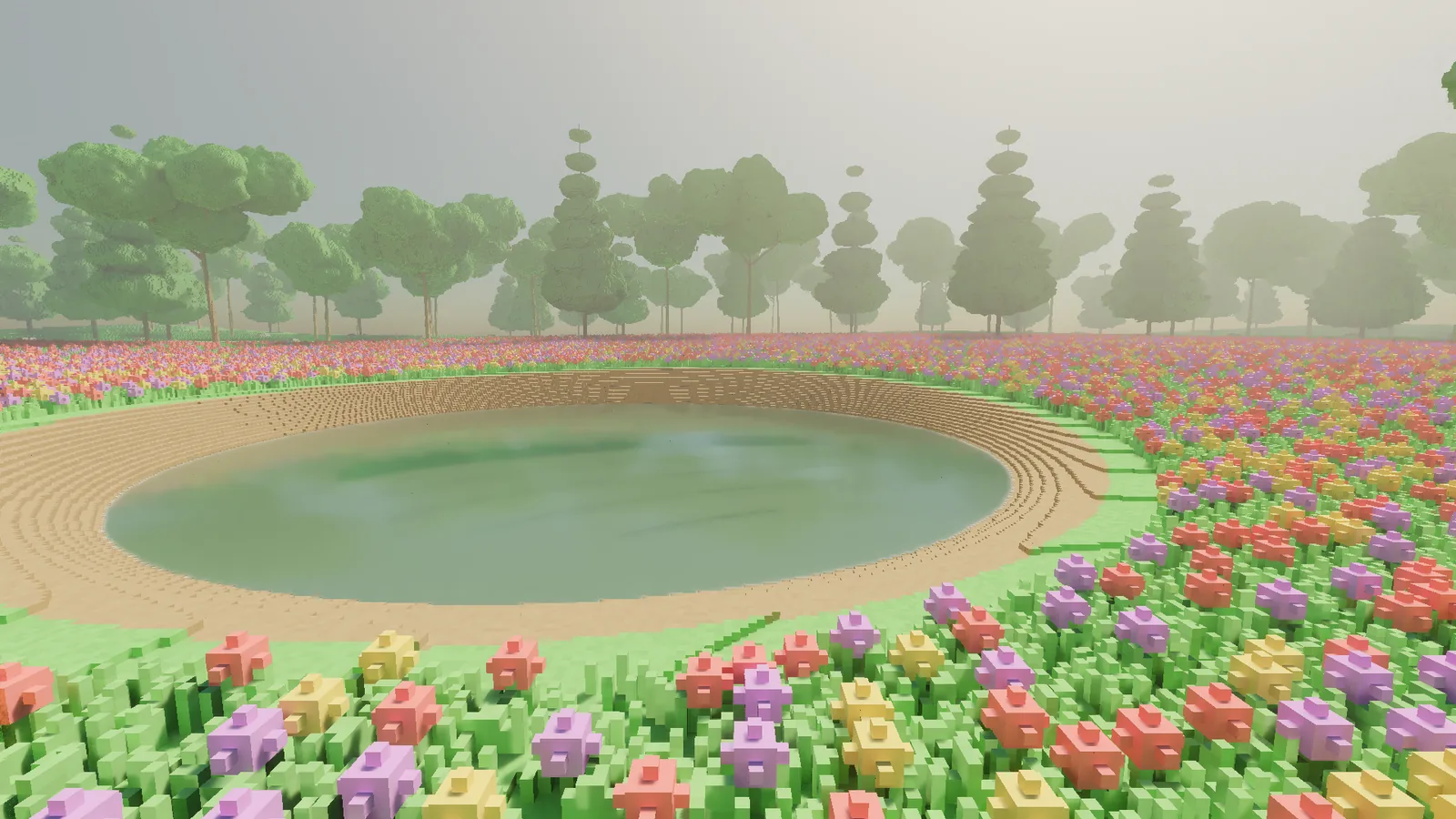
One recent example. The reflections in the pond used to smear when the camera moved, badly enough that a lamp's glow in the water drew out into a line. Measured under a sideways strafe, the reflected treeline trailed 14 pixels behind where it should have been. After the fix it trails by zero to one pixel. "Looks sharper now" would have been true too. It just would not have been evidence.
Timing runs that don't lie
GPU timings are noisy in ways that look exactly like progress. The clocks take a while to ramp up after a cold start. Other programs borrow the GPU without asking; a background video process once took a share of the card during a timing run, and I have seen editing work run up to three times slower for stretches because of other software on the machine.
So I never compare today's number with yesterday's. When a change needs costing, the builds before and after it run paired and interleaved in the same session: A, B, A, B, several rounds, then compare the medians. Both builds suffer the same background nonsense, so whatever difference is left belongs to the code. When a number still surprises me, I split the change into pieces and time each piece the same way until the cost has an owner.
A paired run looks like this:
// Paired, interleaved timing of two builds.
var timesA = new List<double>();
var timesB = new List<double>();

for (int round = 0; round < 5; round++)
{
    // Alternate, so both builds see the same clocks, heat and background load.
    timesA.Add(RunHeadless(buildA, view).MedianGpuMs);
    timesB.Add(RunHeadless(buildB, view).MedianGpuMs);
}

double delta = Median(timesB) - Median(timesA);
Console.WriteLine($"{view}: {Median(timesA):F2} -> {Median(timesB):F2} ms ({delta:+0.00;-0.00})");
Medians rather than averages, because one run hit by a background hiccup should not drag the result. If the five runs of a build disagree with each other by more than the difference I am trying to measure, the answer is "I do not know yet", and I run more rounds.
A fuzzer whose job is to break the world
Editing is where my bugs like to live, because players will do things no designer plans: thousands of carves, placements and paints at random spots, overlapping each other, with undo and redo mashed in between.
So I do that first, on purpose. The test harness generates seeded random sequences of edits in every shape and size, and after each step it checks things that must always be true. The edited world must match one rebuilt from scratch with the same edits, byte for byte, at every level of detail. Undo must restore the previous bytes exactly, and redo must bring the edited ones back. And no blade of grass or flower is allowed to be left floating in mid-air, which is harder than it sounds when you let a fuzzer loose on a meadow.
The harness is a loop and a few assertions:
// Seeded fuzzing of world edits.
var rng   = new Random(seed);                  // same seed, same sequence, every time
var world = Scene.Generate(seed);
var log   = new List<EditCommand>();

for (int step = 0; step < 160; step++)
{
    if (log.Count > 0 && rng.NextDouble() < 0.15)
    {
        world.Undo();                          // undo and redo are mixed in at random
        log.RemoveAt(log.Count - 1);
    }
    else
    {
        var edit = EditCommand.Random(rng);    // carve, place or paint; any shape, any size
        world.Apply(edit);
        log.Add(edit);
    }

    // The invariants: these must hold after every single step.
    var rebuilt = Scene.Generate(seed, edits: log);
    Assert.BytesEqual(rebuilt, world);         // incremental equals from scratch
    Assert.NoFloatingPlants(world);            // nothing hangs in mid-air
}
When an assertion fails, the seed and the step number reproduce the failure exactly, which turns a mysterious bug into a boring one. Boring bugs get fixed quickly.
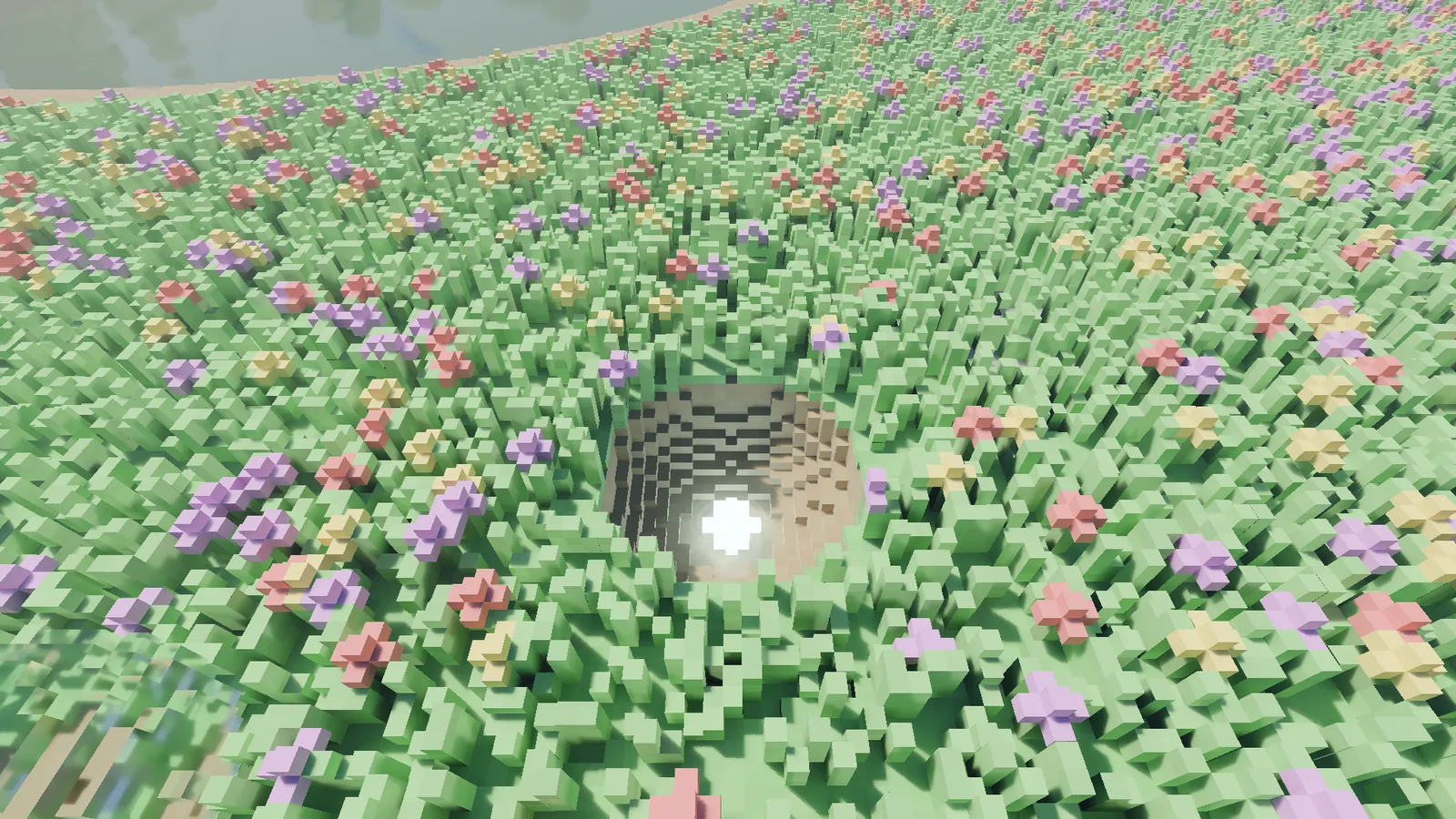
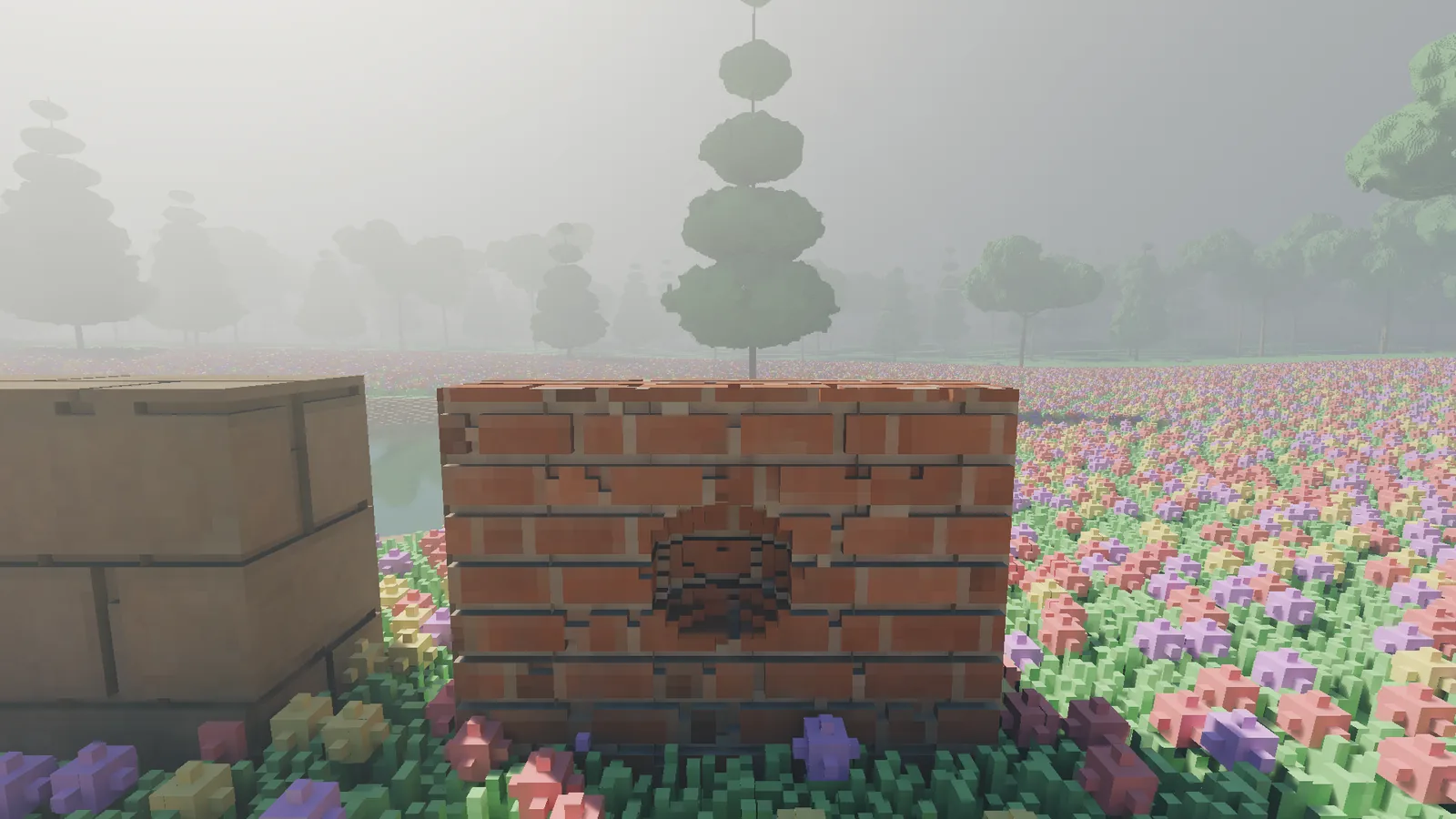
Random edits find the common bugs. The weird ones need a person actively trying to break things, so reviews add nasty cases by hand: walls one voxel thick, a placement and a carve sharing a single voxel, bricks added and removed by the same stroke. Each one becomes a permanent test. People looking at captures also catch what no invariant thinks to ask about: that is how I found out that my first attempt at walls built from several blocks showed see-through slits when viewed from far enough away. The fuzzer did not care about the view from eighty metres. A person did.
There are a few hundred unit tests in all, and they run as a gate on every change.
The parts a machine can't judge
Some questions only a human can answer. Does the wind look like wind, or like a screensaver? Is that the right green? Does holding the mouse button feel like a steady stream of digging or a series of hiccups? For those there is a review pack: the frames to look at, the numbers that go with them, and a verdict written down up front. The reviewer's job is to check a conclusion, not to form one from scratch. When a verdict is "not good enough yet", it stays open until it is.
That is really the whole method. Write the number down, point at where it came from, and admit it when the number is bad. It is slower than squinting, and it is the only reason I trust anything I told you in the previous entry.