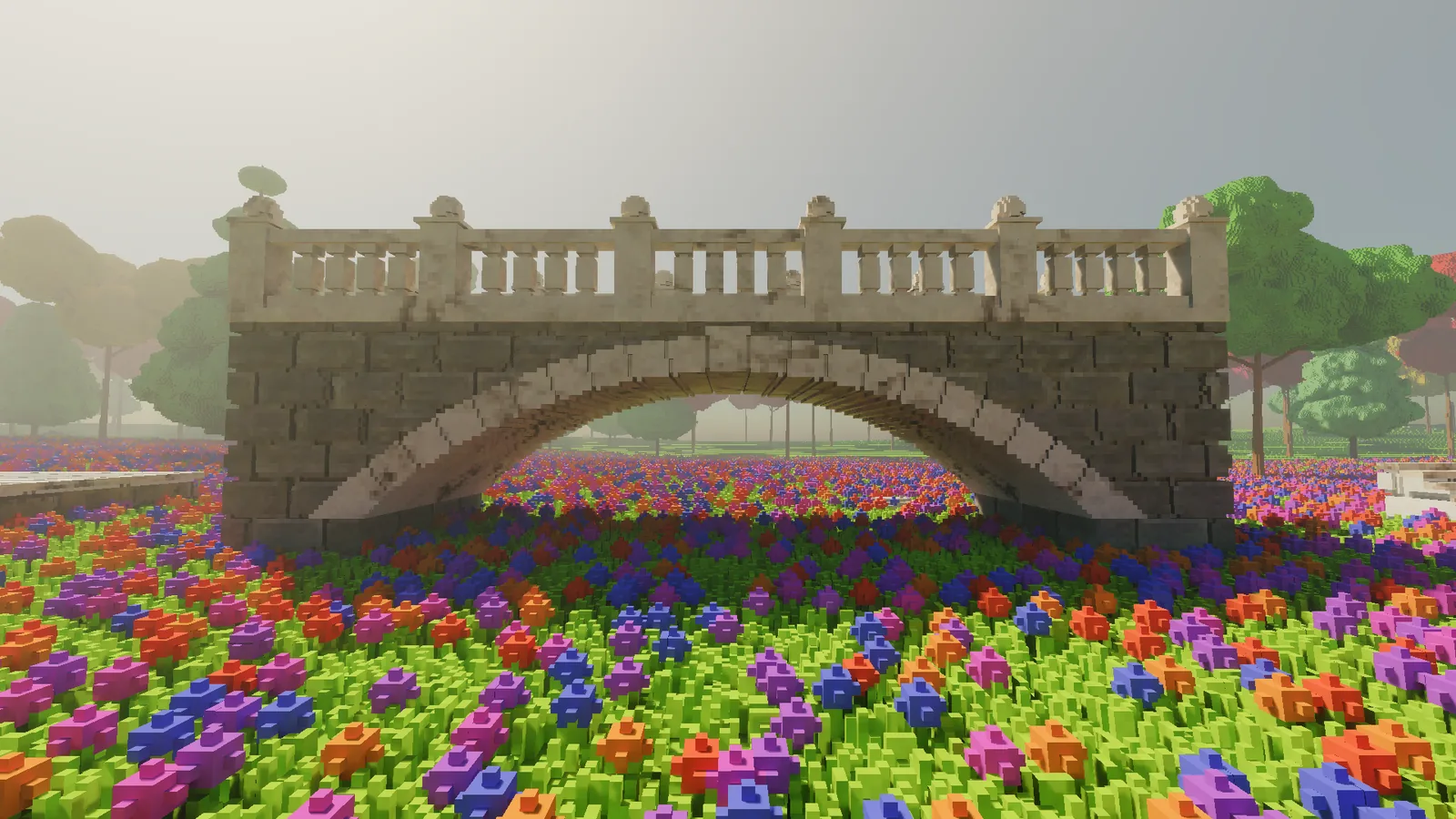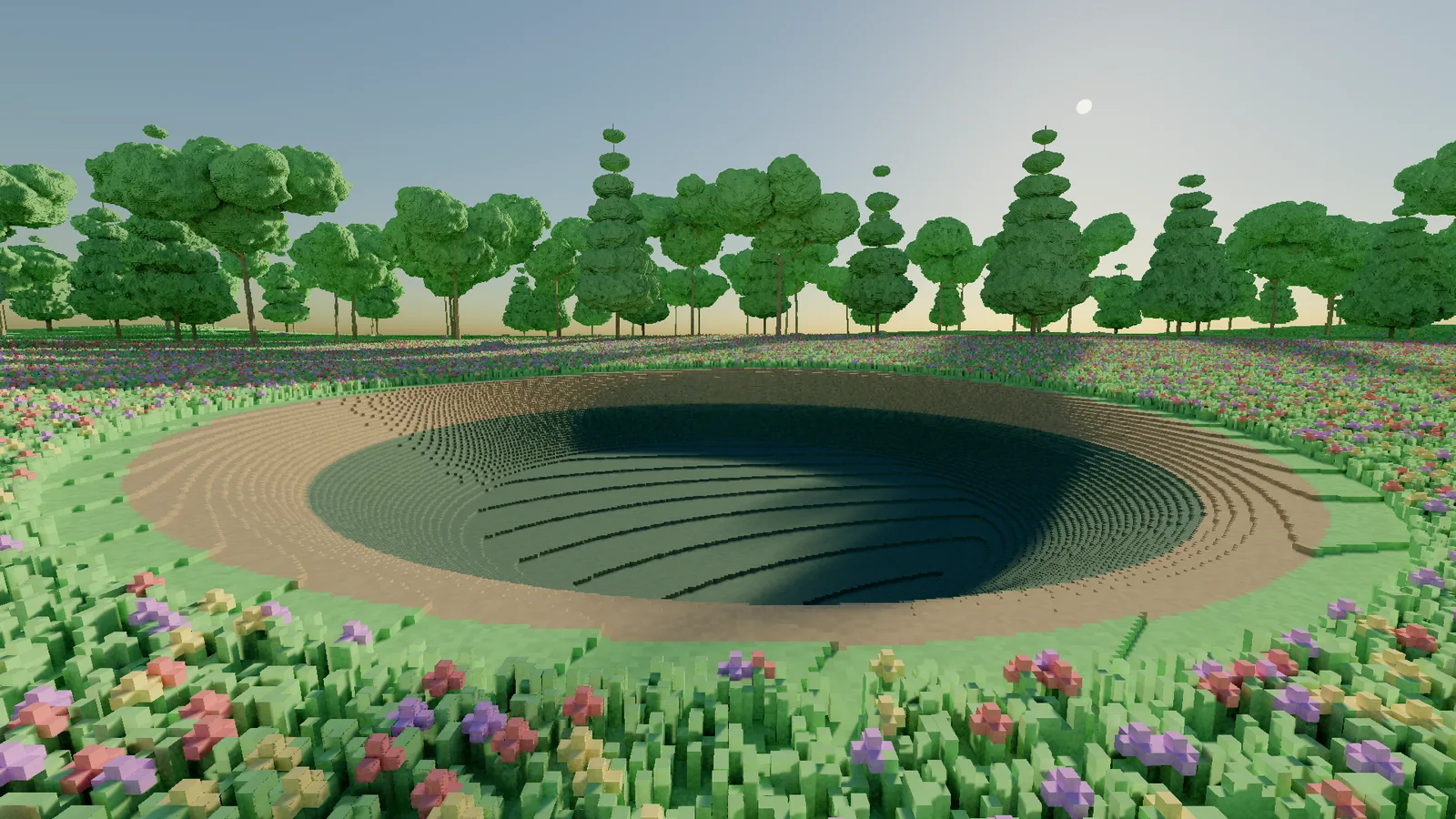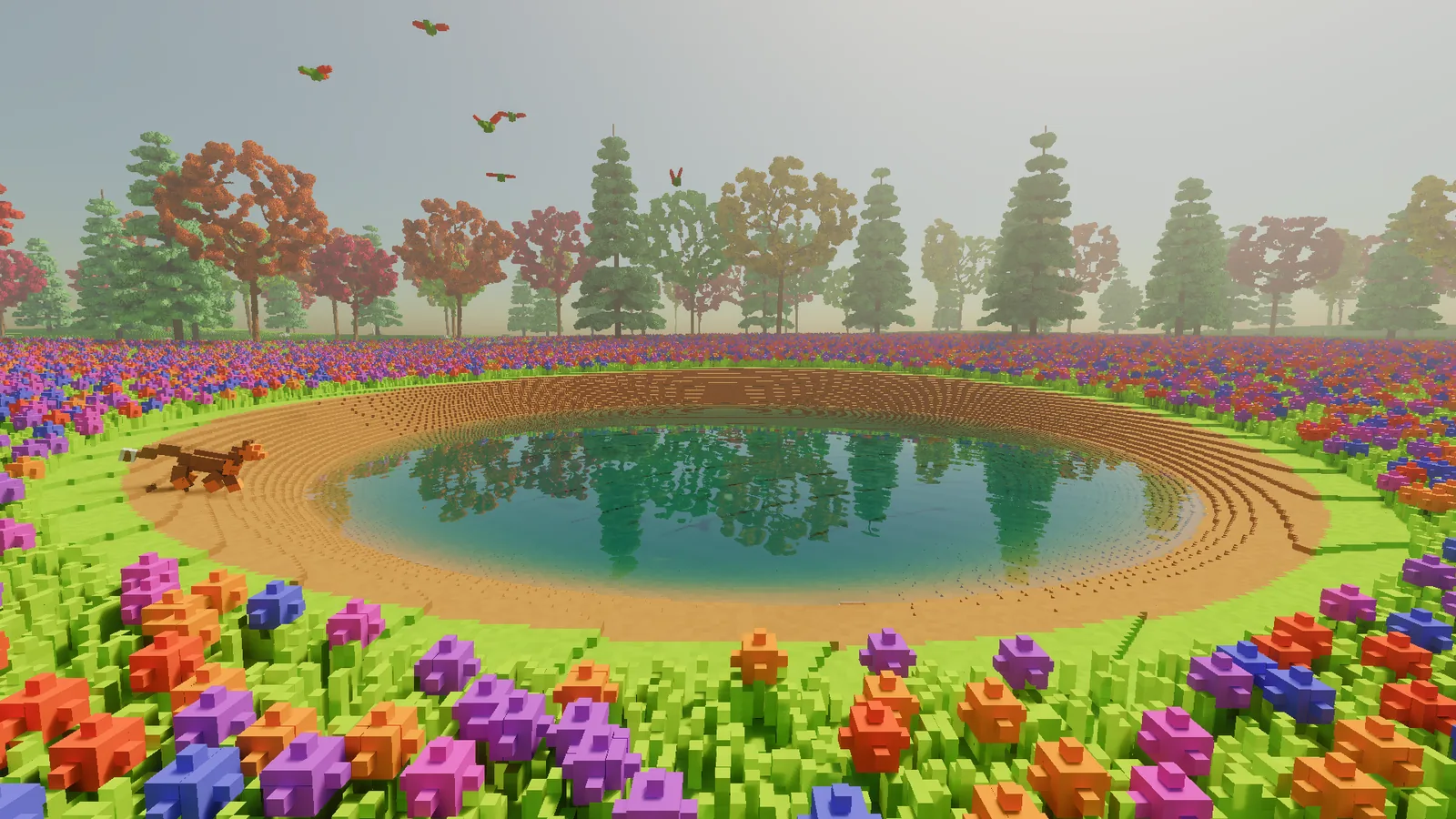
The last entry ended with a promise: next comes motion. Until then, apart from the grass and leaves swaying in the wind, the world held perfectly still. Pretty, but a postcard.
This entry covers everything that has started moving since: water that flows, a sky that runs through a whole day and its weather, rain, fire, new tools for digging, a cliff, trees grown branch by branch, and the first animals. Moving things are where a voxel engine's data problem comes back to bite, because now millions of voxels can change on their own, every frame, without anyone touching them.
As always, every image is a real-time frame from the engine.
Water that goes somewhere
Until now the pond was a solid block of material that happened to look like water. Dig a trench from its edge and nothing happened. The pond just stood there with a trench next to it.
Now water is a simulation. The world is cut into 5 cm cells, each one holding some amount of water, and thirty times a second every cell works out where its water wants to go. My first version did the obvious thing: each cell compared itself with its neighbours and passed a share of the difference across. It works, in the sense that water does eventually end up level. Eventually is the problem. The front of the water took 4,790 ticks to cover 6 metres of channel, which at thirty ticks a second is nearly three minutes. That isn't water, that's honey.
The fix is a well-known trick called virtual pipes. Imagine a little pipe between every pair of neighbouring cells. The pipe carries a flow, and the flow remembers last tick's value. The difference in water height pushes on the flow rather than setting it outright. Because the flow has memory, water picks up momentum, sloshes and runs downhill like water.
// Virtual pipe update for one cell and its +X neighbour.
// h = water surface height (terrain + water depth), flow is kept between ticks.
float dh = (terrain[a] + depth[a]) - (terrain[b] + depth[b]);
flowAB = Math.Max(0, flowAB * friction + dt * gravity * dh);

// Never send more water than the cell actually holds, across all its pipes.
float totalOut = flowAB + flowAC + flowAD + flowAE;
if (totalOut * dt > depth[a])
{
    float scale = depth[a] / (totalOut * dt);
    flowAB *= scale; flowAC *= scale; flowAD *= scale; flowAE *= scale;
}

// Then every cell adds what flows in and subtracts what flows out.
With the pipes, the same 6 metres took 180 ticks: six seconds. It is the standard model in hydraulic erosion simulation, popularised by Mei, Decaudin and Hu in 2007.
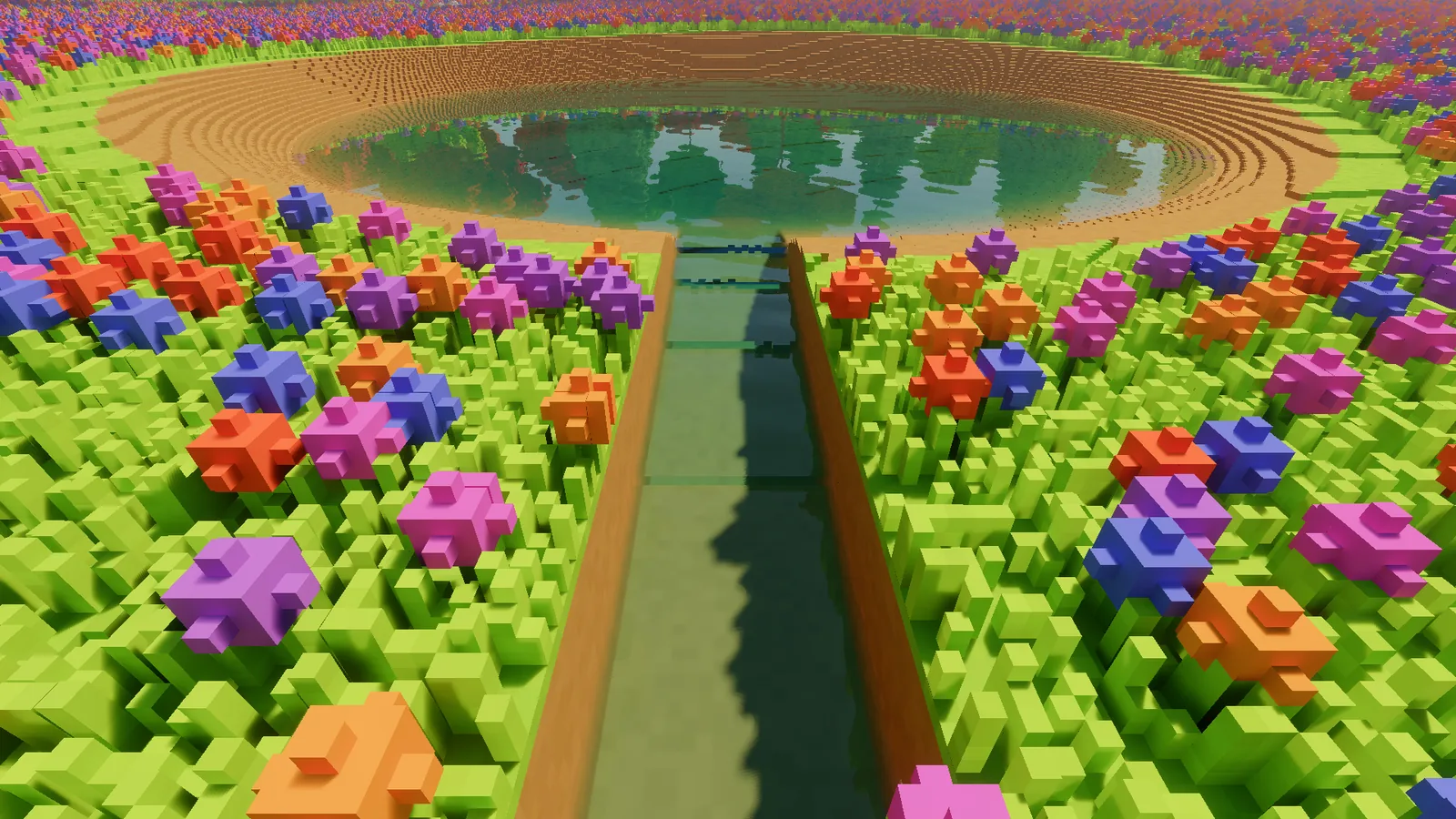
Two details made it practical. Water mass is stored as whole numbers, not floating point, so it can never quietly appear or vanish through rounding. Over thousands of ticks a pond that slowly leaks or slowly grows is very noticeable. And still water goes to sleep. A calm pond costs nothing at all to simulate. A pond draining down a trench costs a few milliseconds a tick, on a background thread, so the frame never waits for it.
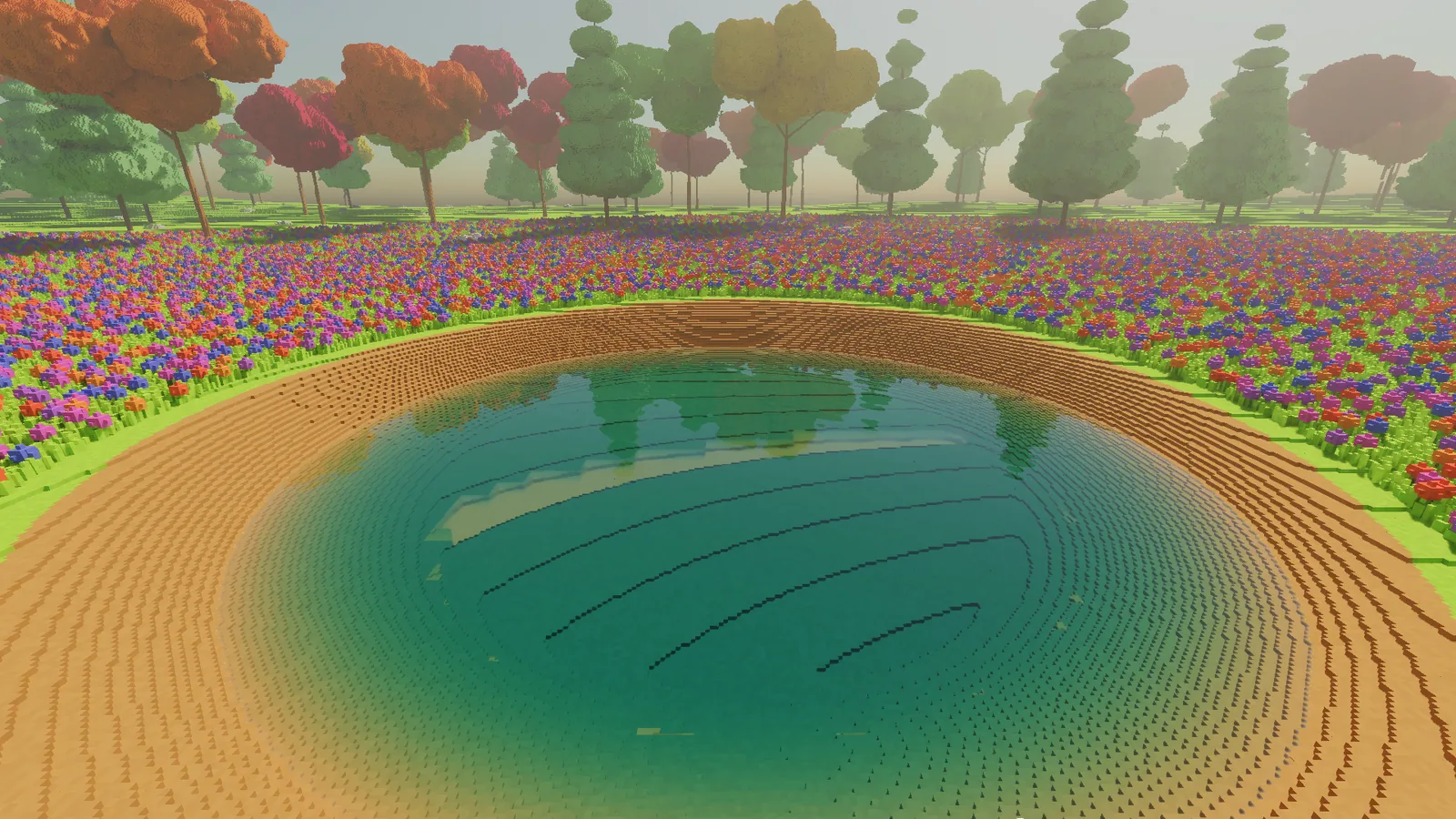
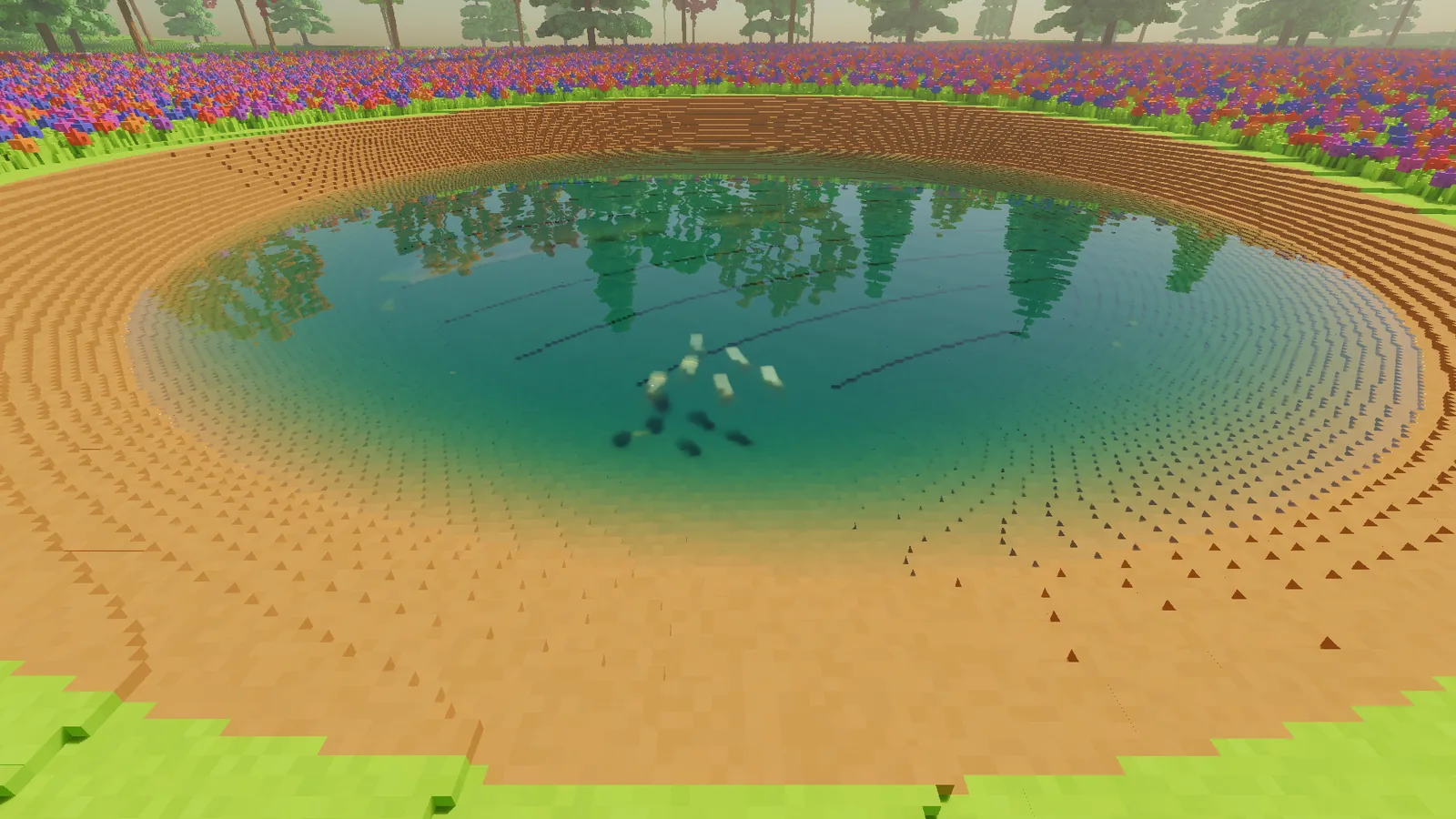
Then it had to look like water. Deep water absorbs more light than shallow water, and it absorbs red fastest, which is why a pond goes from clear at the edge to teal in the middle. That is the Beer-Lambert law, and it is about as short as physics gets:
// Light surviving a path of length d through water.
// sigma is the absorption per metre for red, green and blue.
vec3 transmittance = exp(-sigma * d);
Give red a larger sigma than blue and the colour arrives by itself.
A day, and its weather
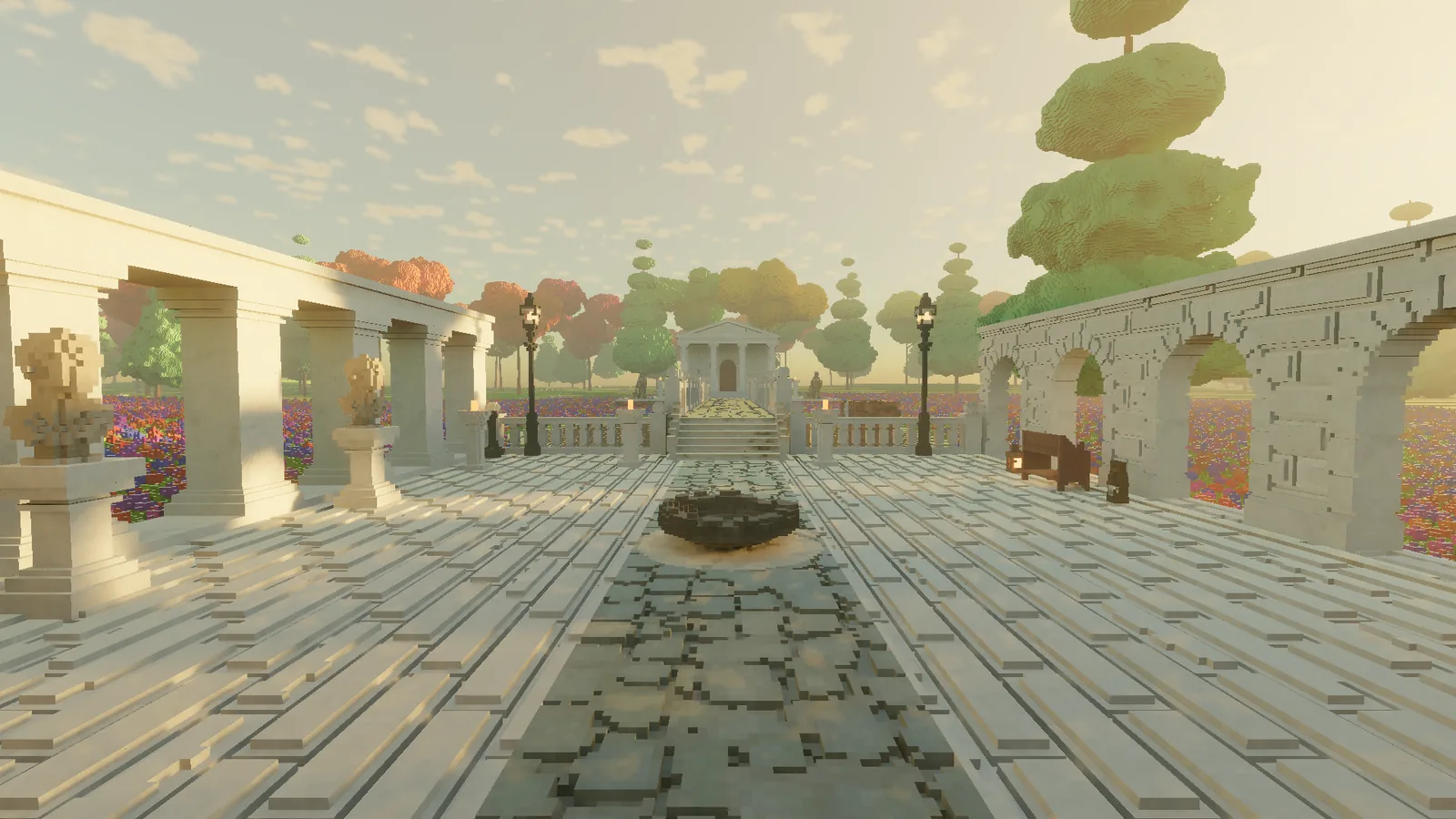
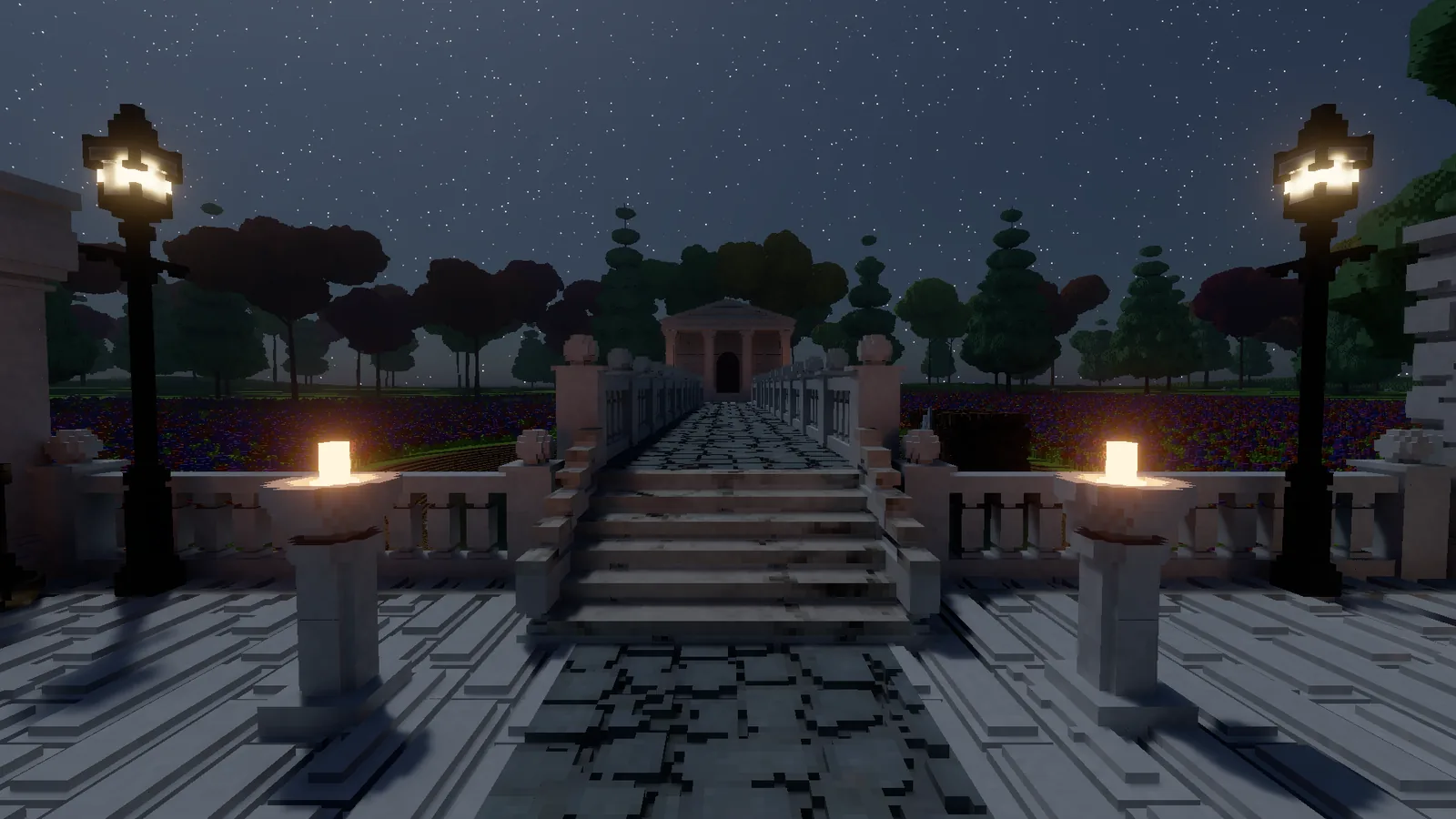
Next the sky. The glade now runs through a full day: sunrise, noon, a long golden evening, and night with a moon and stars. The moon is about 0.4% as bright as the sun, so the exposure adapts the way your eyes do and lifts the night up to twelve times. Without that, night is just a black rectangle with an opinion.
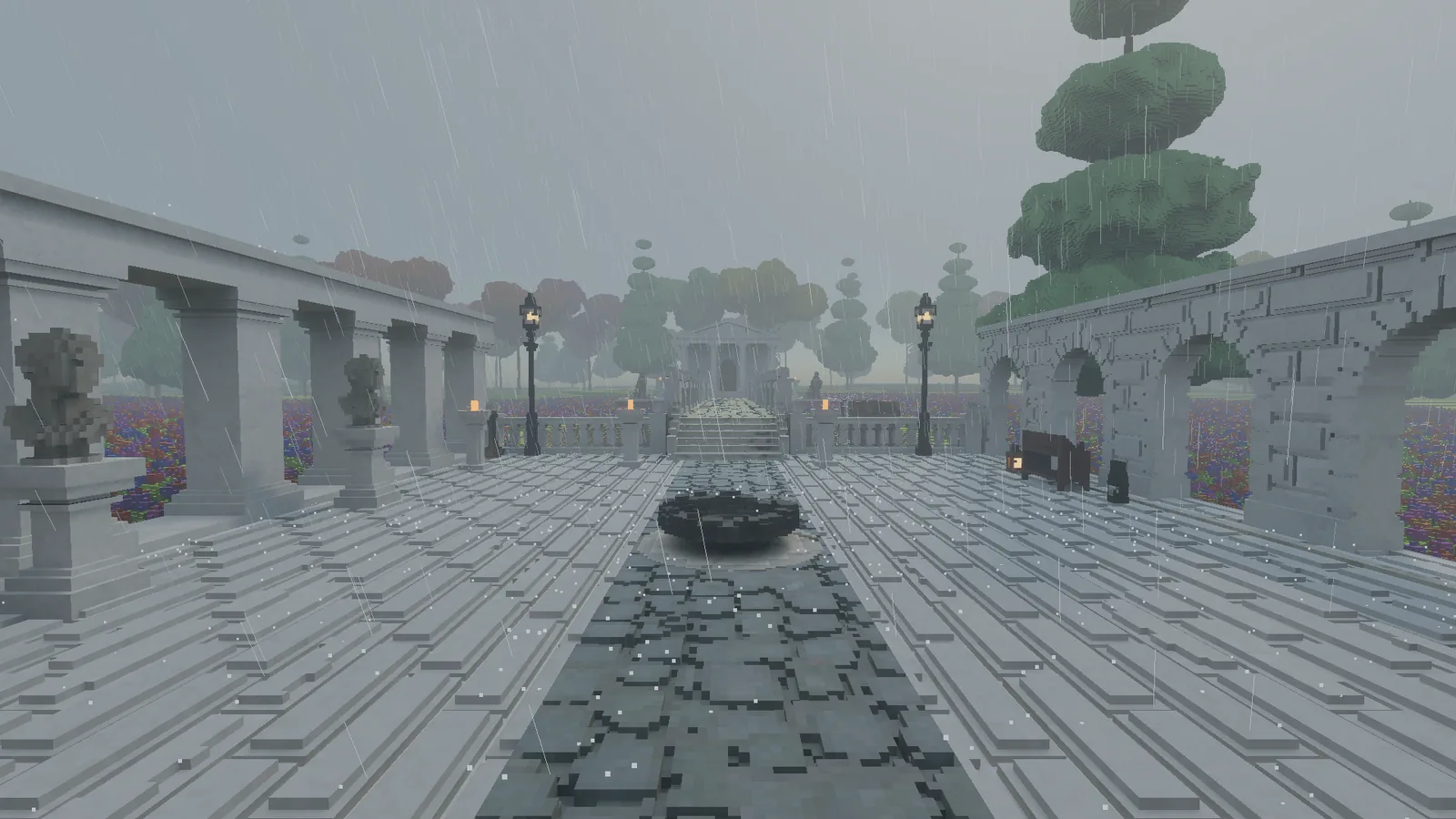
Weather moves through five moods: clear, fair, overcast, rain and storm, each lasting from about a minute to a few minutes, and easing into the next over 15 to 30 seconds. Clouds are a soft deck high above the world, and their shadows drift across the ground. Overcast closes the deck into a grey ceiling, widens the sun and dims it, which softens every shadow at once.
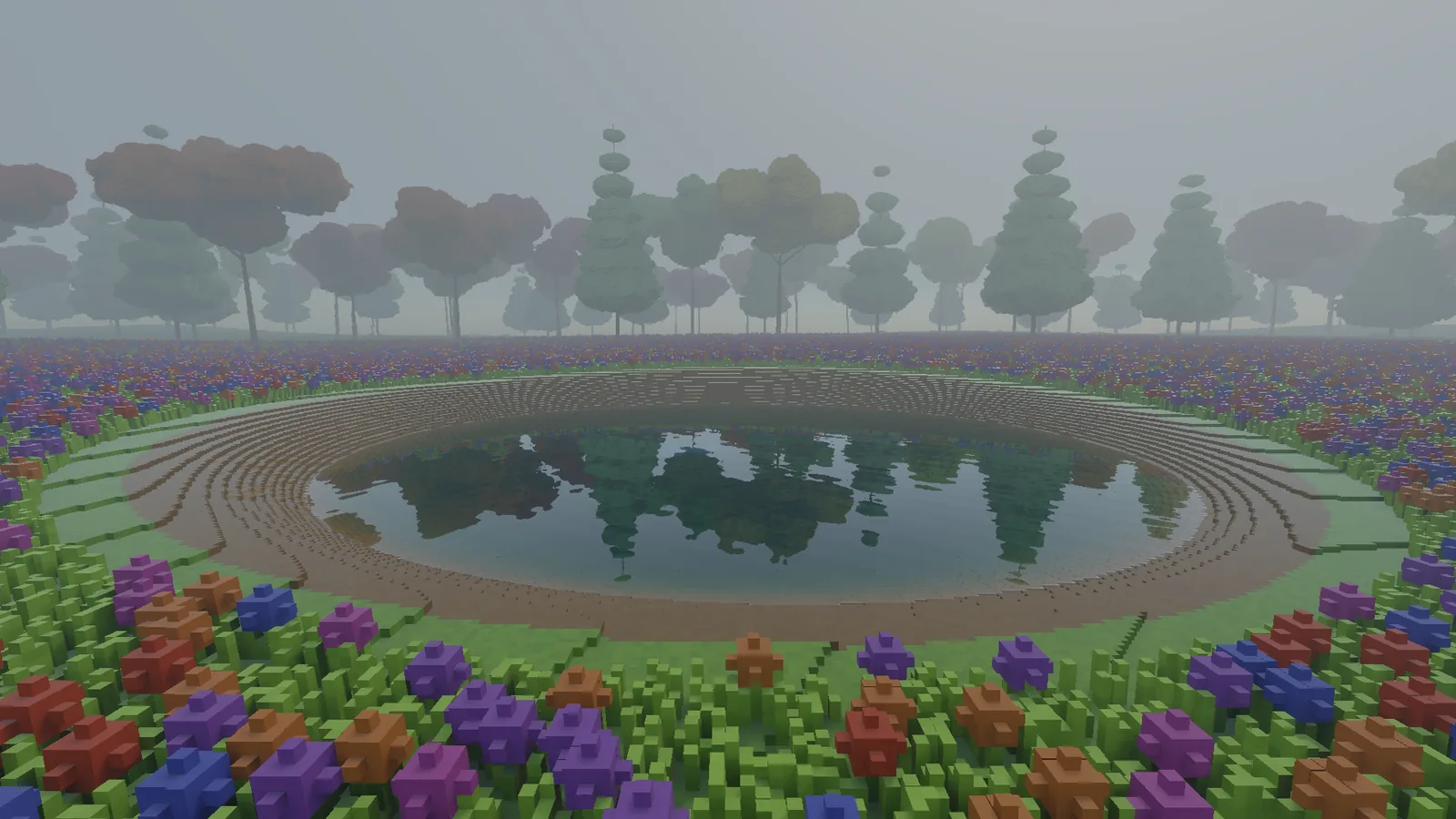
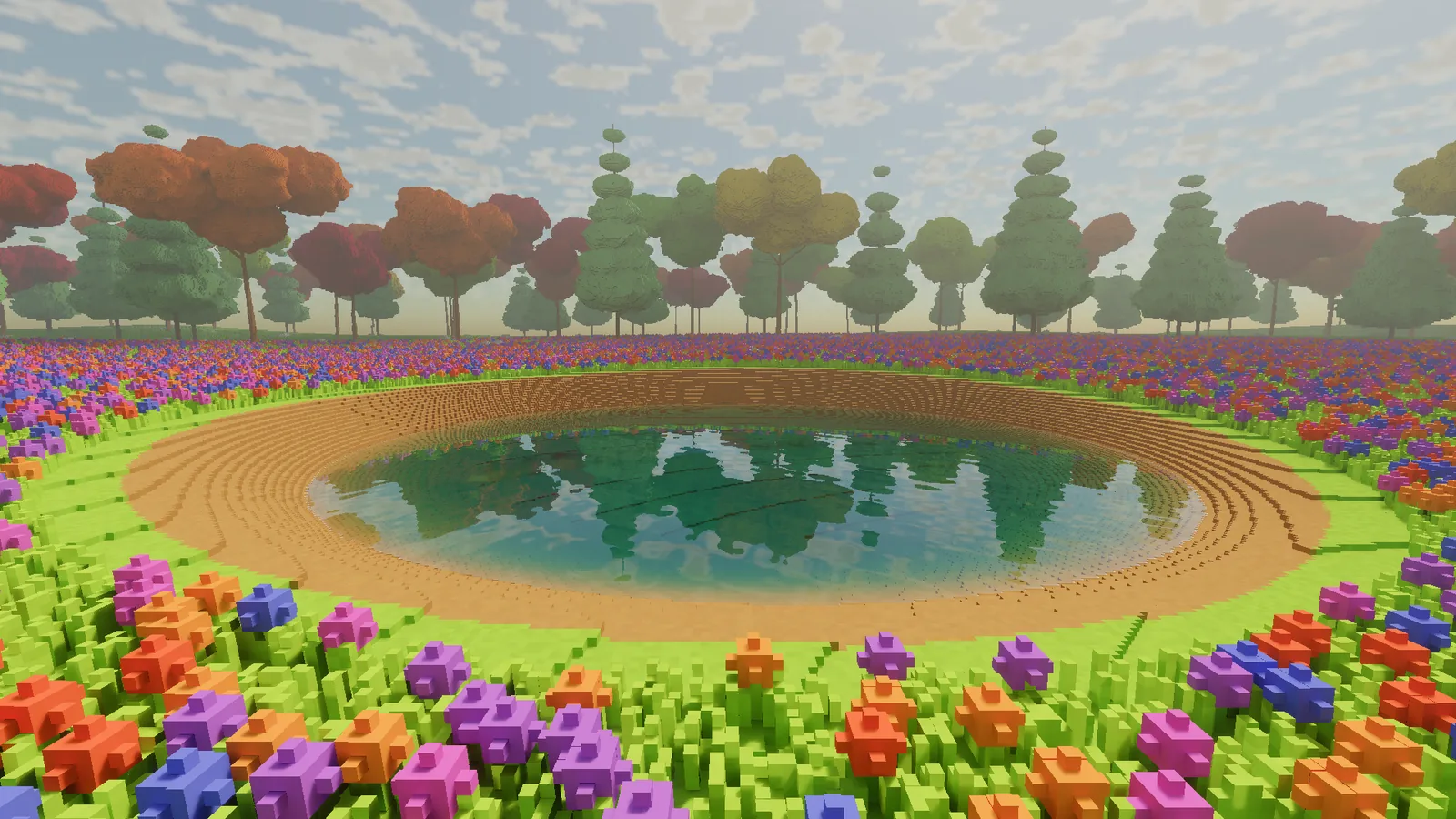
After rain, surfaces stay wet for a while. Wet stone and turf turn darker and pick up a sheen of the sky. Anything under a tree's crown stays dry, because the engine keeps a map of what is sheltered from above. The same map comes back several times in this entry.
Rain
Rain needed something the engine didn't have: lots of small, fast, short-lived things. So it got a particle system: 50,000 particles living on the graphics card, updated each frame by a compute shader and spawned from seeded hashes, so a recorded run plays back identically every time. That matters a great deal when the way I test is comparing frames byte for byte.
Rain itself is 24,000 thin streaks falling around the camera, slanted by the wind. Where a drop meets the ground it splashes, and where it meets the pond it leaves an expanding ring on the surface.
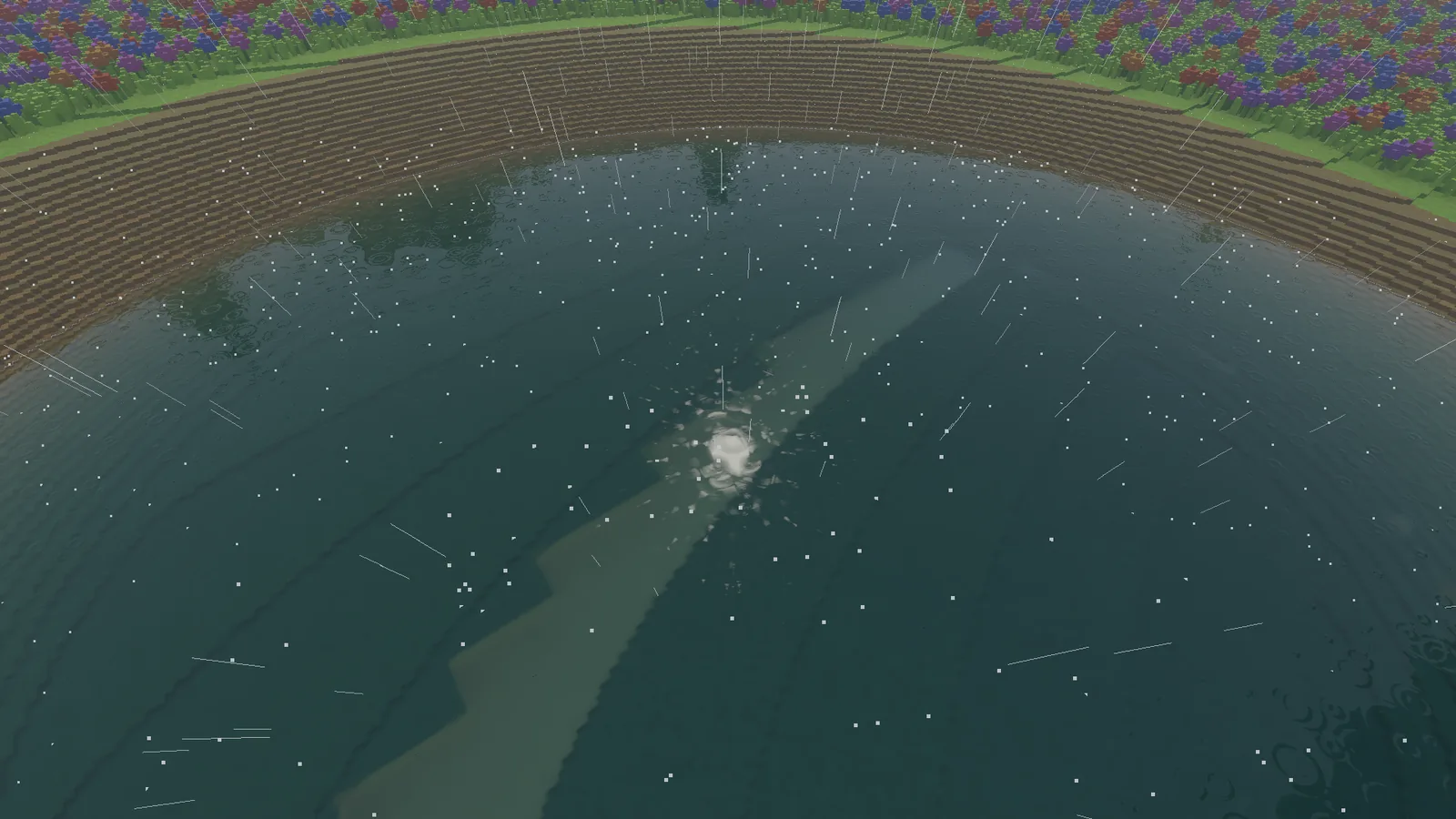
The rain also feeds the water simulation. Using the same sheltered-from-above map, rain that falls into a hollow becomes real water and collects there. Dig a decent-sized hole in heavy rain and after a minute it holds about 5 cm of water. When the weather clears, puddles slowly dry.
Fire
Fire is a second simulation, built on the same pattern as the water. Every voxel of something that can burn (grass, flowers, leaves, wood, planks) can hold heat and fuel. Thirty times a second, burning voxels heat their neighbours. A neighbour catches once it gets hot enough, burns through its fuel, and leaves something behind.
This is a classic cellular automaton. The interesting part is just how heat spreads:
// One burning voxel heating one neighbour, per tick.
float heat = burnRate;
if (neighbourIsAbove) heat *= upwardBias;          // flames climb
heat *= 1f + windBias * Dot(windDir, toNeighbour); // and lean downwind
heat *= flammability[neighbourMaterial];           // dry grass, yes; stone, no
heat *= 1f - wetness[neighbour];                   // rain and puddles fight back

neighbourHeat += heat;
if (neighbourHeat > ignitionPoint && TouchesAir(neighbour))
    Ignite(neighbour);
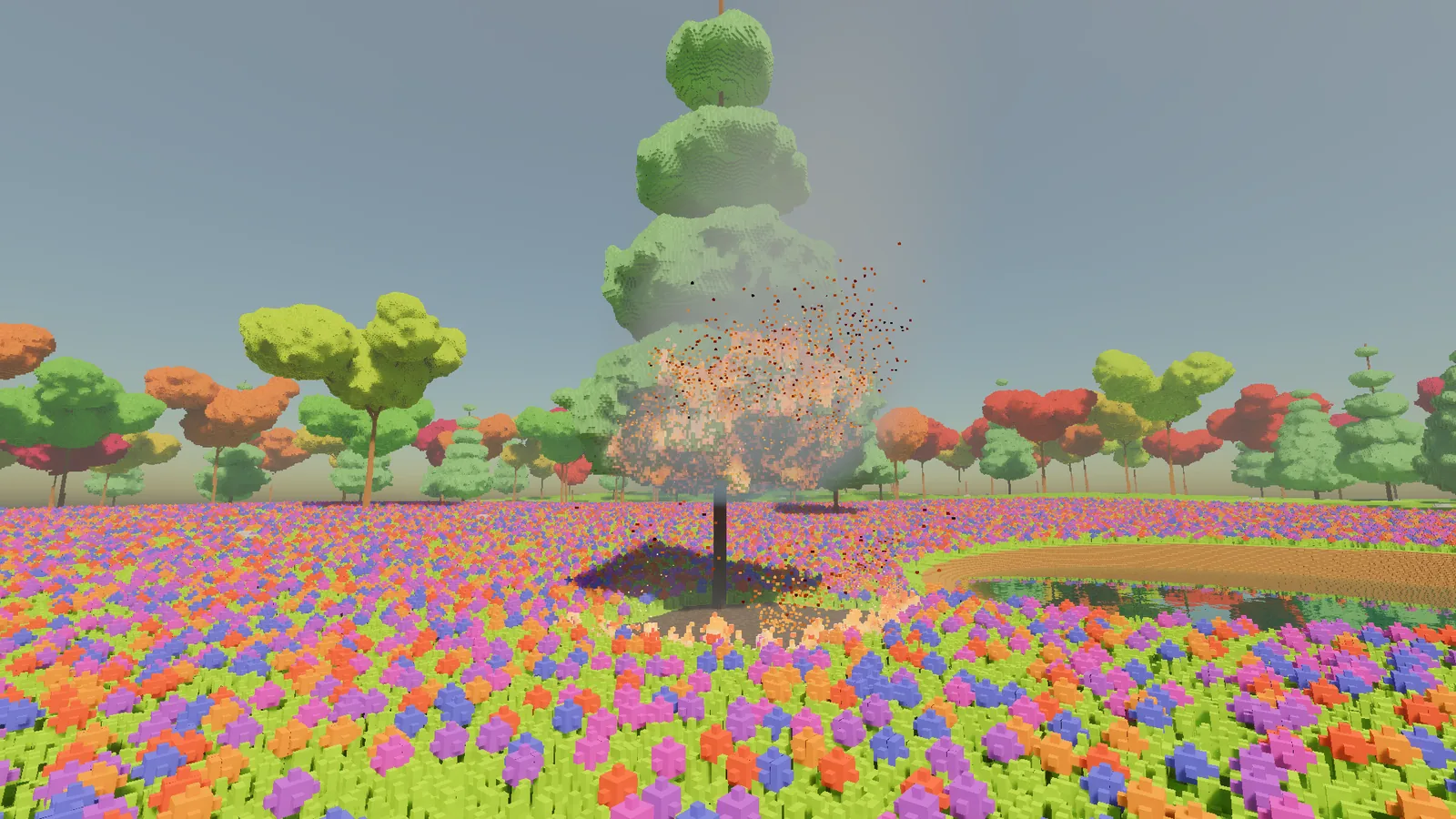
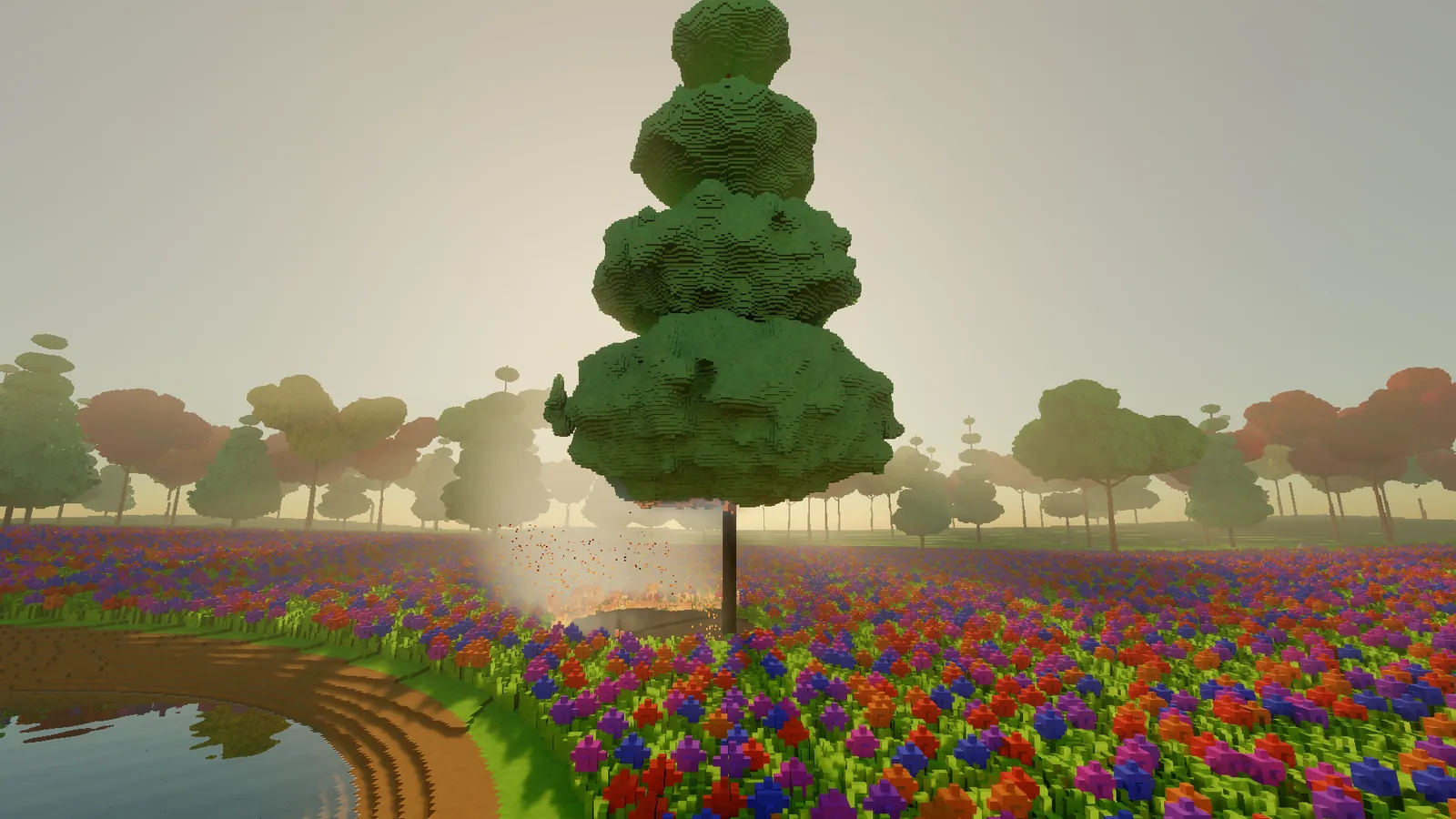
Every rule in there is a line of common sense. Fire goes up, the wind pushes it, dry things burn and wet things don't. Put together, they give a grass fire that creeps downwind at about 16 cm a second and a tree that goes up from its lowest branches. Grass and leaves burn away completely, wood and planks turn to charcoal, and turf turns to scorched earth. Rain and water put it out.
The flames are voxels too: three tiers of animated flame plus glowing embers, and flames are real lights that light their surroundings. A forest fire could easily add thousands of lights, which no renderer would thank me for, so the engine keeps the most important ones and leaves the rest as glow.
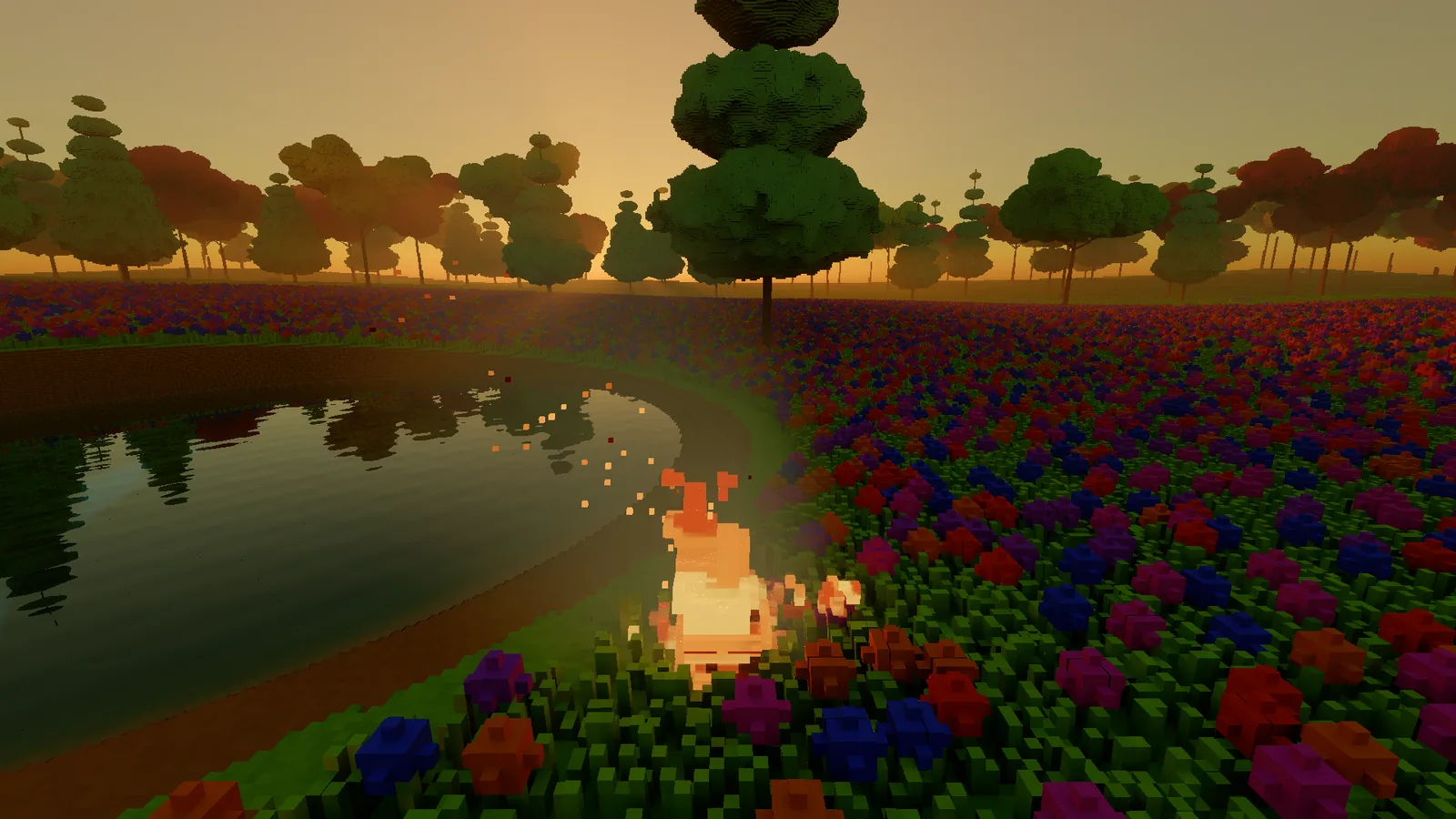
Embers and sparks ride the particle system up into the air. Smoke is a coarse 3D grid around the fire that drifts with the wind and slowly thins out. It is drawn as part of the haze, so it is lit by the sun and catches the light in sunbeams.
Better digging
The builder's tools got three upgrades.
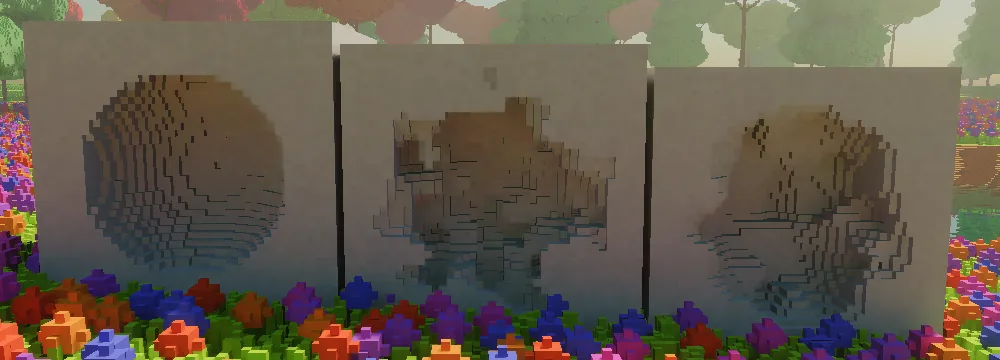
First, a noisy brush. A perfect sphere looks machined, and a hole dug into a hillside should look dug. The noisy brush roughens the edge of every stroke with a seeded pattern, so it stays exactly repeatable and undo still works.
Second, a smooth brush. It runs a 3x3x3 majority filter over the area: each voxel looks at its 26 neighbours plus itself, and becomes solid if at least 14 of those 27 are solid. Lone spikes disappear and small pits fill in:
// 3x3x3 majority filter: smooth a blocky surface.
int solid = 0;
for (int dz = -1; dz <= 1; dz++)
for (int dy = -1; dy <= 1; dy++)
for (int dx = -1; dx <= 1; dx++)
    if (IsSolid(x + dx, y + dy, z + dz)) solid++;

bool becomesSolid = solid >= 14;   // 14 of 27: more than half
// A newly solid voxel takes the most common material around it.
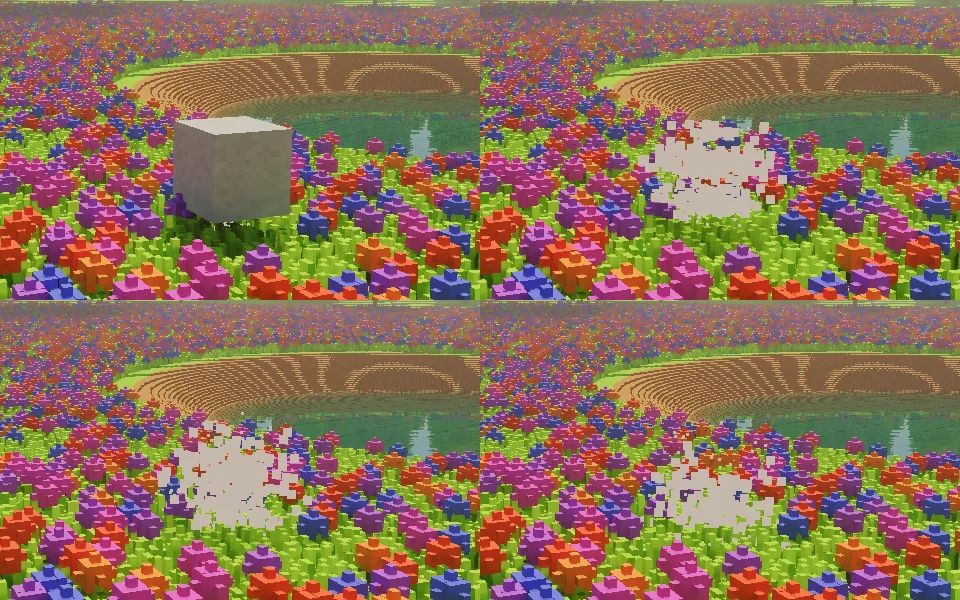
Third, floating chunks. If you carve away the base of something, it should fall. After every carve the engine runs a flood fill outward from the cut, the same idea the voxel importer uses to find the inside of a model. If the fill reaches the ground, everything is still supported. If it runs out of voxels to visit first, whatever it found is floating, so it bursts into debris and falls. One undo puts it all back.
A flood fill can be expensive in a world of millions of voxels, so this one gives up once it has visited 32,768 voxels and assumes anything that big is held up by something. Big things in a voxel world almost always are.
A cliff
Until now the terrain was a gently rolling height map: one height for each point on the ground. Height maps are cheap and simple, and they can't do cliffs, overhangs or caves, because a height map has exactly one surface per column.
The usual way around that, used famously by Minecraft's newer terrain, is to think in terms of density instead. A voxel is solid if a density function is positive there. Start from the height map, then add a 3D noise term that pushes the surface in and out:
// Terrain as density: height map plus a bounded 3D displacement.
// Positive means solid.
float Density(float x, float y, float z)
{
    float d = HeightAt(x, z) - y;          // the plain height map
    d += cliffMask(x, z) * Noise3D(x, y, z) * maxDisplacement;
    return d;
}
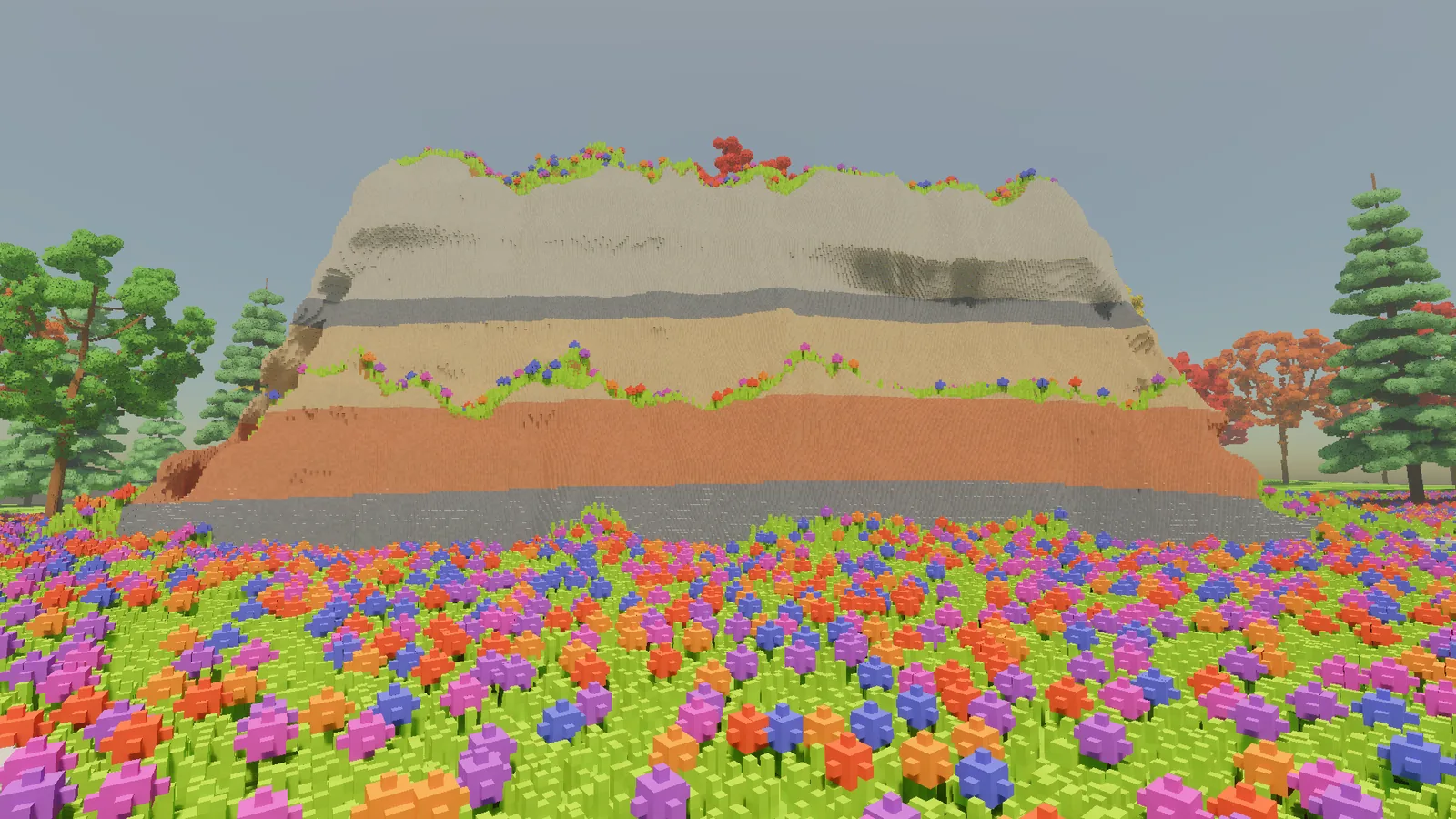
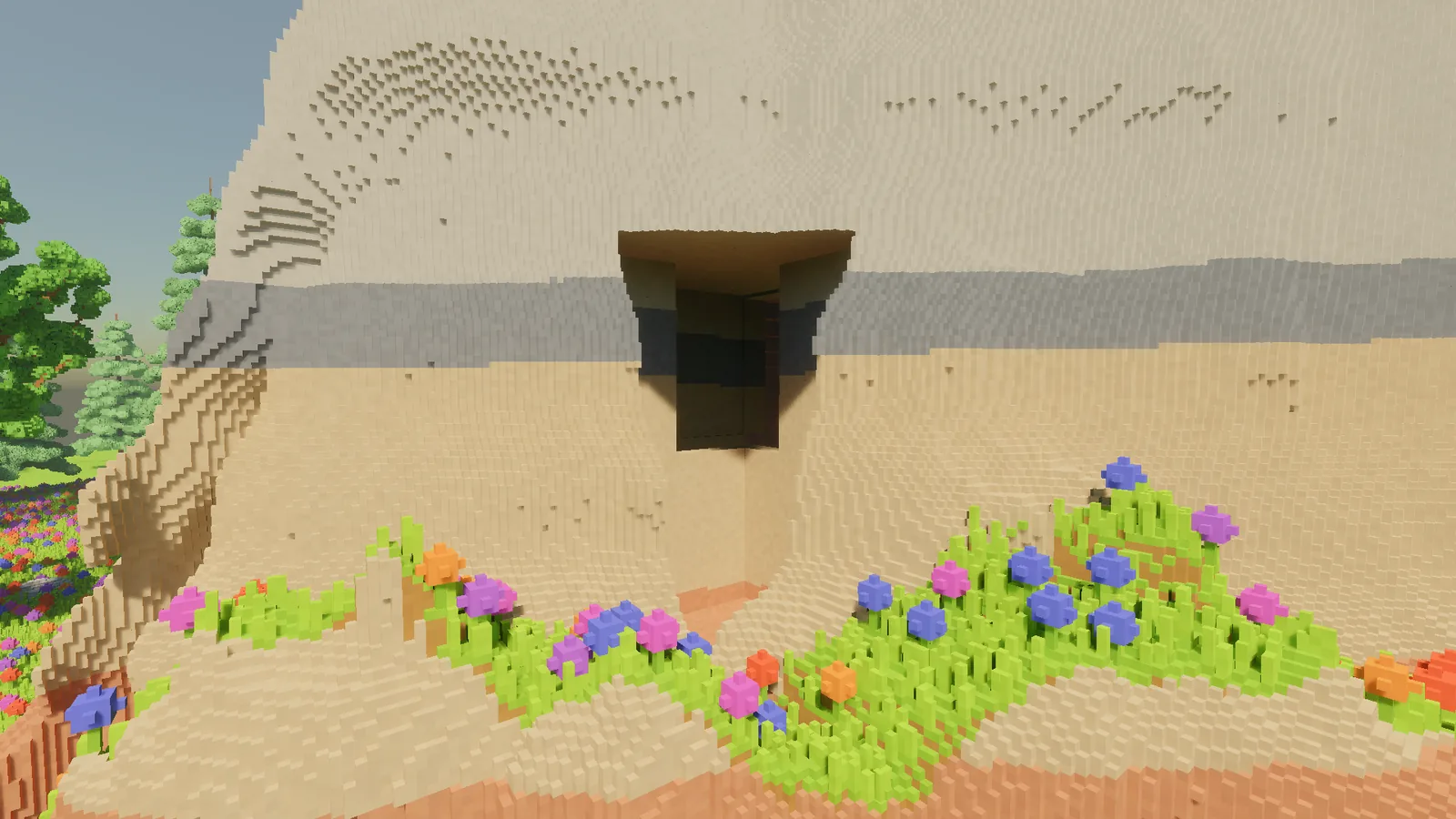
Keep the 3D part confined to one region and capped at a known size, and everything else in the engine that relies on "the ground is about here" still works. I used it to put a crag at the edge of the clearing: a cliff about nine metres high with ledges, a bench, and a cap rock overhanging a three metre undercut. The rest of the glade stays exactly as it was.
Rock layers come from height: five bands of stone that run through the whole crag, so they show in the cliff face and carry on inside anything you dig into it. Steep faces are bare rock, and grass and flowers only grow where there's somewhere to stand.
Trees, improved
The old trees were a trunk, a few branches and some big blobs of leaves. From a distance, fine. Up close they looked like broccoli.
The new trees grow by space colonisation, a method published by Runions, Lane and Prusinkiewicz in 2007. Scatter a cloud of attraction points through the shape you want the crown to fill. Then grow the tree towards them, one small step at a time. Each point pulls on its nearest branch tip, and a point is used up once a branch reaches it:
// Space colonisation (Runions et al. 2007), one growth step.
foreach (var p in attractionPoints)
{
    var nearest = NearestNode(p, influenceRadius);
    if (nearest != null)
        nearest.pull += Normalize(p - nearest.position);
}

foreach (var node in nodes.Where(n => n.pull != Vector3.Zero))
    nodes.Add(new Node(node.position + Normalize(node.pull) * segmentLength, parent: node));

// Points a branch has reached are used up.
attractionPoints.RemoveAll(p => AnyNodeWithin(p, killRadius));
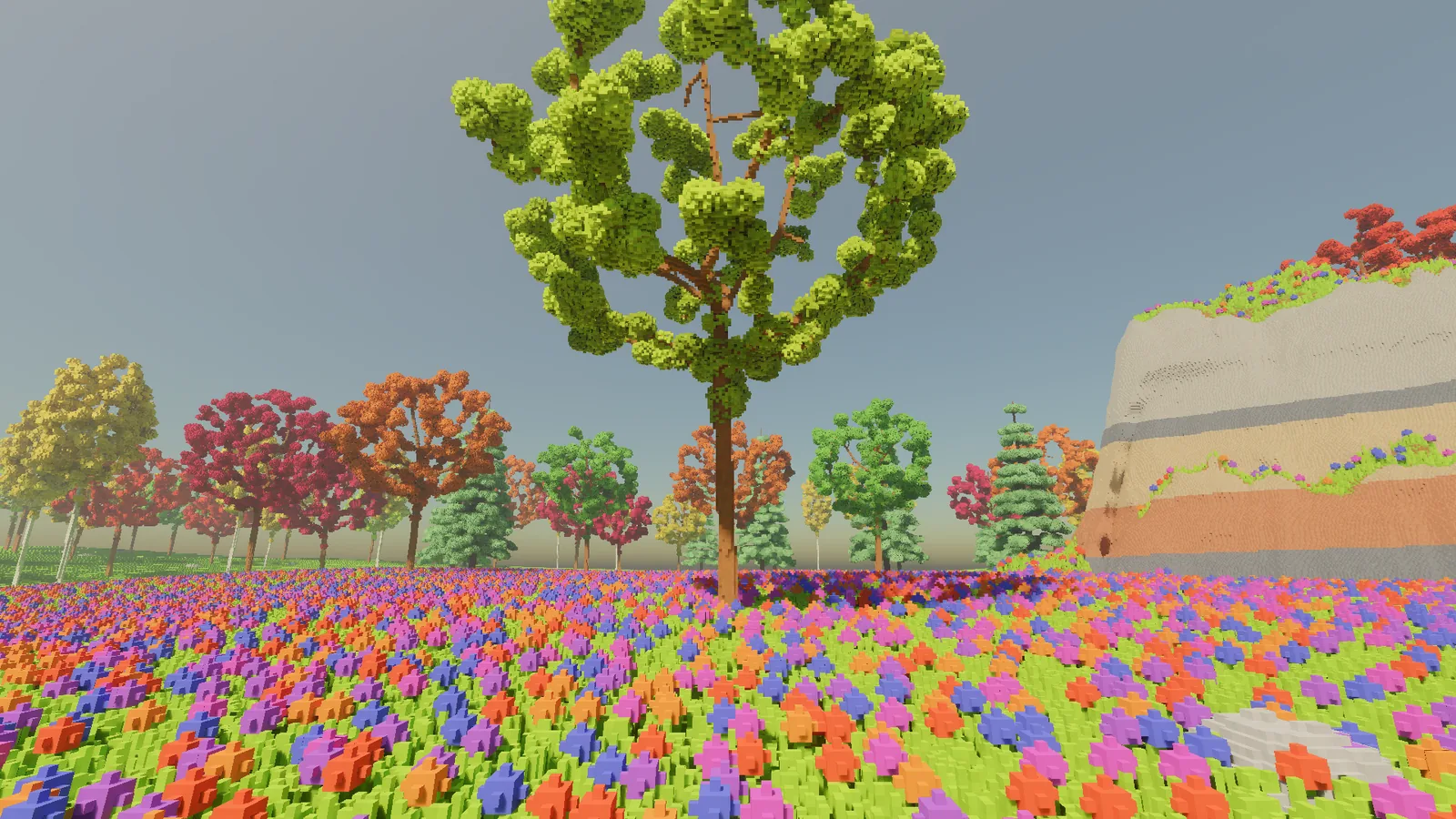
Branches compete for space, the interior thins out, and the tree comes out looking much more like it grew than like it was assembled. A broadleaf tree takes a few hundred segments. Branch thickness follows the pipe model: a branch's cross-section is roughly the sum of its children's, so the trunk is thick, the limbs taper, and the finest twigs end as single voxels.
Leaves come as many small clusters at the tips of the twigs, only in the outer shell of the crown, with gaps between the leaves so light gets through. Each crown mixes three shades. My first clusters were too big and came out looking like solid bubbles. On another early version, clusters wrapped around the trunk, which made a tree look like it was wearing a scarf.
There are three kinds of tree so far: broadleaf trees in autumn colours, a pale-trunked birch, and a conifer grown by a different rule, with tiers of drooping branches that shorten towards the top.
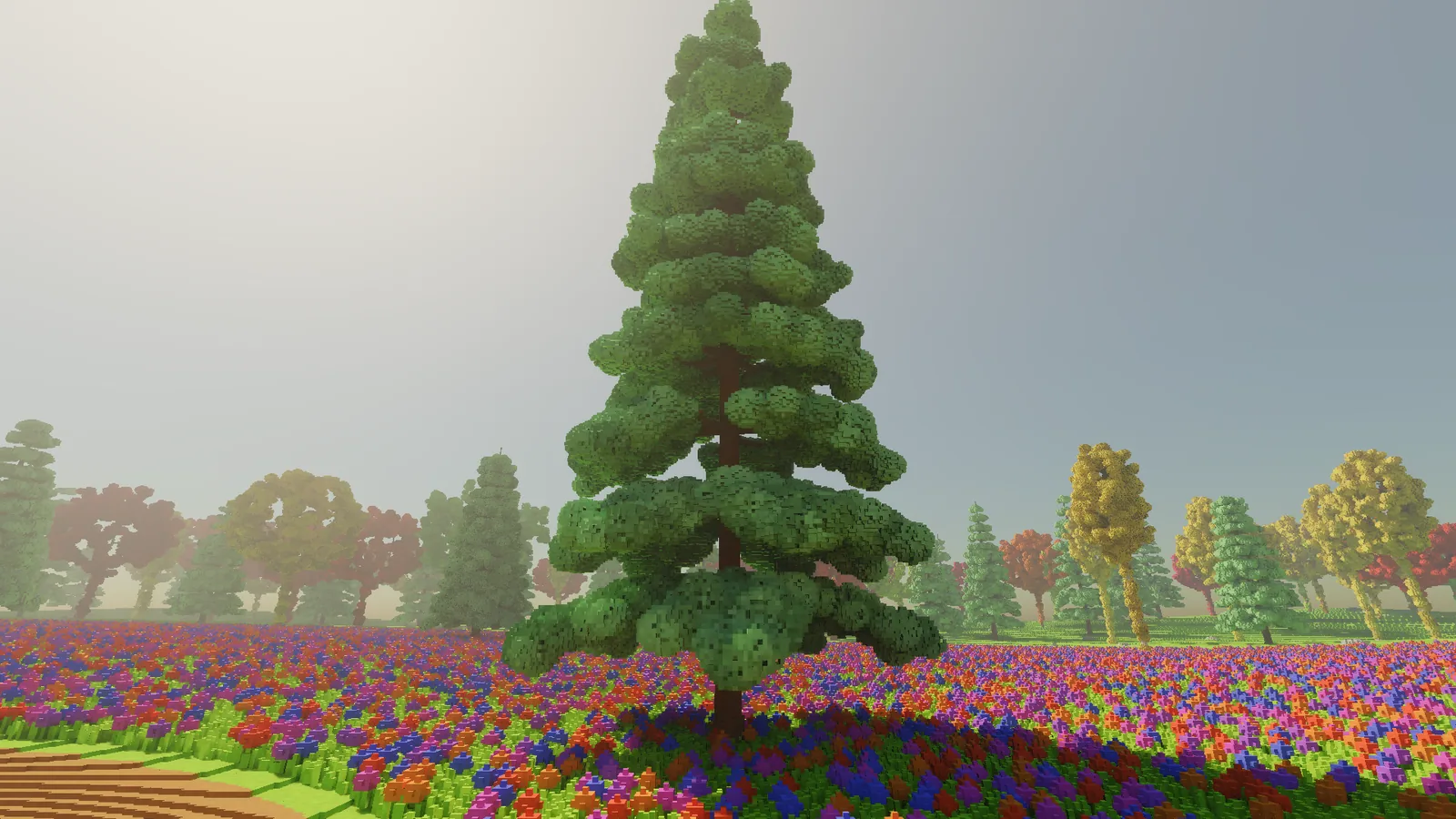
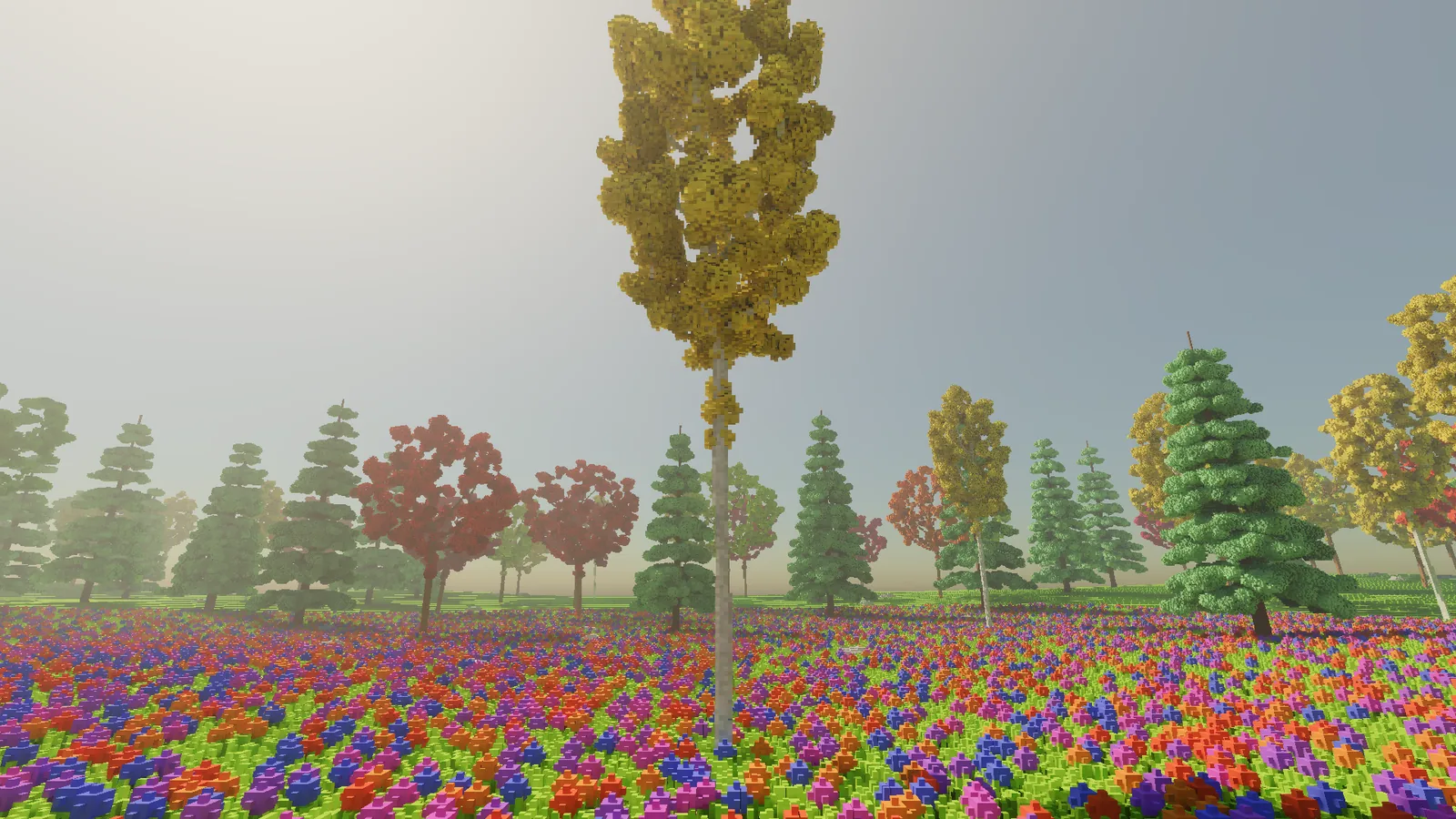
The gaps also let the sun through. A crown seen against a low sun now glows at its edges instead of reading as a solid blot.
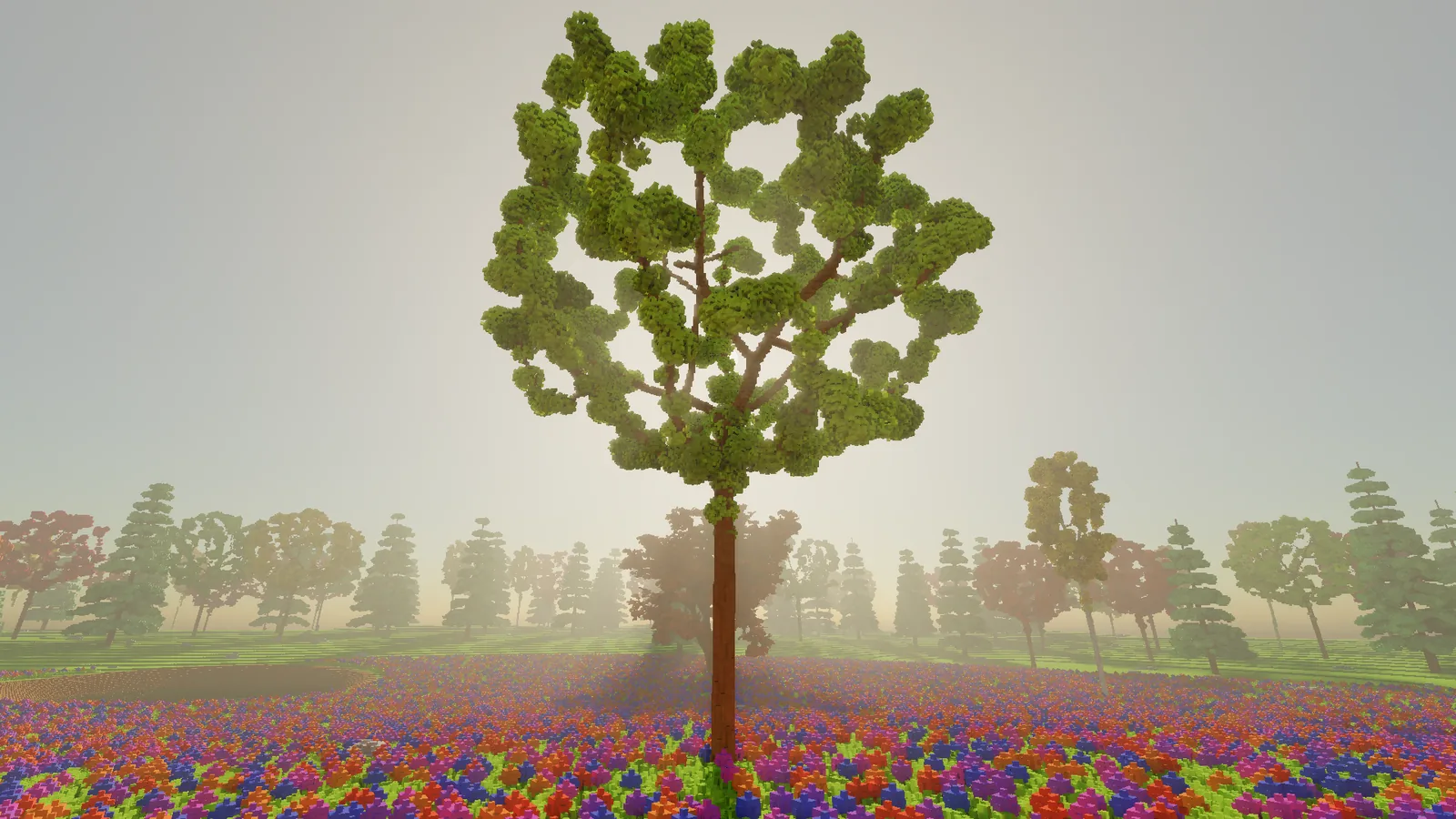
Twigs sway in the wind with the leaves on them, while the trunk and big limbs stay put. Fire treats leaves as leaves and twigs as wood, so a burning crown loses its leaves and leaves a charred skeleton.
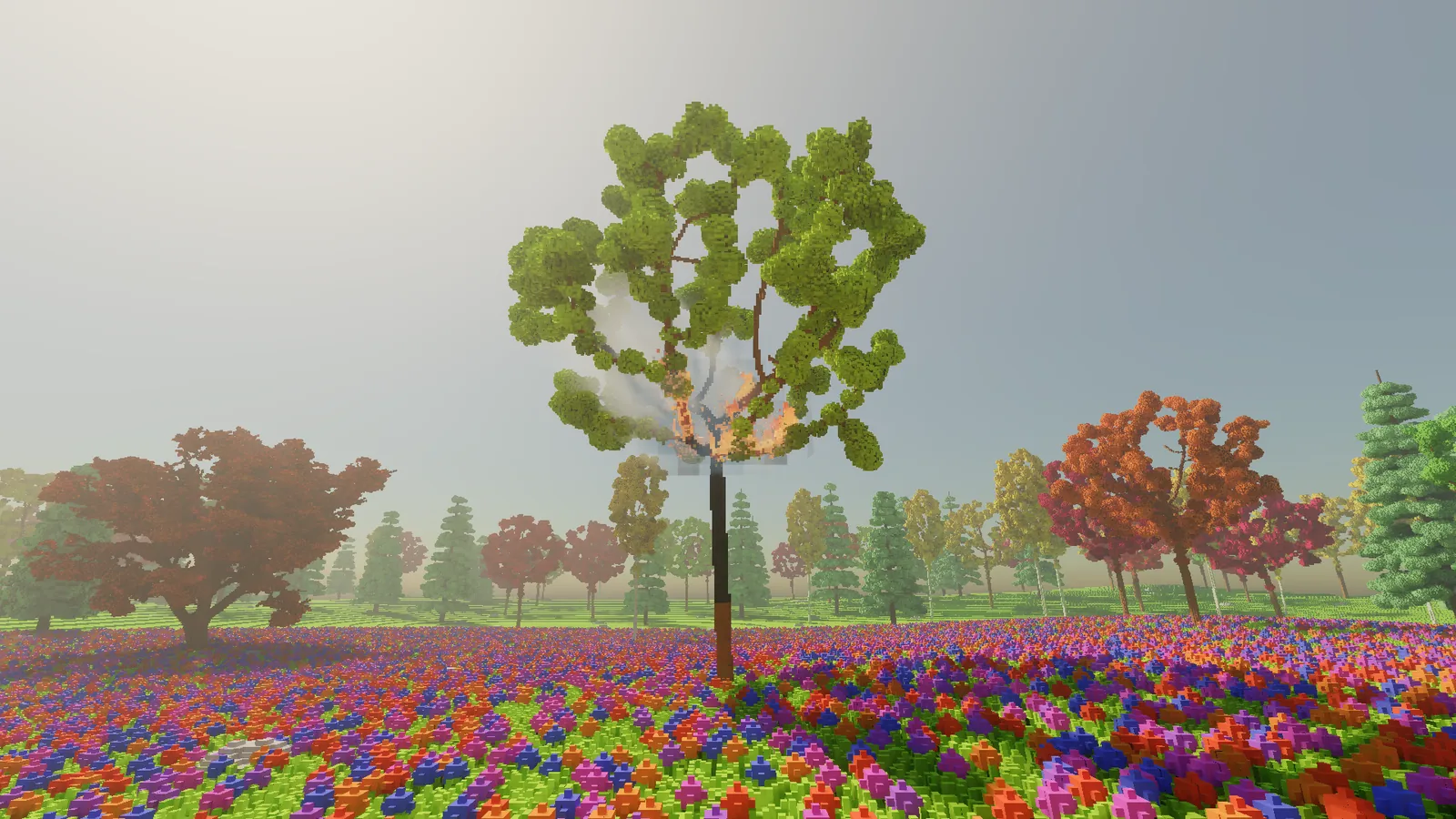
Trees can also come from a 3D model. This one is a free model from Poly Haven, voxelised by the importer from the last entry into about 423,000 voxels and planted in the glade. It sways and burns like the grown trees.
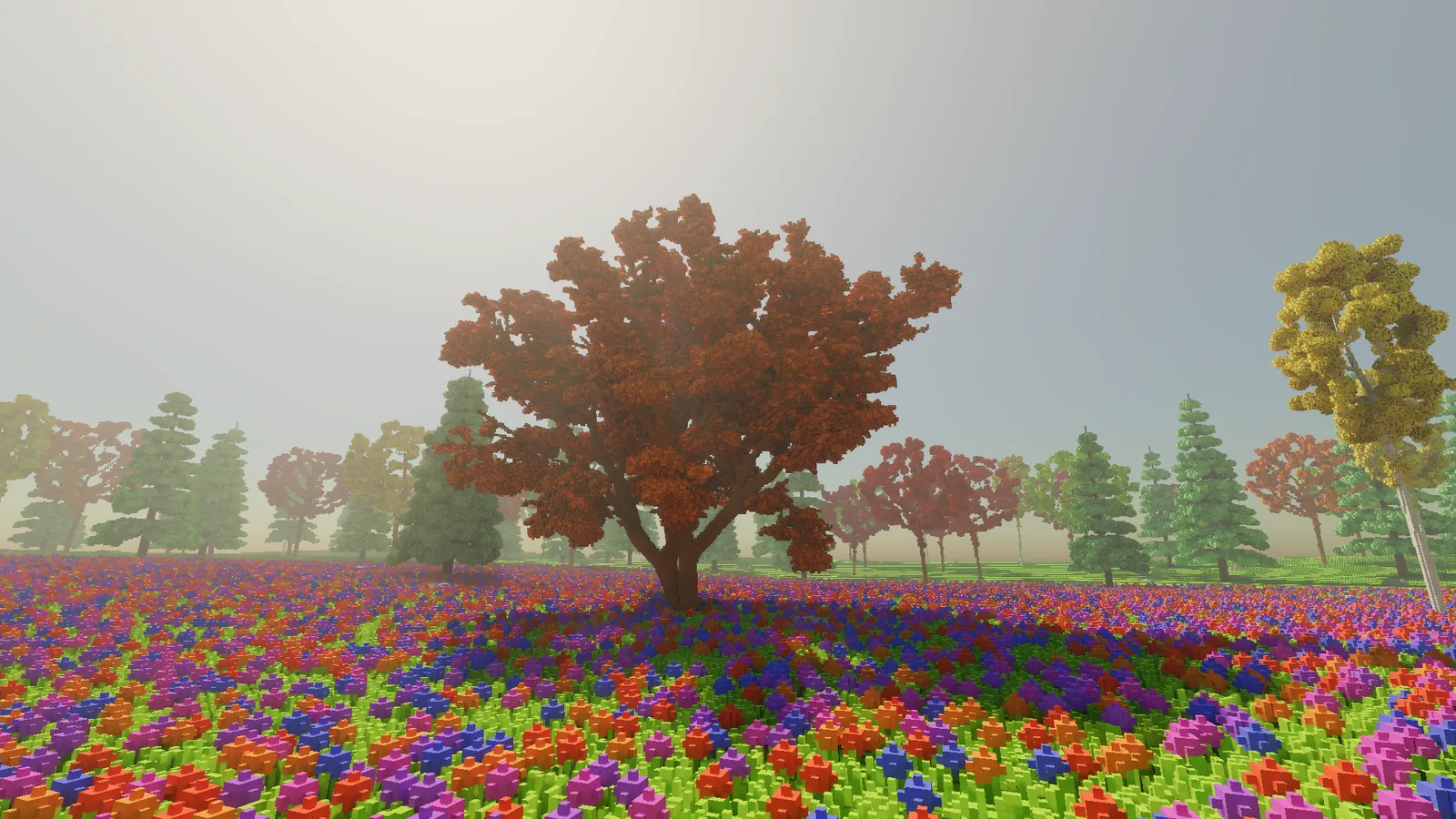
Here is the data story, which as usual is the real story. Hollow, porous crowns hold far fewer voxels than solid blobs, and a small spatial grid inside each tree makes it much quicker to generate. Together they made the Court scene start up in 14.5 seconds instead of 23.9, and shrank its voxels on the graphics card from 731 MB to 614. Better-looking trees, and less of them. I'll take it.
One thing I didn't expect. A porous crown is full of loose leaves, and the floating-chunk check correctly decided that every leaf not touching a twig was floating. Carving through a crown dropped 31 separate leaves as debris in a single frame, which took 30 milliseconds. Small leafy fragments now stay where they are, like real leaves do.
And a fox
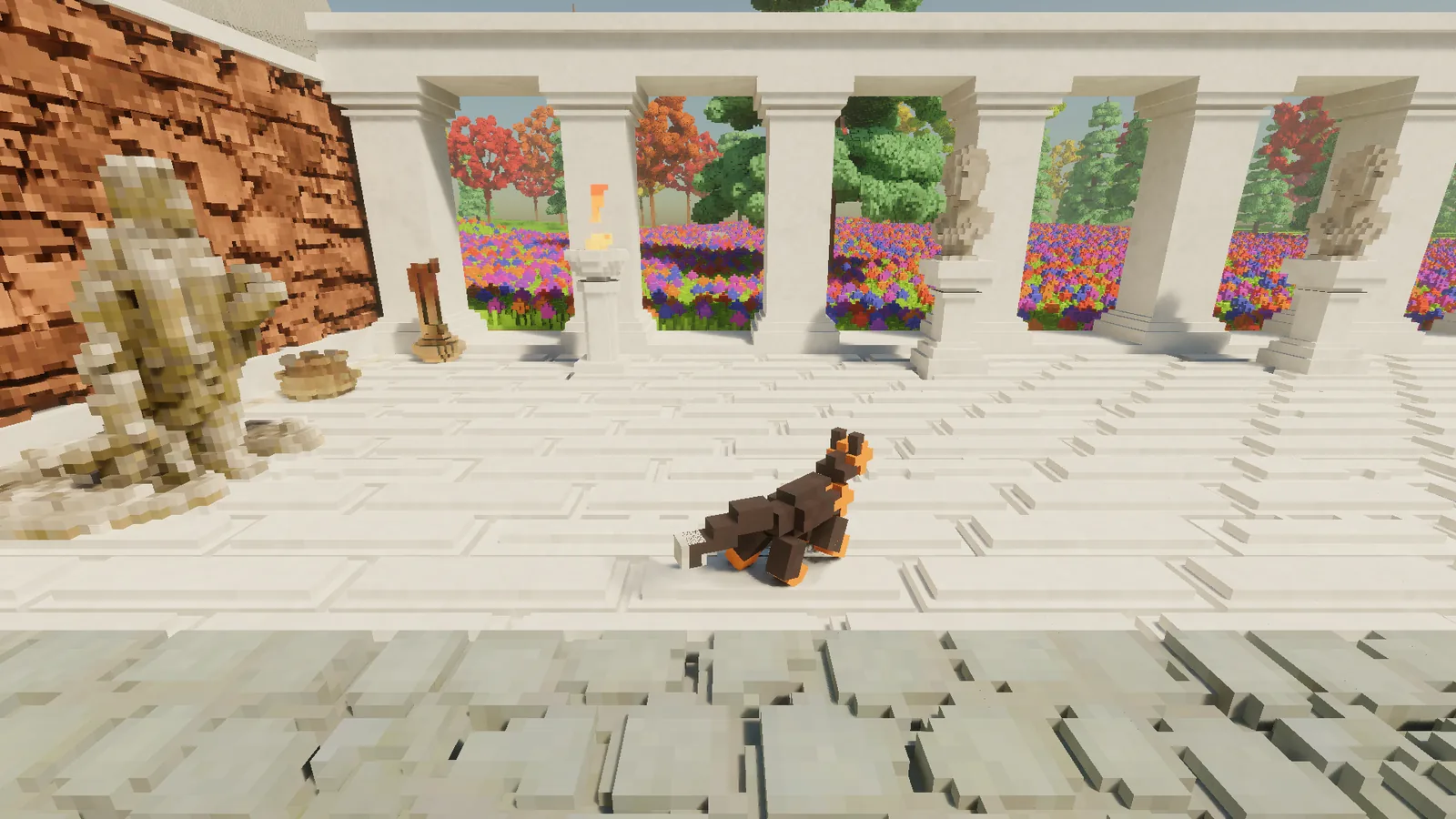
Last, the first animals. Everything else in the world is voxels sitting on a fixed grid, but a fox that moves in 5 cm jumps looks like a slideshow. So creatures are built differently: each body part (head, body, each segment of each leg, tail) is a small rigid block of voxels that can move and turn freely, attached to a skeleton. The ray tracing hardware already supports moving objects like this, which helps a lot. Moving things also confuse the denoiser, which normally assumes the world holds still, so it now gets told where each part was in the previous frame.
The fox is about 18 voxels long. It walks with its legs moving in a fixed rhythm, each foot planted on the ground while the body moves over it. Placing a foot uses two-bone inverse kinematics: given the hip, the foot's target and the two leg lengths, the law of cosines gives the knee angle directly.
// Two-bone IK: how far to bend the knee so the foot reaches the target.
// a = upper leg length, b = lower leg length, d = hip-to-target distance.
d = Math.Clamp(d, Math.Abs(a - b) + 1e-4f, a + b - 1e-4f);  // stay reachable

// Law of cosines: the angle at the knee between the two bones.
float cosKnee = (a * a + b * b - d * d) / (2 * a * b);
float knee = MathF.Acos(cosKnee);

// The angle at the hip, between the hip-to-target line and the upper leg.
float cosHip = (a * a + d * d - b * b) / (2 * a * d);
float hip = MathF.Acos(cosHip);
On top of that the body bobs twice per stride, and the head and tail follow on springs, so they lag slightly behind the body.
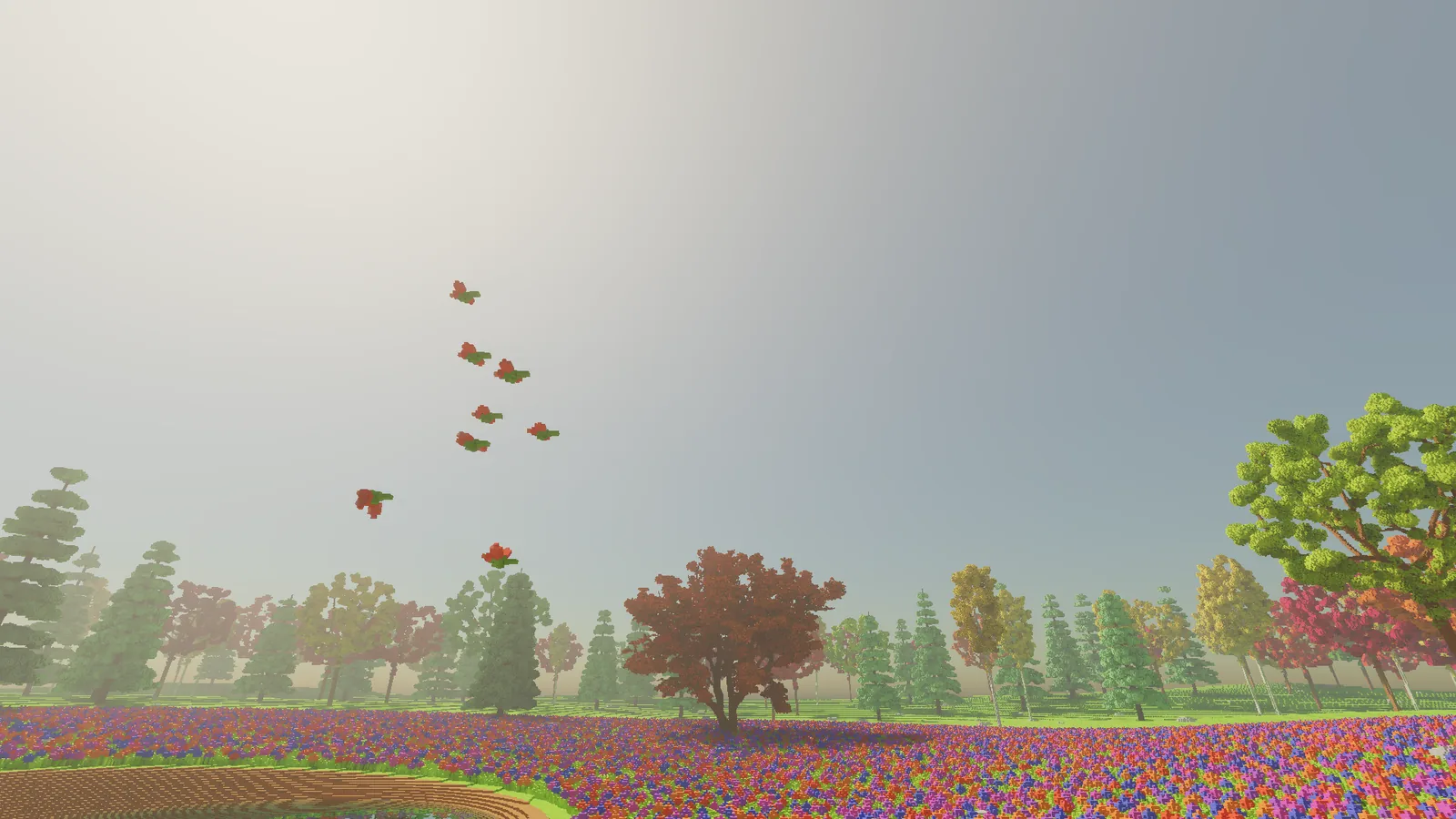
Birds use the oldest trick in the book: boids, from Craig Reynolds in 1987. Each bird follows three rules: don't crowd your neighbours, fly the same way they do, and stay near the middle of the group. Nobody leads, and a flock appears anyway.
// Boids (Reynolds 1987): three rules per bird, summed.
Vector3 separation = Vector3.Zero, alignment = Vector3.Zero, cohesion = Vector3.Zero;
foreach (var other in Neighbours(bird, radius))
{
    separation += (bird.position - other.position) / DistanceSquared(bird, other);
    alignment  += other.velocity;
    cohesion   += other.position;
}
alignment = alignment / count - bird.velocity;
cohesion  = cohesion  / count - bird.position;

bird.velocity += wSep * separation + wAli * alignment + wCoh * cohesion;
My birds flap and glide, flap harder when they climb, and land on the grass or the tops of trees. Fish use the same rules, kept inside the pond's water, and swim by sending a wave down their bodies from head to tail. Butterflies flit from one patch of flowers to the next.
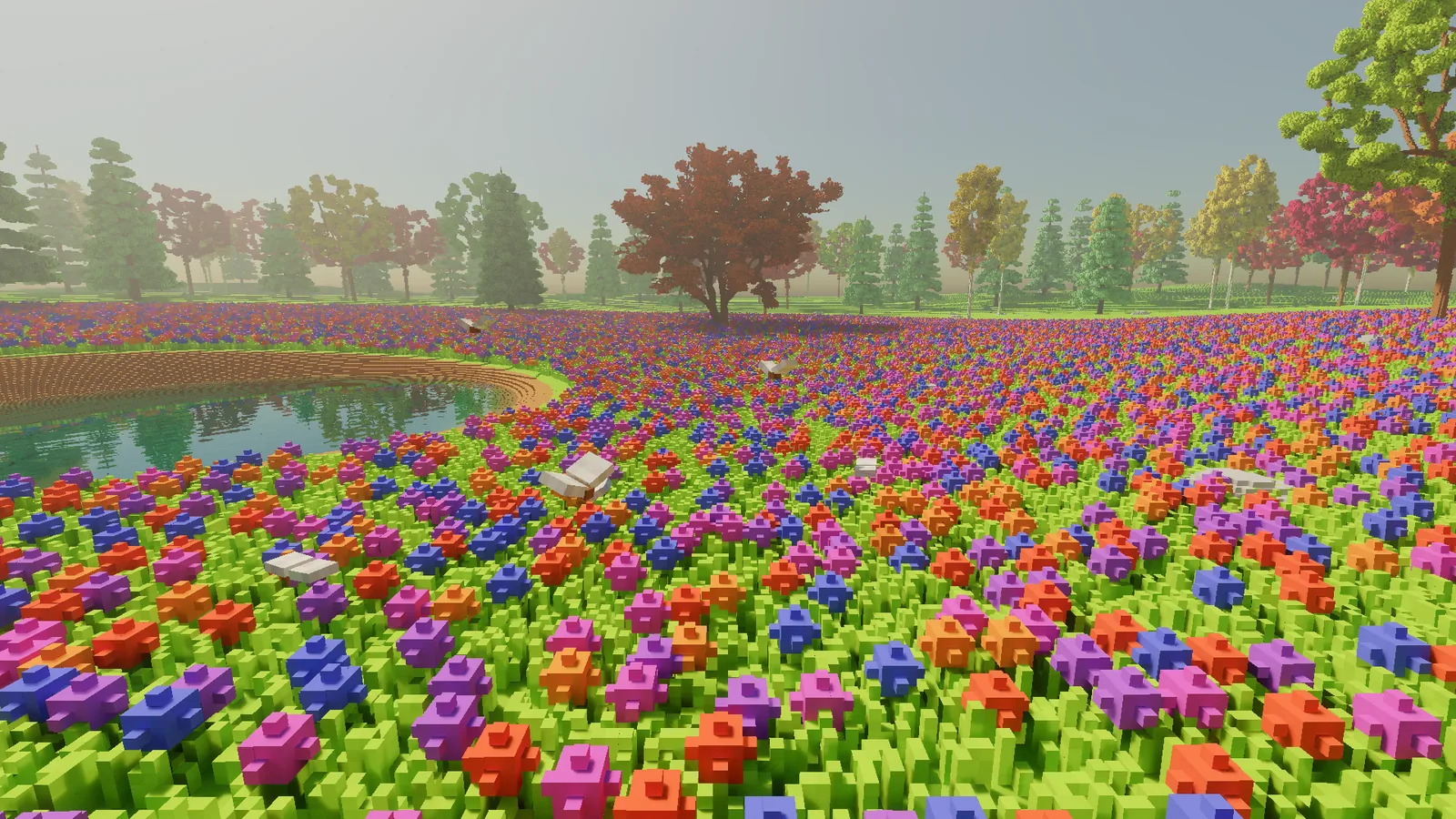
Animals also notice what is going on around them. They run from you if you get too close, and from fire and digging. When it rains the foxes look for cover under a tree, the birds land and the butterflies leave. Birds roost at night. All of this is settings in a data file rather than code written for each animal, and I'll come back to why in a moment.
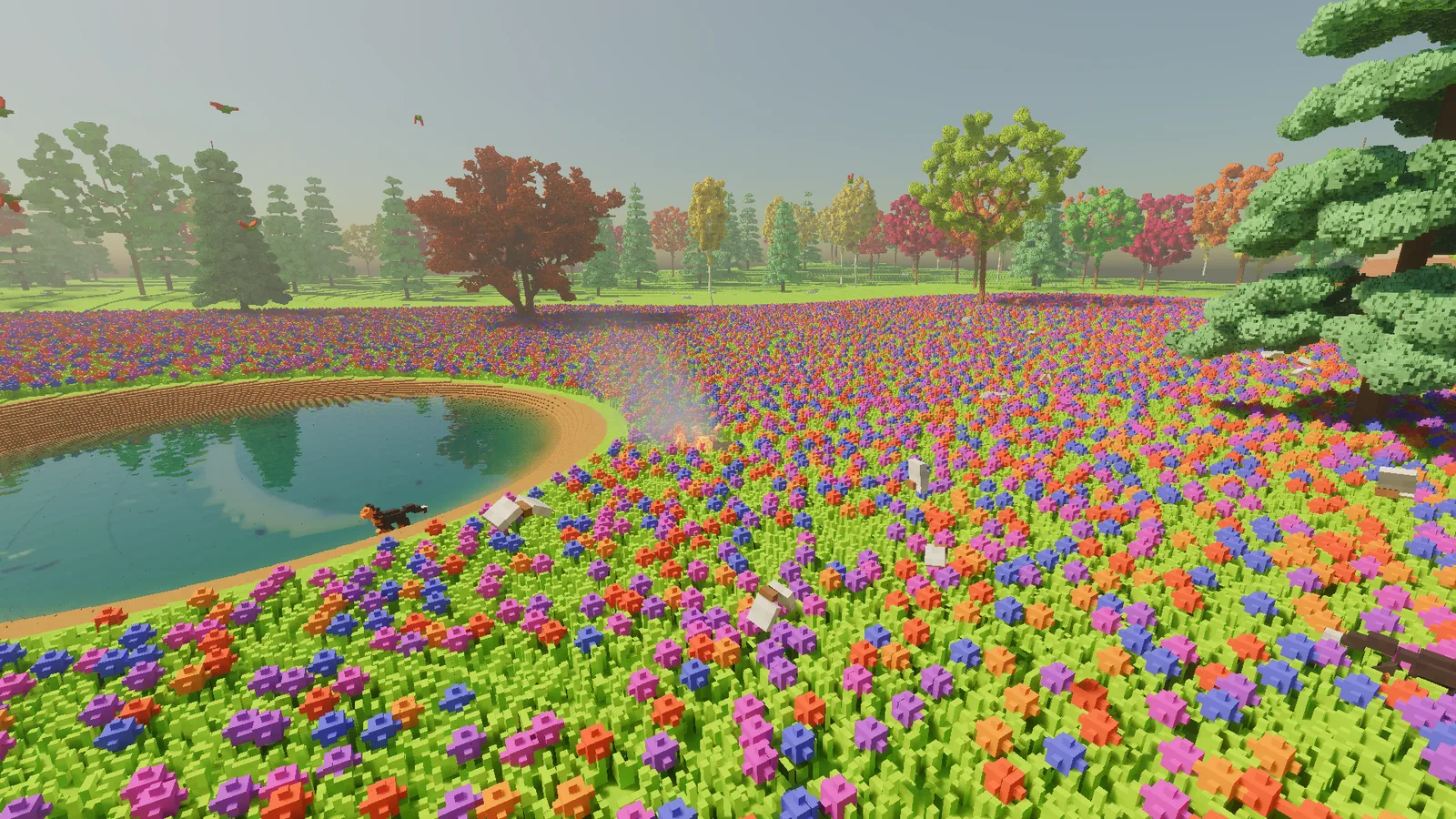
The fox gave me my favourite bug of the lot. It could step down much further than it could step up. So it happily walked into a 60 cm deep test pit and then could not get out. Being a fox, it did not mind. The fix was to make the step down the same size as the step up, so a fox can always retrace a step it has just taken.
There are 38 animals in the glade at the moment: two foxes, twelve birds, twelve fish and twelve butterflies. Updating all of them takes about a tenth of a millisecond.
Data, not code
A thread runs through all of this. Materials, colour palettes, props, rock layers, tree species and animals now live in plain data files instead of being written into the engine. The engine provides the systems: water, fire, growth rules, skeletons, ways of walking and flying, things to react to. The data decides what a particular world contains. A wolf is a fox with bigger parts and different numbers. A new tree is a new entry in a file. That's the line I want between the engine and whatever gets built on top of it.
The bill
The new things all cost something, so here is the frame time for the standard test views with everything switched on, animals included, measured as paired runs:
| View | Frame time |
|---|---|
| Centre of the glade | 10.1 ms |
| Forest edge | 12.7 ms |
| Corner of the glade | 11.8 ms |
| Walking at golden hour | 13.4 ms |
| Polished marble floor | 12.1 ms |
| Looking at the sun in the pond | 12.1 ms |
| Dusk with a lamp | 13.2 ms |
| Through a glass wall | 16.3 ms |
| Down the Court | 7.4 ms |
The budget is 16.6 ms, a steady 60 frames a second, and every view is under it. The glass wall still has the least room to spare, as it did last time. It keeps me honest.
What comes next
That finishes the first big stretch of work: everything I planned for this first milestone is in. Next comes a round of testing and tuning, mostly on the trees and the terrain, and a first video so you can see all of this actually moving.