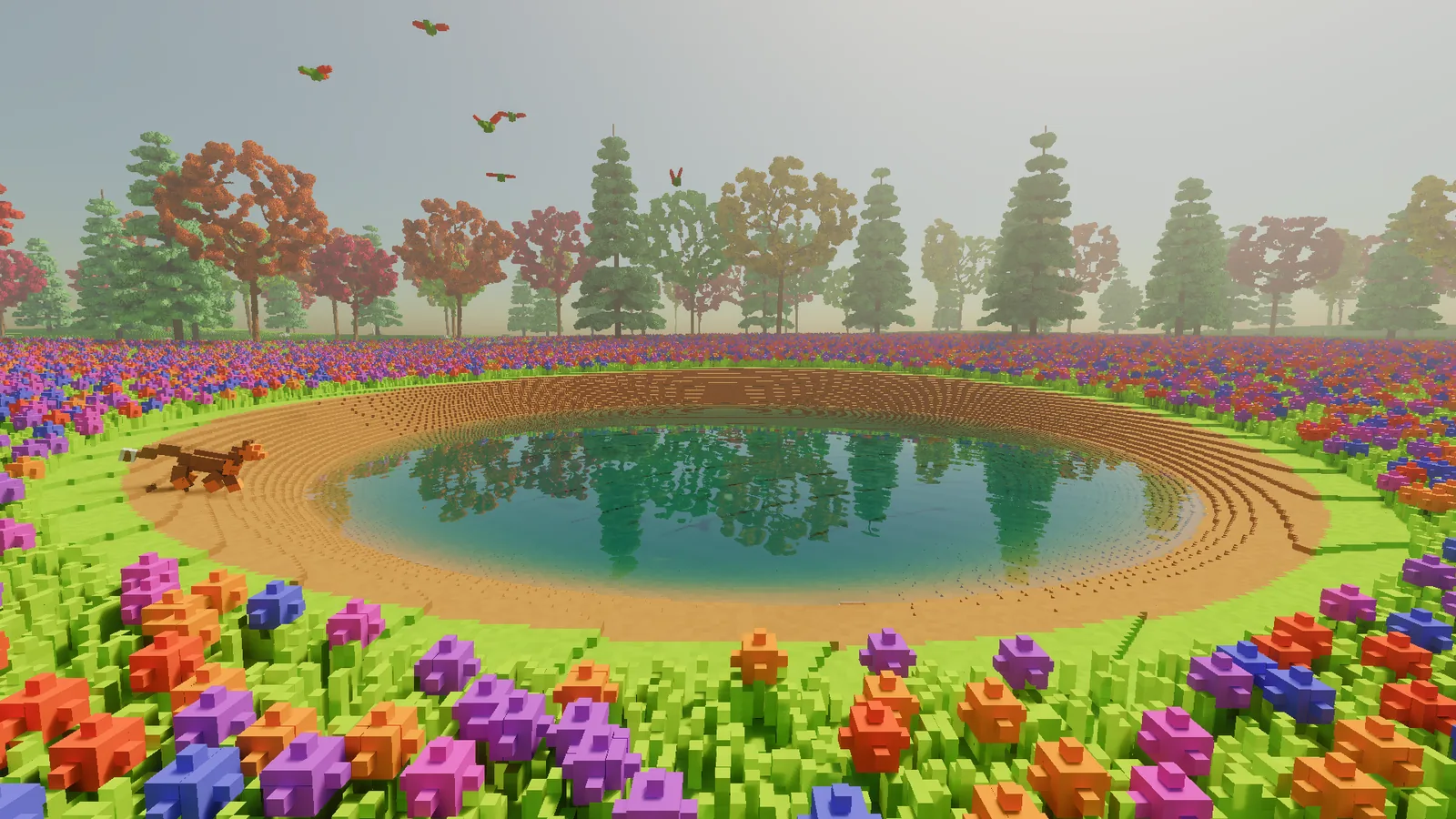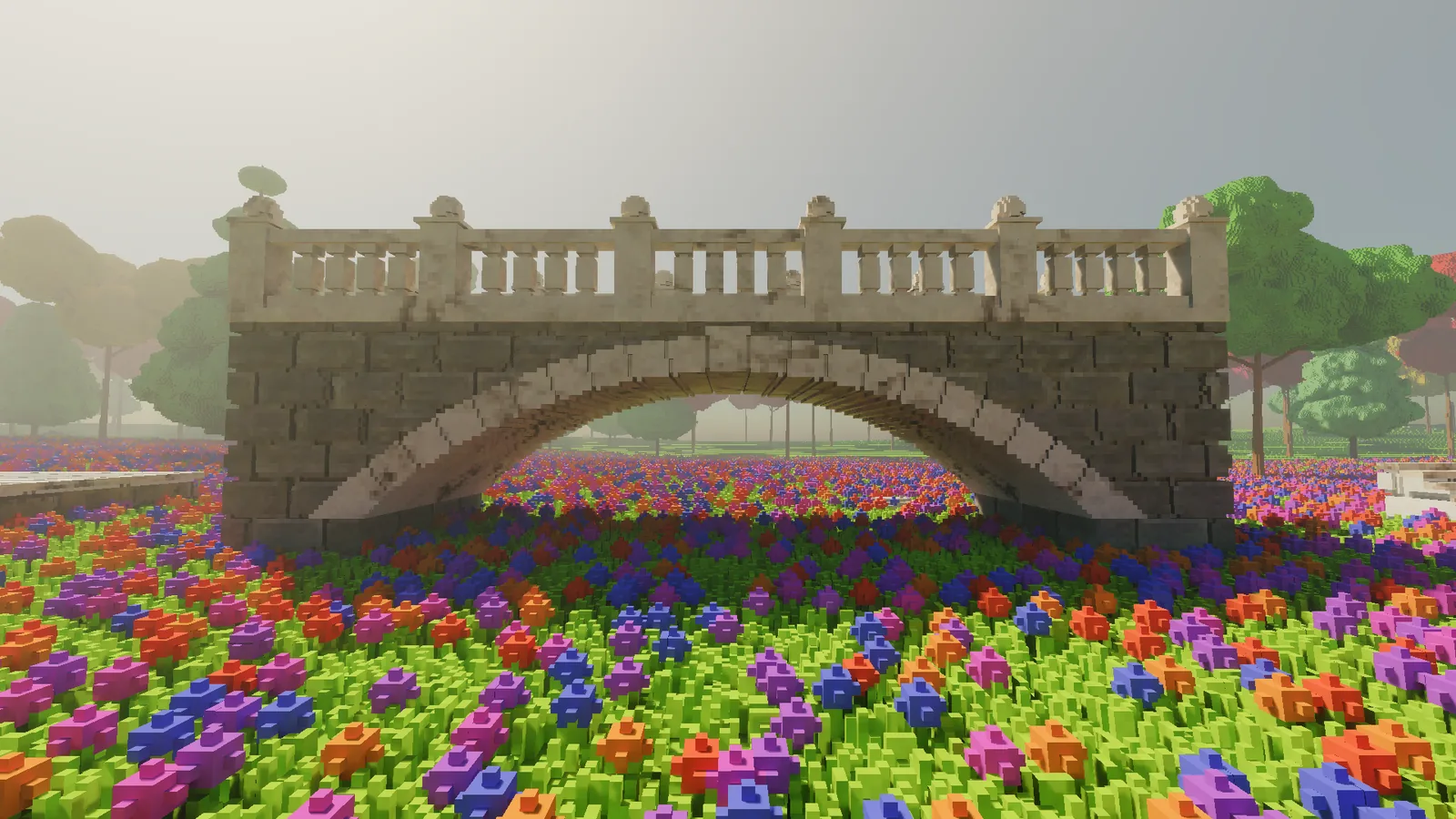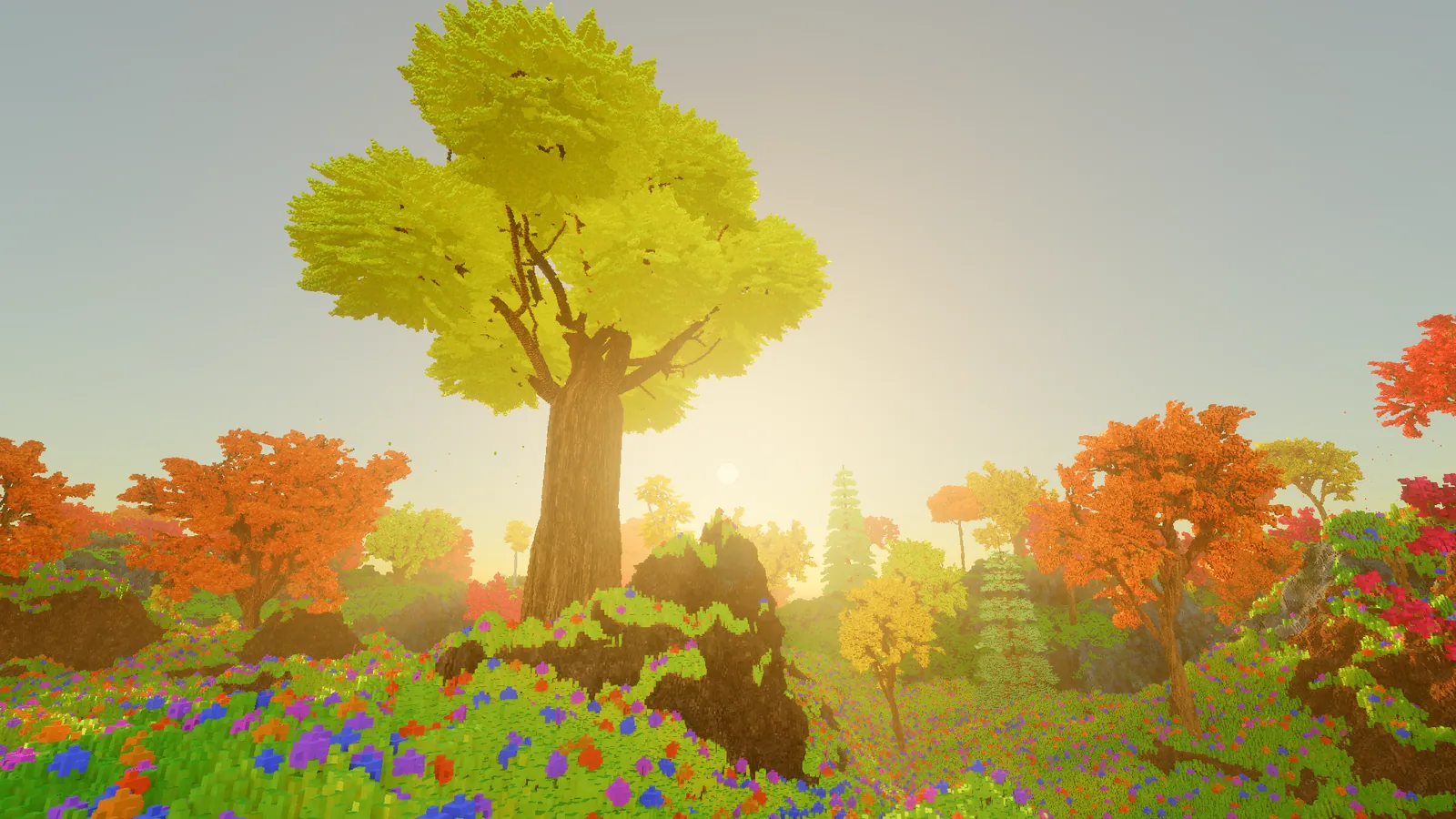
The first video is up.
Getting there took more than the round of tuning I'd planned. Once I started looking at the glade the way a viewer would, a few things were clearly not good enough. The ground was too flat, the trees didn't look like trees up close, and the wind barely moved them.
Ground with some shape
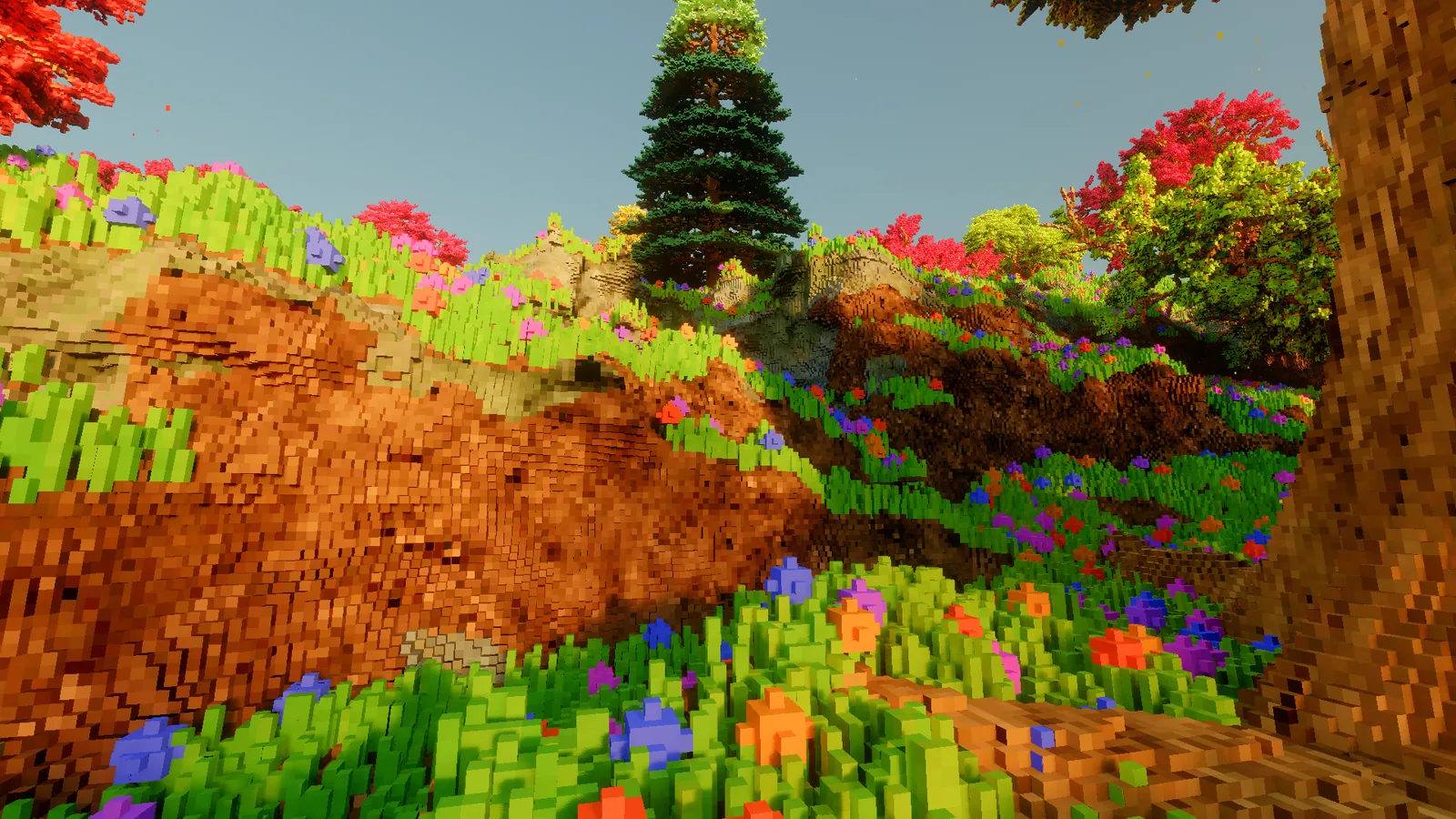
Last time I added a cliff by bending one corner of a height map with some 3D noise. It worked for one crag, but the rest of the glade was still a gently rolling lawn. Real landscapes have banks you can stand under, valleys, overhangs and caves, and a height map can't make any of those, because it has exactly one surface per column.
So the whole terrain is now a 3D density field: a voxel is solid wherever a function is positive. The function starts from a base height, adds 3D noise strong enough to lift or carve the ground by 3 to 8 metres, cuts valleys 5 metres deep and runs tunnels through the result.
Plain noise looks like noise: round blobs everywhere. The trick that does most of the work here is domain warping - looking the noise up at a position that's itself been pushed around by more noise, which bends the blobs into ridges, folds and drifts. It's an old trick, and it's most of what makes the ground look geological rather than random.
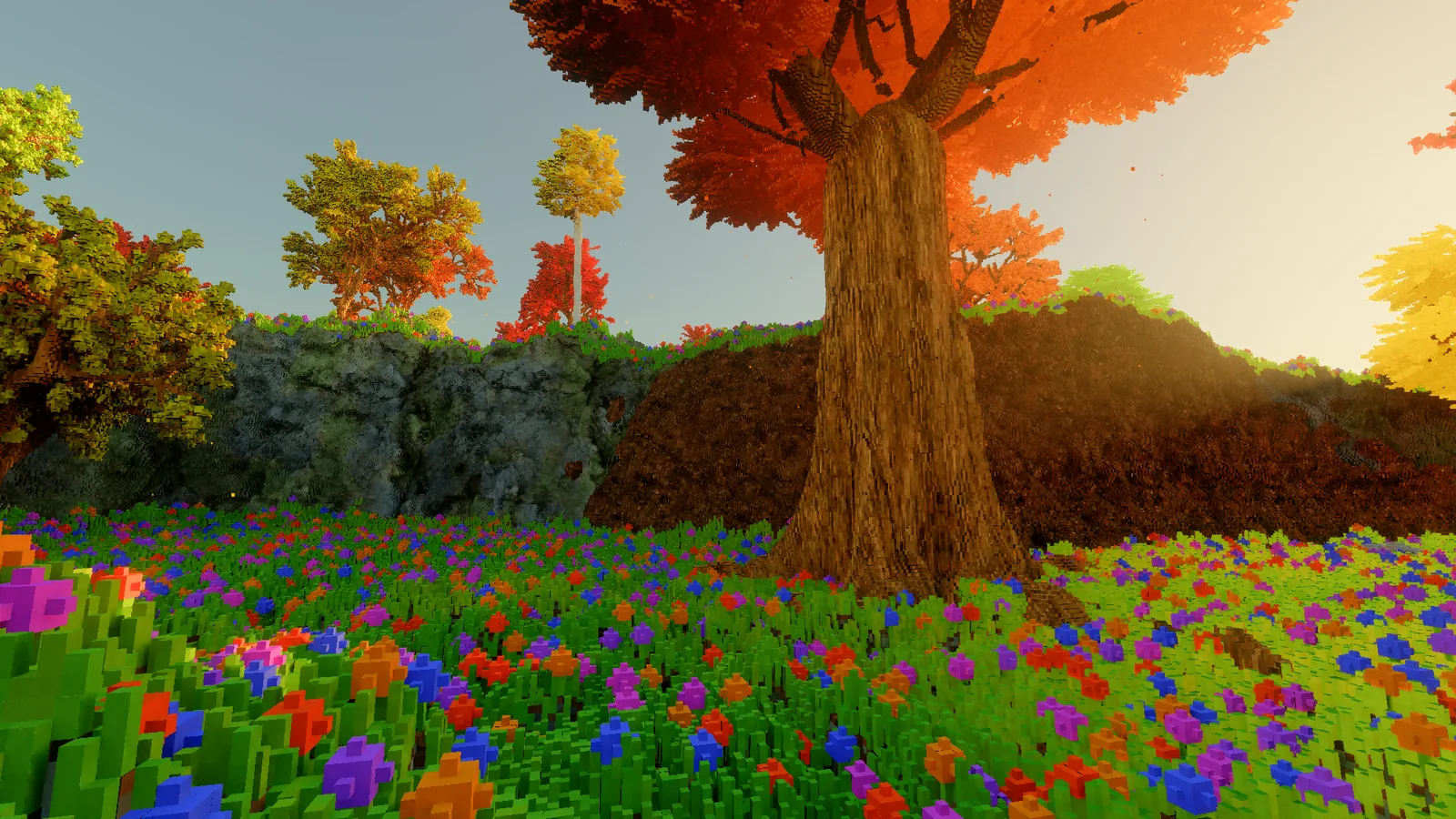
A few smaller rules make it read as land. Along the foot of each wall the surface is pushed back by up to a metre or so, so grassy lips hang over dark undercuts. The tunnels are worm-shaped, a few metres across and up to 20 metres long, and where one breaks the surface you get an arch. And the rock and earth textures don't just colour the surface, they push it in and out - by up to most of a metre on rock, less on earth - so a cut through the ground looks dug rather than stamped.
A forest
The glade used to be a clearing with a few trees. It's now a clearing inside a forest of about two hundred trees.
Most of them are imported. The engine turns 3D models into voxels, and I used four free tree models from Poly Haven, each baked at two or three sizes. Tree models are mostly flat cards with pictures of leaves on them, with the transparent parts doing the work. Turned into voxels naively, those cards become solid green slabs. So the importer looks at how much of each voxel's face is actually leaf:
// Turning a leaf card into voxels: keep a voxel if enough of its face is leaf.
float covered = AlphaCoverage(card, voxelFace);   // the fraction of the face that is opaque
bool solid = covered >= 0.3f || partSize < 0.2f;  // tiny parts stay solid, so single leaves survive
Trees are scattered on a jittered grid, each with one of eight orientations and its own autumn colours. Planting them on ground with overhangs takes some care. A tree has to find solid floor under its trunk, so the engine tries all eight orientations, and gives up on the spot if more than 5% of the crown would end up inside a hill.
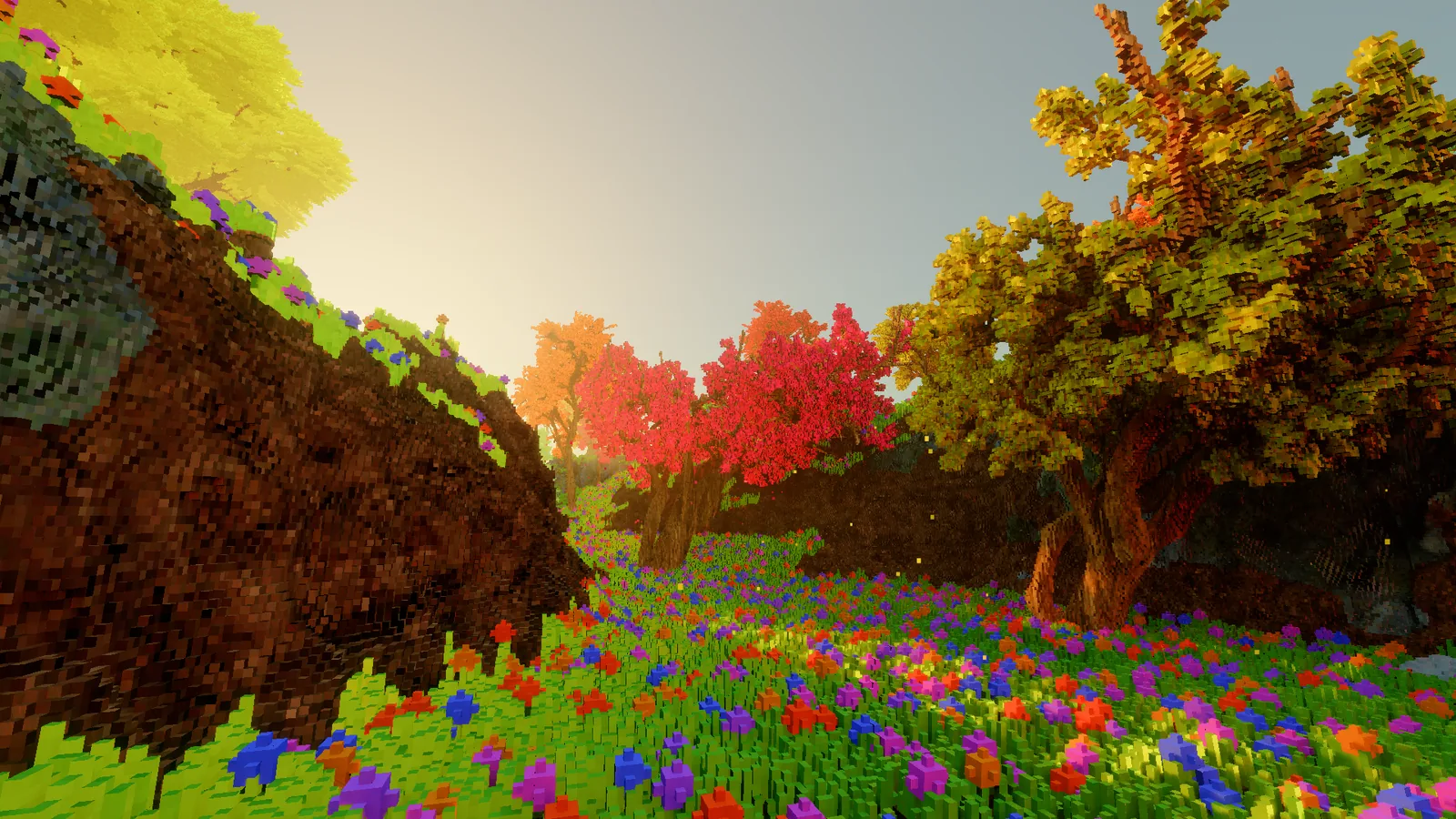
The grown trees from the last entry got a rework too. Their leaves were small clusters of voxels, which looked lumpy from a few metres away. Each leaf is now a sprite up to a metre long, one voxel thick, drooping and slightly cupped, in one of five shapes: pointed, maple, oak, hanging finger and conifer frond. The shapes are drawn as little text pictures in a data file, which is the easiest way I've found to edit a leaf.
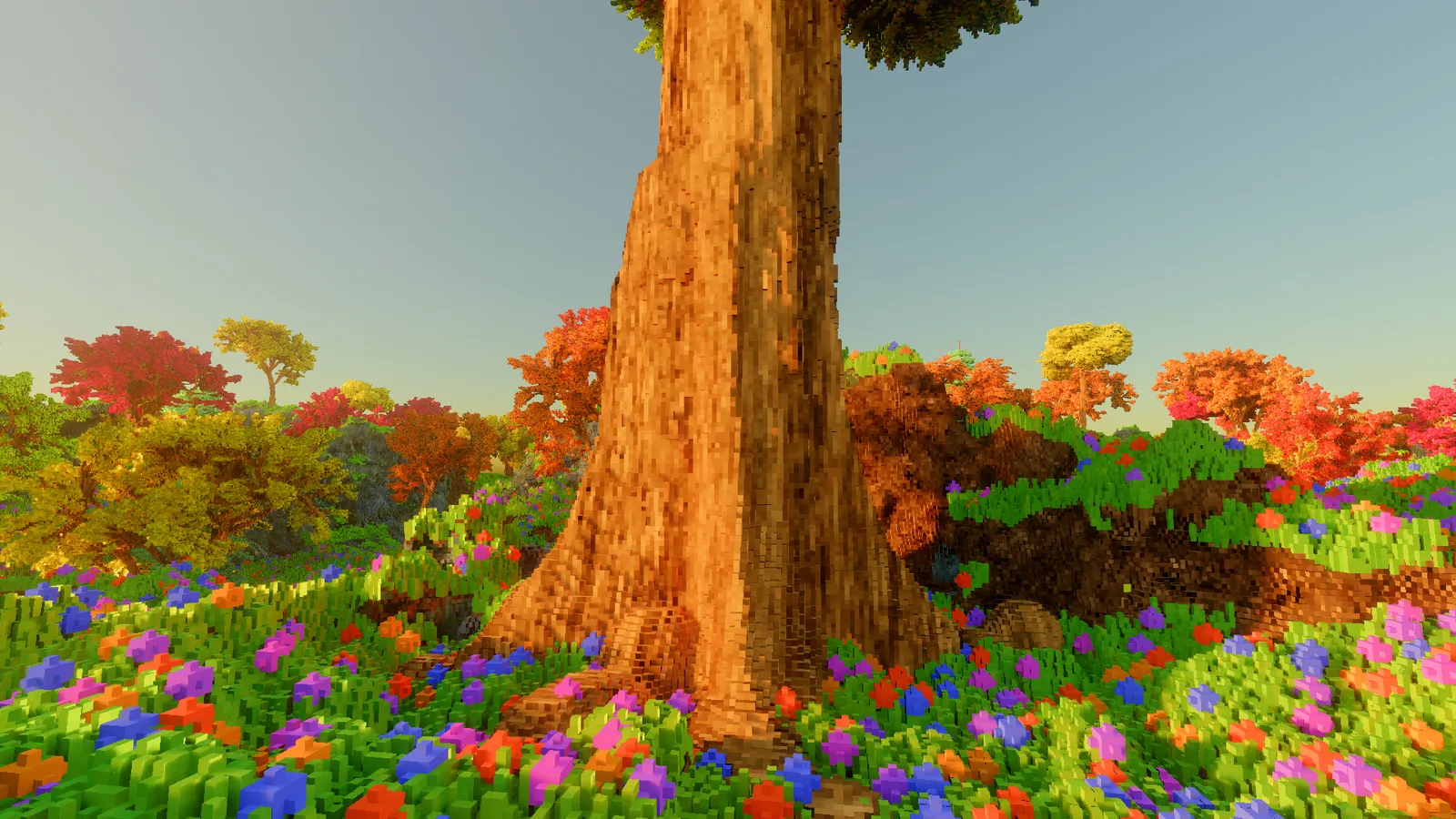
There are also three massive trees, 20 to 22 metres tall with trunks up to 3 metres across. Their bases flare out in lobes, the bark twists in deep folds, and surface roots run several metres out over the ground.
The wind, properly
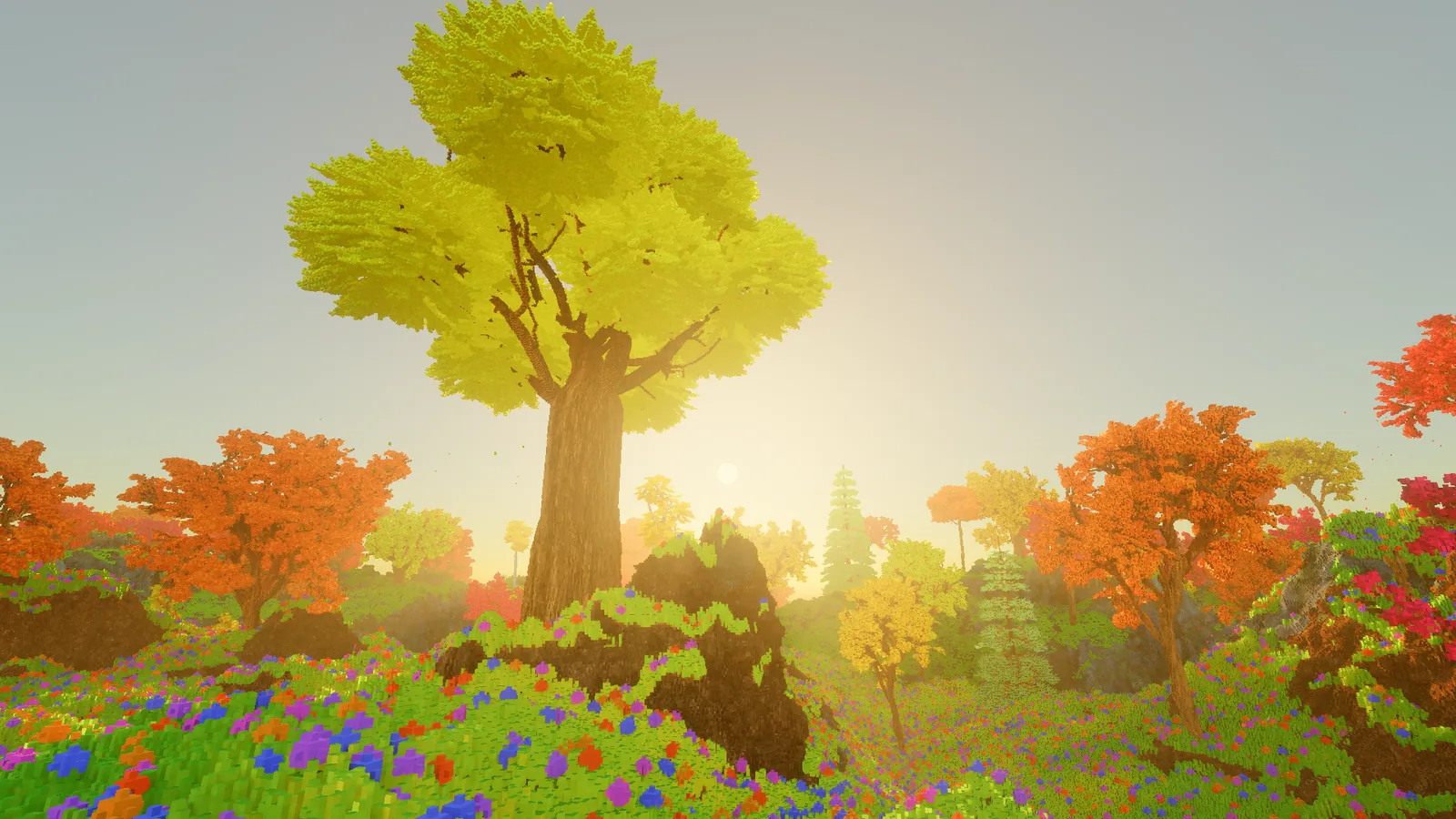
The trees used to sway about 2 cm at the top of the crown - in other words, barely at all.
The crown tops now swing by about 18 cm in a normal breeze and close to 40 cm in a strong one. It comes down to how the world is stored: everything sits in small blocks of voxels, and the ray tracing hardware keeps a structure over those blocks to find what a ray hits. Each frame a small compute pass moves every block of leaves, tens of thousands of them, and the structure is refitted around the new positions rather than rebuilt. The pass that moves the blocks costs about 0.05 milliseconds.
Moving things also need to tell the denoiser where they were in the previous frame, otherwise it smears them, so every foliage hit now carries its motion. That let the old workaround for swaying leaves go - a padding of empty voxels around every crown - which made every view slightly faster than before the wind got stronger.
Watching the first version, I noticed the trees were moving faster than the grass, and it looked wrong. The trees now ride the same waves and gusts as the grass, so you can watch a gust cross the meadow and then lean into the trees.
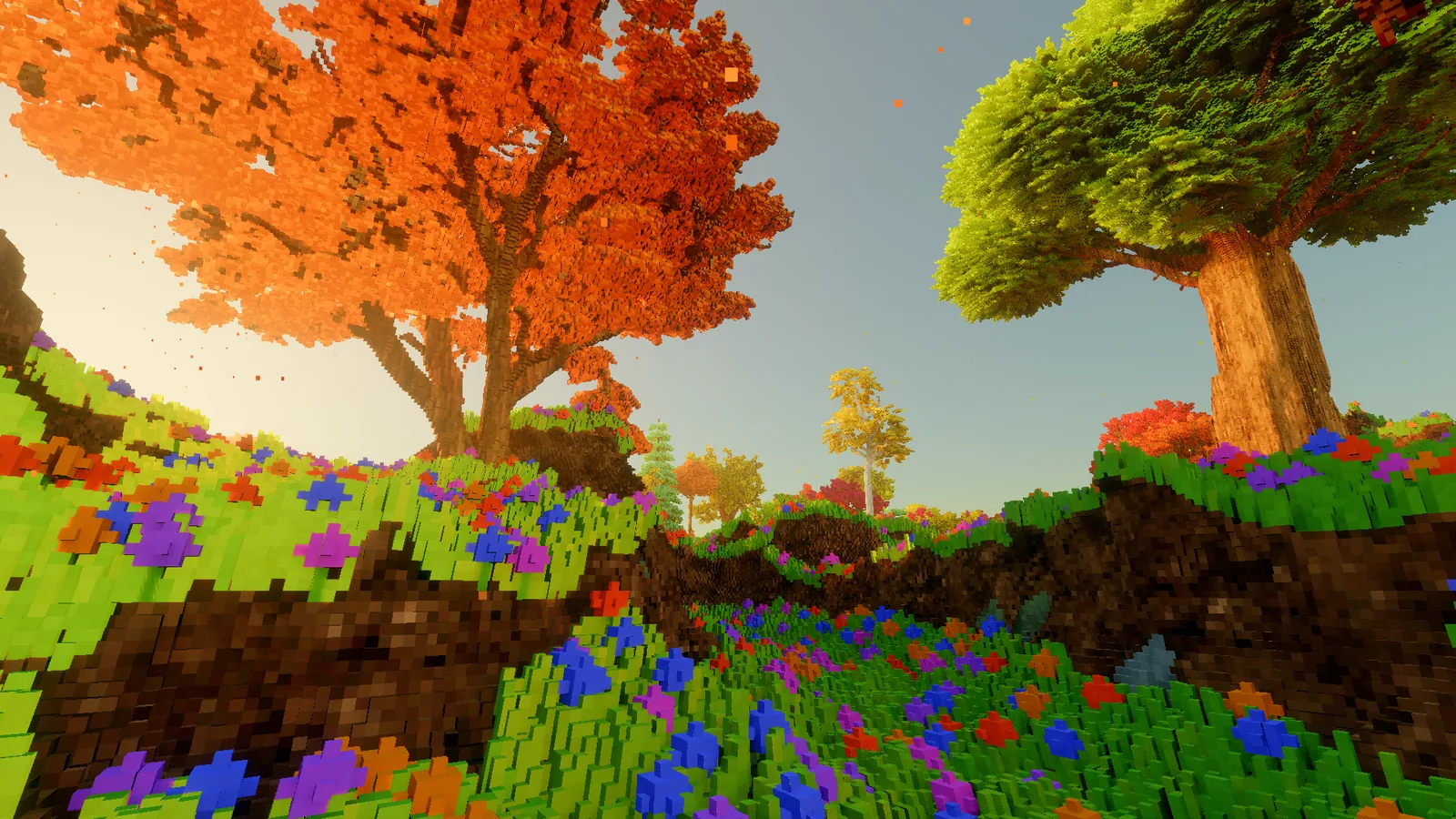
Falling leaves
Leaves now fall from about 18,000 points spread over the crowns. Each leaf leaves the crown exactly where the swaying tree is at that moment, gusts shake more of them loose, and the stronger the wind the more come down, around 5 to 10 a second per tree. They tumble at about a metre a second, drift sideways with the wind, settle on the ground and fade. The ones that land on the pond sink. They have their own pool of particles, separate from the rain and sparks, so a storm can't use up the forest's leaves.
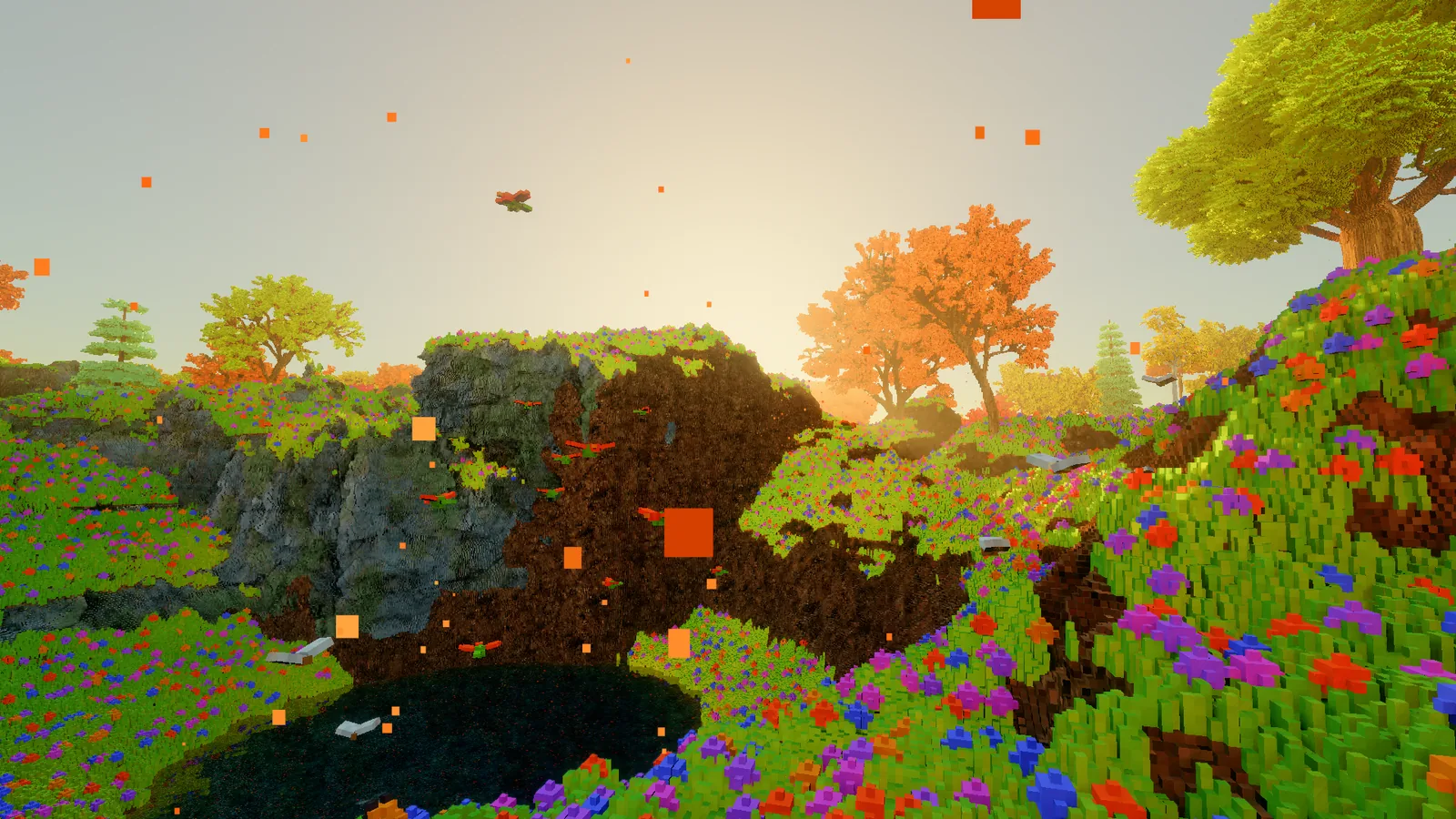
No more stutter
Flying around had a hitch: every few seconds the frame froze for a moment. The cause was the way the world keeps detail near you and less far away. Every 2 metres of flight, the engine rebuilt its whole list of visible blocks, more than half a million of them, which took 125 to 200 milliseconds. At 60 frames a second, that's ten frames lost at once.
Now it only patches the blocks that actually cross a detail boundary, and spreads that over frames on a fixed time budget:
// Spread the work over frames instead of doing it all at once.
var clock = Stopwatch.StartNew();
while (pending.Count > 0 && clock.Elapsed.TotalMilliseconds < 1.5)
    Patch(pending.Dequeue());   // one column of blocks crossing a boundary
On my test flight the slowest 1% of frames went from about 155 milliseconds to about 19, the single longest frame went from about 190 to under 30, and the visible hitches are gone. A few smaller hitches went at the same time: the first edit of a session waits far less for code to compile, and the memory manager has more room, so it no longer stops to clean up in the middle of a flight. That room costs about 0.9 GB, which I'm happy to pay for now.
Fish you can see
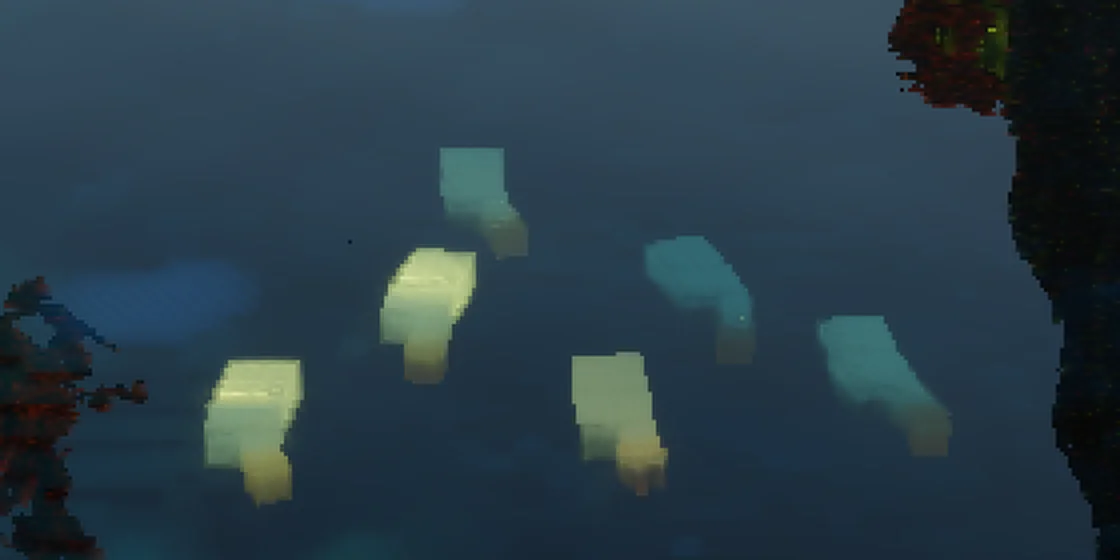
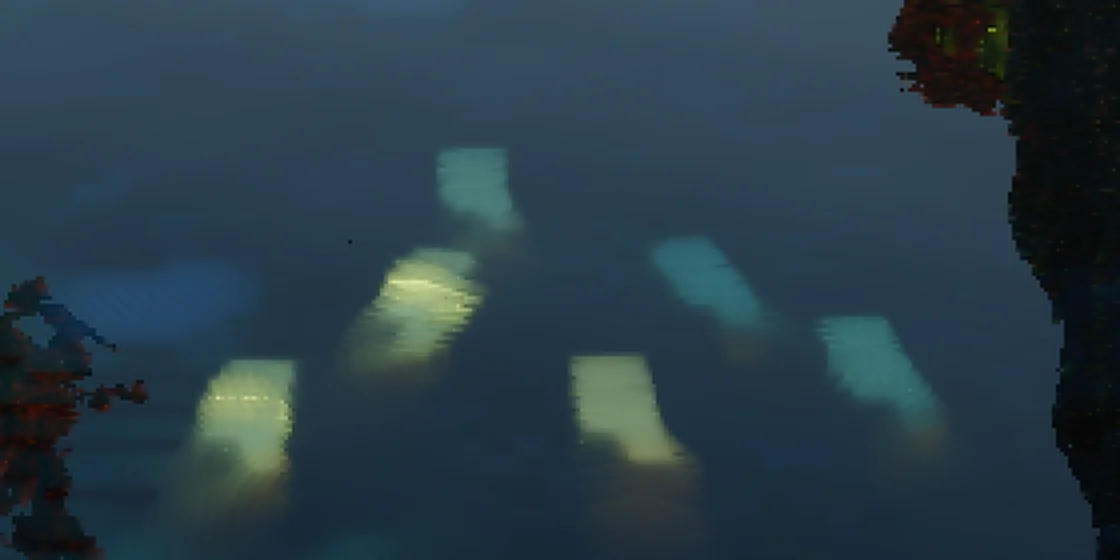
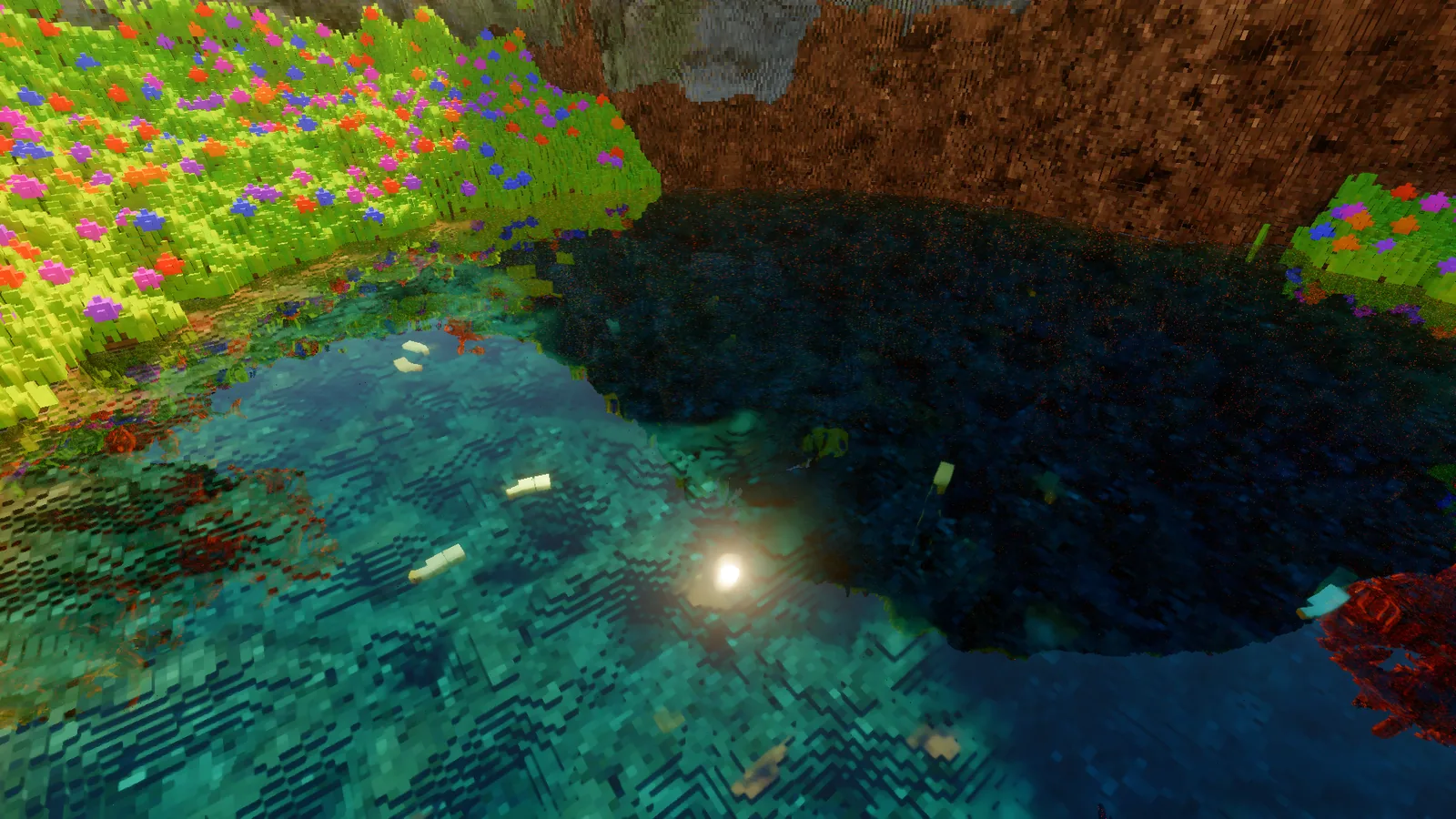
The fish in the pond used to look blurry. Rendering here is noisy, one light path per pixel, and the denoiser cleans it up by blending each pixel with what it saw in earlier frames. Under water, those earlier frames were being looked up at the water's surface, not at the fish under it, so the fish kept only about three frames of history and came out as soft smudges.
Now the engine works backwards through the refraction to find where the previous frame saw each fish, and keeps that history only if it really was the same fish. They keep about ten frames of history now, and their outlines and tails hold up while they swim.
A look is data
The warm, low-sun look in the video isn't the engine's look. It's the glade's. Every scene now has a small look file: sun position, colour and strength, haze, how much the sky and the ground fill in the shadows, how much light comes through leaves, and the colour grade. The engine's own defaults are neutral.
Not everything built on this should look like an autumn afternoon. To check, I made a second profile that turns the same glade into a cold blue night. It's the same world and the same engine - only the look file changed.
The bill
The budget is still 16.6 milliseconds, a steady 60 frames a second. The tightest test view, looking at the sun reflected in the pond, now runs at 16.4, just inside it. The view from the middle of the glade went from about 10 milliseconds to about 15 over this stretch. Most of that is the new ground and the forest.
Further reading: Inigo Quilez's article on domain warping.